
Free Receipt Maker
Create professional sales receipts and cash memos instantly
Merchant Info
Company logo (optional)
PNG, JPG or WebP, up to 2 MB. Your logo stays on this device: it is added to the PDF in your browser and never uploaded.
Customer Info & Payment Details
Receipt Line Items
Optional. For example your returns policy or a contact for questions.
0 / 1,000 characters
Taxes & Settings
Why use this tool
Your files are safe
Your file stays on your device: this tool runs in your browser.
No account needed
Free, with nothing to install.
Works everywhere
Use Siliph on desktop, tablet and mobile. No installation required.
Step by step
How to make a receipt
Get it done in 4 simple steps.
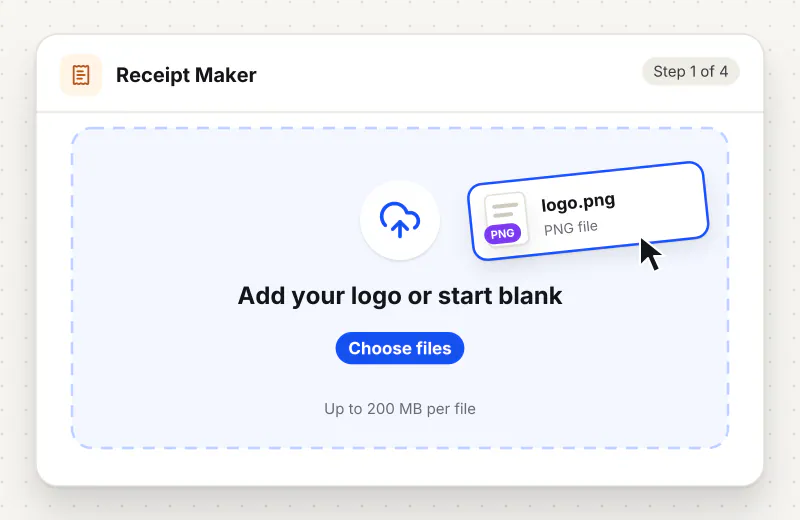
Step 1: Add your business
Under Merchant Info, type your Business Name and Business Address, plus a Phone and Email if you want them. Only the fields you fill in are printed at the top.
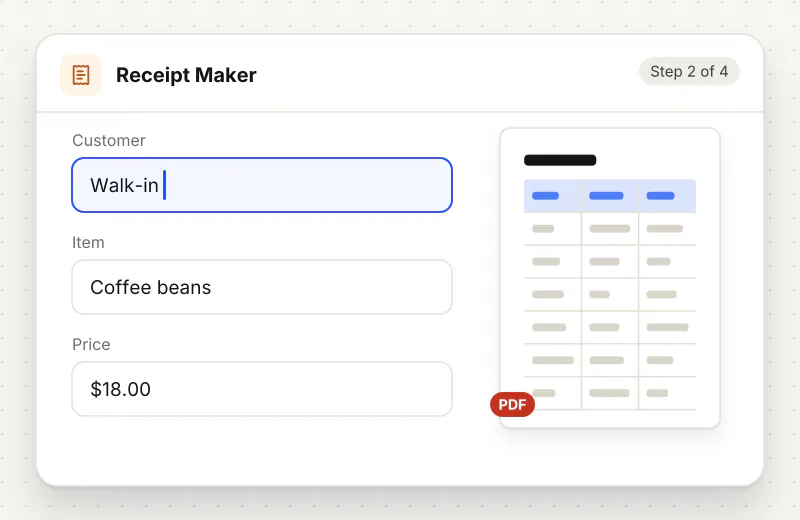
Step 2: Add the customer and payment
Check the Receipt Number and Receipt Date, type the Customer Name and pick the Payment Method: Credit Card, Cash, UPI / Online or Bank Transfer.
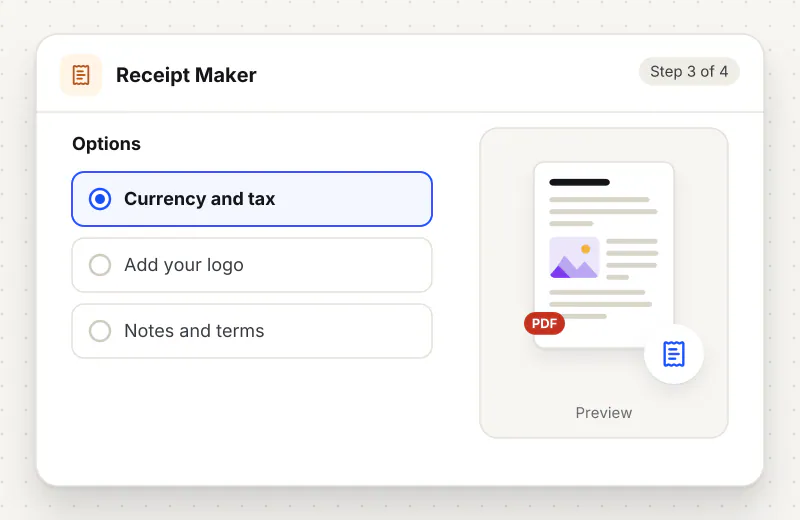
Step 3: List items, tax and discount
Enter each Item Description with Qty and Price, using Add Item for more rows. Under Taxes & Settings, set the Currency Symbol, the Tax Rate (%) and a Discount amount if you give one.
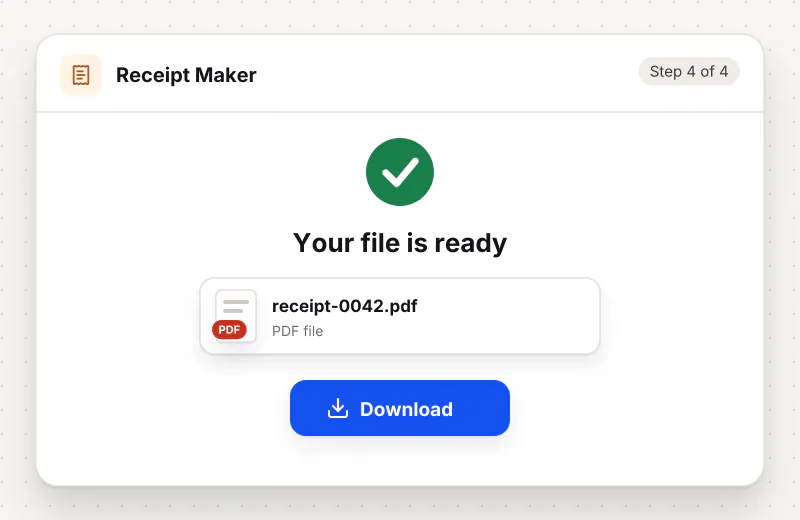
Step 4: Download the receipt
Click Download Receipt. The PDF is named after the receipt number, so it is easy to find later.
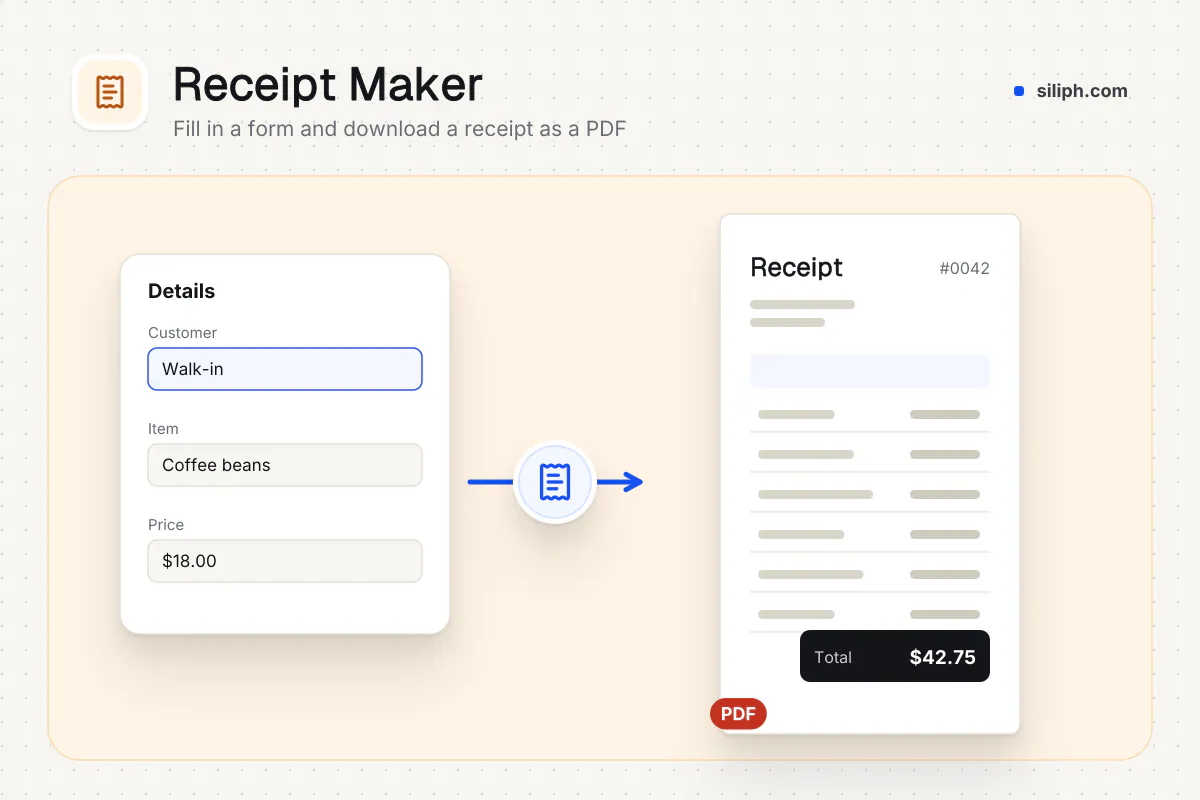
Fill out merchant info, customer info, sales items, tax, discounts, and payment methods to generate a PDF receipt ready to email or print.
- Items with quantity, price and line totals
- Tax rate and flat discount applied to the total
- Editable receipt number, date and payment method
In short
The receipt maker builds a sales receipt or cash memo as a PDF. Enter your business details, the receipt number and date, the customer, the payment method and each item with quantity and price, then set a tax rate and an optional discount. The receipt shows subtotal, tax, discount and total paid on a slim page. It is free.
Features
What you get
Till-style page
The receipt is printed on a narrow page rather than a full A4 sheet, so it reads like a shop receipt on a phone screen and prints compactly.
Tax and discount in the total
One tax rate is applied to the subtotal and a flat discount is subtracted, with each step shown on its own line above Total Paid.
Nothing leaves your device
The receipt PDF is drawn in your browser from the details you type. Customer names and amounts never leave your device, and the form clears when you close it.
What does Receipt Maker do?
Each item’s quantity times price gives a line total, and the lines add up to the subtotal. Tax is applied at the single rate you set, then any discount is taken off to give Total Paid. The receipt number and date start as REC plus six digits and today, and you can change both. The PDF is a narrow page, closer to a till receipt than to an invoice, with your business and optional logo at the top, the customer and payment method below, the items, the totals, any notes such as a returns policy, and a thank-you line.
A receipt confirms that money has already changed hands, which makes it different from an invoice, which asks for payment. Customers need one for expense claims, warranty returns and their own records, and many small sellers do not have a till that prints them. This receipt maker fills that gap for a single sale: items, tax, discount, payment method and the amount paid.
A few points help the receipt come out right. The Currency Symbol box is free text and the PDF prints ₹ as typed, as well as names in Hindi, Bengali or Tamil. Tax is a single rate across all items; if items carry different rates, include the tax in each price and set the rate to 0. The discount is a fixed amount, taken off after tax. Long item lists continue on a second page with the table header repeated.
For a customer who will pay later, send an Invoice Generator invoice instead, and quote prices in advance with the Estimate Generator. Landlords issuing monthly rent slips should use the Rent Receipt Generator. To keep a month of receipts together, join them with Merge PDF. Browse every template on the business documents hub.
The receipt is generated in your browser. What you type is turned into a PDF on your device and never leaves your device, and the page keeps no copy. Download the receipt before you refresh, because the form starts empty again.
Your file stays on your device.
This tool runs in your browser.
- Processed on your phone or computer, not uploaded
- No account, no sign-up
- Free, no daily limit
When to use it
- A customer at a market stall or pop-up shop asks for a receipt
- A tutor or trainer is paid in cash and wants to give written proof
- A buyer paid by UPI and needs a receipt for an expense claim
- A small repair job was paid on the spot and does not need a full invoice
Questions about Receipt Maker
What is the difference between a receipt and an invoice?
An invoice asks the customer to pay; a receipt confirms they already have. Use this receipt maker after payment, and the Invoice Generator when you are billing for payment later.
Can I use the rupee symbol on the receipt?
Yes. Pick or type ₹ in Currency Symbol and it prints on the receipt. Names in Hindi, Bengali or Tamil print too; emoji are left out of the PDF.
Can I change the receipt number or date?
Yes. Receipt Number starts as REC plus six digits and Receipt Date starts as today. Type your own number or pick another date before you download.
How is the discount applied?
The discount is a fixed amount in your currency. It is subtracted after tax, so Total Paid equals subtotal plus tax minus discount.
Can I add different tax rates to different items?
The receipt uses one tax rate for the whole sale. For mixed rates, include tax in each item price and set Tax Rate to 0, or use the Invoice Generator, which takes a GST rate per line.
Is the receipt maker free?
Yes. It is free, needs no account, and you can make as many receipts as you like.
Is my file private and secure?
Yes. Receipt Maker runs on your phone or computer, so your file stays there and never goes to our servers. You need no account, and Siliph never sells your files. How we protect your files
Guides and how-tos
Walk-throughs for common jobs, such as hitting an upload limit or preparing an application.
Embed this tool on your site
Add Receipt Maker to your blog or website for free, with a credit link back to Siliph.
Get the embed code
Embed code (iframe)
<iframe src="https://siliph.com/receipt-maker/?embed=1" title="Receipt Maker — Siliph" width="100%" height="620" style="border:0;border-radius:12px;max-width:900px;" loading="lazy" allow="clipboard-write"></iframe>
<p style="font-size:12px;color:#666;margin-top:8px;">Free tool by <a href="https://siliph.com/receipt-maker/" rel="nofollow">Siliph</a></p>
Credit link for blog posts and tool lists
<p style="font-size:12px;color:#666;margin-top:8px;">Free tool by <a href="https://siliph.com/receipt-maker/" rel="nofollow">Siliph</a></p>
Direct link: siliph.com/receipt-maker/