
ID Card Front and Back on One Page
Photograph the front and back of an ID card and get both sides on one A4 or Letter page at true card size, ready to print.
- Free: Free to use. No signup requiredFree to useNo signup required
- On device: Stays on your device. Runs in your browserStays on your deviceRuns in your browser
- Fast: Fast processing. Optimized for speedFast processingOptimized for speed
- All devices: Works on all devices. Desktop, tablet and mobileWorks on all devicesDesktop, tablet and mobile
Why use this tool
Your files are safe
Your file stays on your device: this tool runs in your browser.
Files up to 300 MB
One task can be up to 300 MB for this tool. Free, with no account.
Works everywhere
Use Siliph on desktop, tablet and mobile. No installation required.
Step by step
How to put both sides of an ID card on one page
Get it done in 4 simple steps.
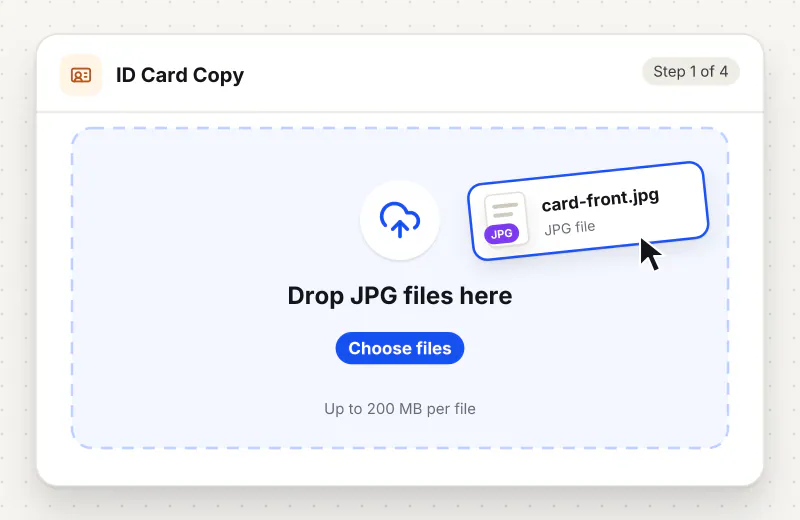
Step 1: Add the front
Lay the card on a plain, darker surface and tap Take a photo, or choose a photo or scan you already have. The card edges are found and the side is straightened.
Step 2: Add the back
Do the same for the back. If an edge is cut off or the outline is wrong, tap Adjust corners and drag each corner onto the card. Rotate turns a side the right way up.
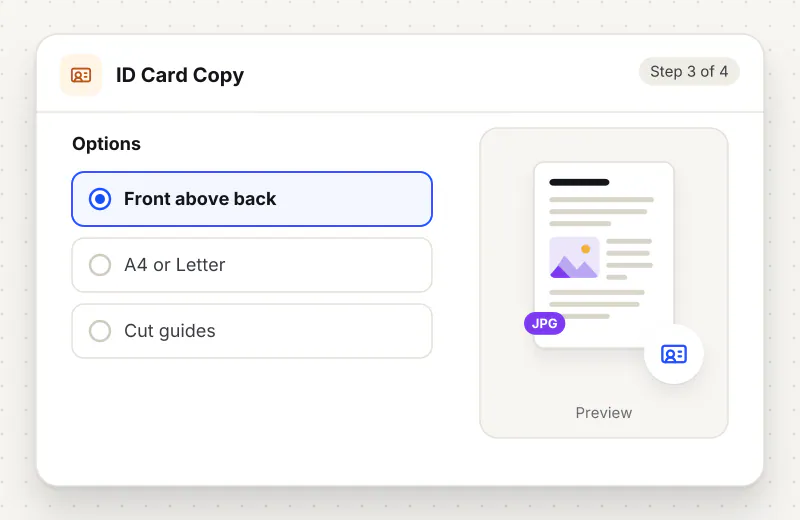
Step 3: Set up the page
Pick A4 or Letter, front above back or side by side, and how many copies to place. Turn on black and white or cut guides if you want them. The preview is drawn to scale.
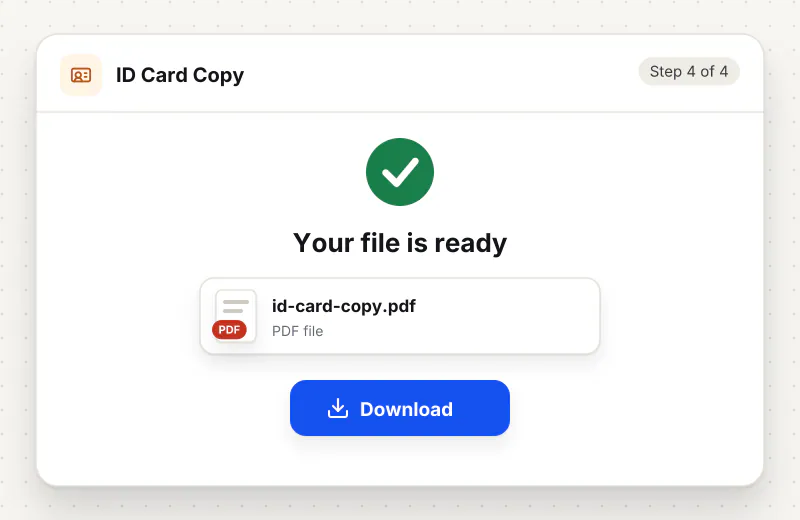
Step 4: Download and print
Download the PDF and print it at Actual size, or 100%, rather than Fit to page, so each card comes out at 85.60 × 53.98 mm.
Photograph or scan the front and back of an ID card. Each side is found, straightened and placed at true ID-1 size (85.60 × 53.98 mm) on one A4 or Letter page, as one copy or several, with optional cut guides and greyscale.
- Edges found and straightened for you
- True ID-1 size, 85.60 × 53.98 mm
- Several copies on one sheet, with cut guides
In short
This tool puts an ID card front and back on one page, the way a copy shop does. Take or choose a photo of each side; the card edges are found, the photo is straightened, and both sides land on an A4 or Letter PDF at true card size. It runs in your browser; photos stay on your device.
Features
What you get
Straight cards from tilted photos
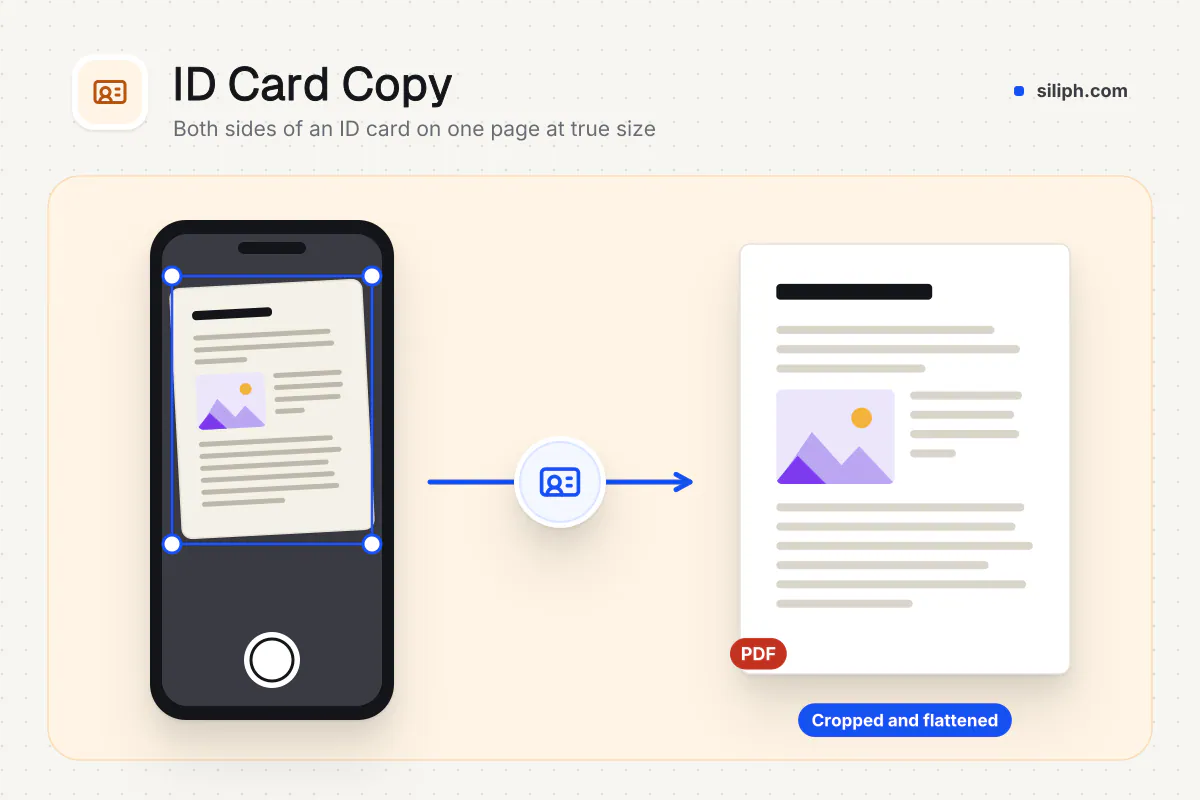
The card outline is found in the photo and the perspective is corrected, so a card shot at an angle prints as a flat rectangle. When the edges are hard to see, four corner handles let you set the outline by hand.
Printed at the real card size
Each side is drawn at the ID-1 size of 85.60 × 53.98 mm used by most plastic ID and bank cards, on an A4 or US Letter page with a 10 mm border that home printers can reach.
One pair or a full sheet
Place front above back or side by side, and fill the sheet with up to four pairs for copies to hand out. Optional dashed guides mark each card edge for cutting, and black and white saves colour ink.
What does ID Card Copy do?
You add a photo or scan of each side. The tool looks for the four corners of the card, flattens any tilt, and redraws the card at the ID-1 size of 85.60 × 53.98 mm. If the edges are not found, you drag the corners onto the card yourself. You then choose the paper, front above back or side by side, how many copies fit on the sheet, black and white, and dashed cut guides, and download a one-page PDF.
Copy shops print an ID card by laying the front and back on the glass together, so both sides end up on one sheet. This tool does the same with two phone photos. It finds the card in each picture, cuts away the table around it and corrects the angle, then places the two sides on one page. Everything happens in your browser, so the photos and the finished PDF never leave your device.
Size matters when a copy is checked against the card. Most plastic ID and bank cards use the ID-1 format from the ISO/IEC 7810 standard, 85.60 × 53.98 mm; the published summary of the standard lists that size, checked on 28 October 2026. The PDF draws each side at exactly that size, so print it at Actual size. Fit to page shrinks or enlarges it. The tool does not decide what any office accepts, so check what is asked for.
The paper starts as A4, or Letter in the countries that use Letter, and you can switch it. A single pair sits in the middle of the page; for several copies, pick up to four pairs and cut along the dashed guides. To hide the first 8 digits of an Aadhaar number before you share a copy, run the photo through Mask Aadhaar first. For multi-page paper documents, Scan to PDF is the better fit.
A good photo makes a good copy. Put the card on a plain surface that is darker than the card, hold the phone straight above it, and avoid glare from a lamp or window. A scan from a flatbed works too. If a photo is too dark to read, retake it rather than brightening it. To shrink a finished file for an upload, use Compress PDF.
Your file stays on your device.
This tool runs in your browser.
- Processed on your phone or computer, not uploaded
- No account, no sign-up
- Free, no daily limit
When to use it
- A form or office asks for a copy of both sides of your ID on one sheet
- You have no scanner or copier, only a phone camera
- You want several copies of the same card on one page to cut out
- A photo of the card is tilted and needs to print straight and to size
- You need a black and white copy that prints cleanly at home
Questions about ID Card Copy
What size does the card print at?
Each side is drawn at 85.60 × 53.98 mm, the ID-1 card size in ISO/IEC 7810 used by most plastic ID and bank cards. Print at Actual size or 100%, not Fit to page, to keep that size.
Can I print several copies on one sheet?
Yes. Pick how many pairs to place, up to four on A4 or Letter with front and back, or more when you add only the front. Turn on the dashed guides to see where to cut.
What if the card edges are not found?
A card-shaped outline is shown in the middle of the photo instead. Tap Adjust corners and drag each corner onto a corner of the card, or move it with the arrow keys; the card is straightened when you let go.
Do I need the back of the card?
No. The back is optional. With only the front, the page holds one or more copies of the front, and with both sides you choose front above back or side by side.
Will an office accept this copy?
The tool makes a clear, true-size copy for your own use; it does not make a document valid or accepted anywhere. Check what the office or form asking for the copy needs.
Is the ID card copy tool free and private?
It is free with no account. The photos are straightened and the PDF is written in your browser, so the images of your card stay on your device.
Is my file private and secure?
Yes. ID Card Front and Back on One Page runs on your phone or computer, so your file stays there and never goes to our servers. You need no account, and Siliph never sells your files. How we protect your files
Guides and how-tos
Walk-throughs for common jobs, such as hitting an upload limit or preparing an application.
Embed this tool on your site
Add ID Card Copy to your blog or website for free, with a credit link back to Siliph.
Get the embed code
Embed code (iframe)
<iframe src="https://siliph.com/id-card-copy/?embed=1" title="ID Card Copy — Siliph" width="100%" height="620" style="border:0;border-radius:12px;max-width:900px;" loading="lazy" allow="clipboard-write"></iframe>
<p style="font-size:12px;color:#666;margin-top:8px;">Free tool by <a href="https://siliph.com/id-card-copy/" rel="nofollow">Siliph</a></p>
Credit link for blog posts and tool lists
<p style="font-size:12px;color:#666;margin-top:8px;">Free tool by <a href="https://siliph.com/id-card-copy/" rel="nofollow">Siliph</a></p>
Direct link: siliph.com/id-card-copy/