

Free Invoice Generator
Make a PDF invoice in any of 16 currencies, with VAT, GST, sales tax or no tax. It is built in your browser: nothing you type is uploaded.
Invoice style
Invoice details
Custom fields (optional)
From
Bill to
Line items
Free Invoice Generator in short
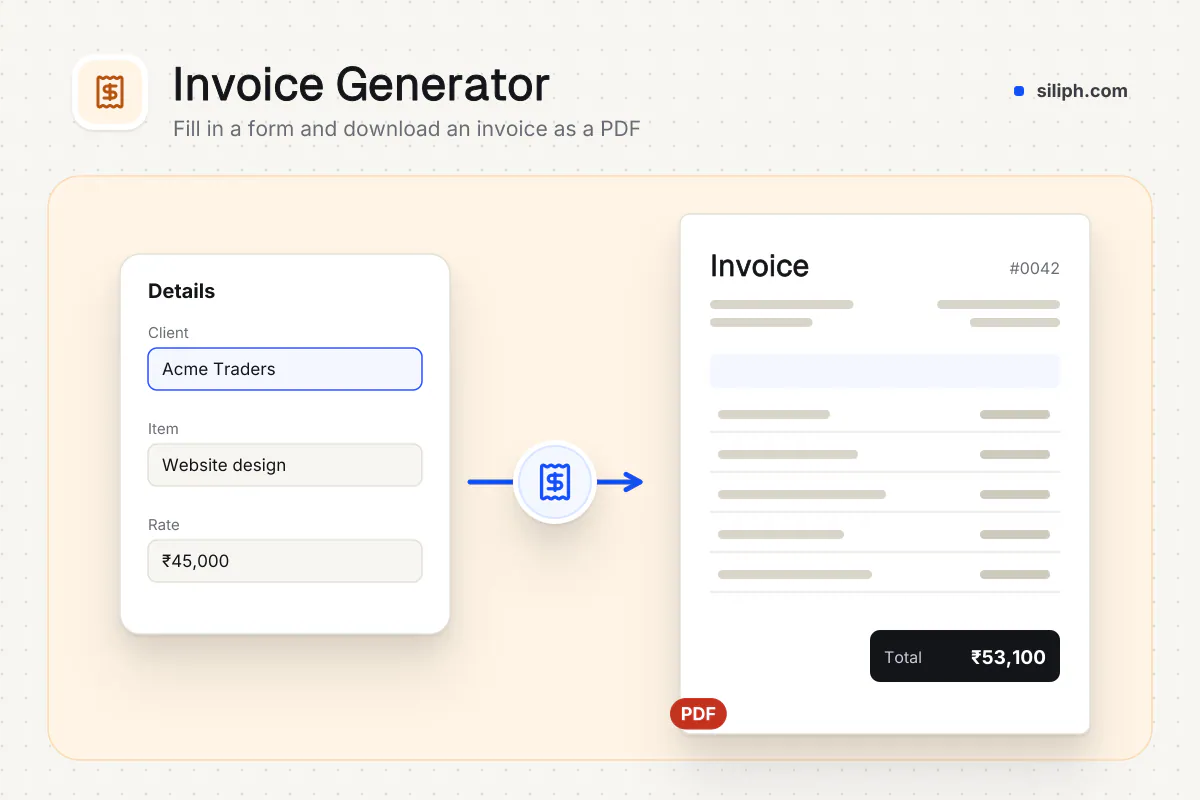
The invoice generator turns a short form into a PDF invoice. Add your details and your client’s, list the items, choose one of 16 currencies and VAT, GST, sales tax or no tax, and pick how dates are written. Totals update as you type. It is free, needs no account and runs in your browser.
Step by step
How to make an invoice
Step 1: Set the invoice details
Pick an invoice style, then check the Invoice # (one is suggested), Date and Due date. Choose how dates are printed, pick the currency, and choose No tax, VAT, GST, Sales tax or GST India.
Step 2: Enter who is billing whom
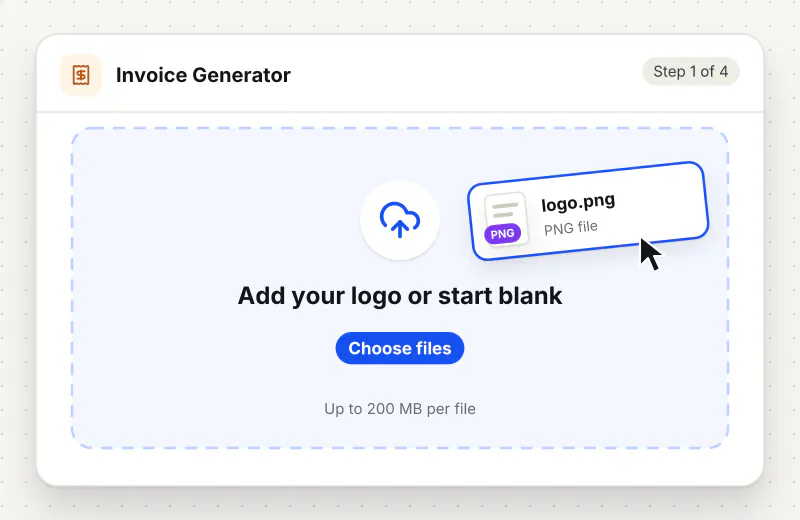
Under From and Bill to, fill in Name / Company, Address, Email, Phone and the tax number. Empty fields are simply left off the PDF.
Step 3: Add line items and tax rates
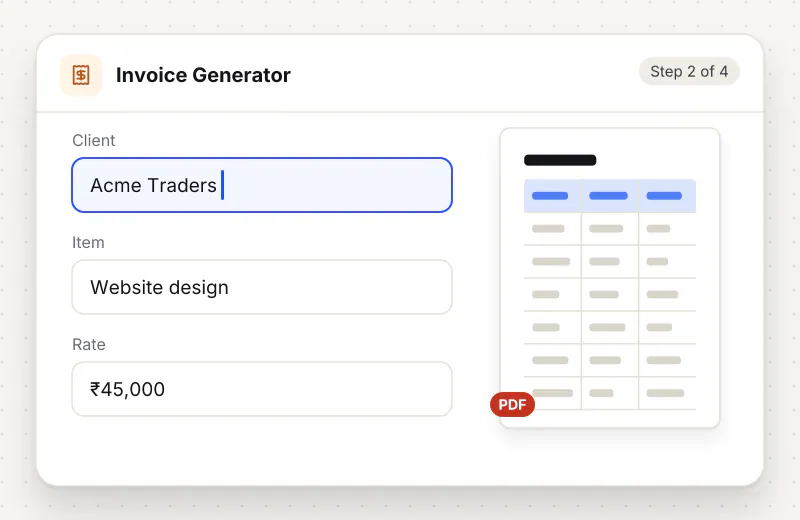
For each item enter a Description, Qty and Rate, plus a tax rate when the invoice has tax. Use Add item for more rows. The subtotal, tax and total due update as you type.
Step 4: Download the invoice PDF
Add payment terms or bank details in Notes, then click Download Invoice PDF. The file is named after the invoice number.
Features
What Free Invoice Generator gives you
Your currency, your tax
Sixteen currencies print in their own style, such as $1,250.00, €1,250.00 or ₹1,25,000.00. Choose VAT, GST, sales tax or none, and give each line its own rate.
Dates written the way your client reads them
Pick 26 Oct 2026, Oct 26, 2026, 10/26/2026, 26/10/2026, 26.10.2026 or 2026-10-26. The written-out month is the default because nobody can misread it.
Made in your browser
The invoice PDF is drawn by your browser from what you type. Client names, prices and bank details never leave your device.
What does Free Invoice Generator do?
You type the invoice into a form and the totals update as you go. Each line multiplies quantity by rate and adds tax at that line’s rate. Download Invoice PDF draws A4 pages with your style colour, both parties, any custom fields, the item table, the tax rows and the total due. VAT invoices are titled VAT INVOICE, GST ones TAX INVOICE, the rest INVOICE. India GST mode adds GSTIN, PAN, HSN codes and the CGST, SGST or IGST split.
An invoice has one job: get you paid without questions. That means a clear number and date, who it is from and to, what was done, the tax shown on its own line and a total due that adds up. This form asks for exactly that. US freelancers usually leave tax off, UK and EU businesses add VAT, and Australia, New Zealand, Canada and Singapore use GST, so the tax name, rate column and tax number label follow your choice.
Long item descriptions and notes wrap onto extra lines, and a long bill flows onto more A4 pages with the table header repeated and the totals on the last page. Names in Hindi, Bengali or Tamil print as typed; emoji are left out. Custom fields add lines such as a PO number or a project code. For Indian tax invoices with CGST, SGST or IGST, the GST invoice generator opens the same form in India GST mode, in rupees.
Billing rarely stops at one document. Send a price first with the Estimate Generator, raise a Credit Note Generator document when goods come back, and hand customers who pay on the spot a Receipt Maker receipt. To add a signature to the finished invoice, open it in Sign PDF. All generators are listed on the business documents hub.
The invoice is built entirely in your browser. What you type stays in the open tab and becomes a PDF on your device, so client names and amounts never leave your device. The form itself is not saved, so download the PDF before you close the page. Your browser does remember the style, currency, tax and date format for next time, and offers them as Use my last settings.
Your file stays on your device.
This tool runs in your browser.
- Processed on your phone or computer, not uploaded
- No account, no sign-up
- Free for personal use
When to use Free Invoice Generator
- A freelance designer in the US bills a client in dollars with no sales tax
- A UK sole trader registered for VAT needs a VAT invoice at 20 percent
- An Australian contractor needs a tax invoice that shows GST
- You want a quick invoice without signing up for billing software
Questions about Free Invoice Generator
Which currencies can I use?
US, Canadian, Australian, New Zealand and Singapore dollars, euros, pounds, rupees, UAE dirhams, rand, pesos, naira, reais, Swiss francs and yen. Each prints in its own style, so rupees use 1,25,000.00 and yen have no decimals.
How do I add VAT or sales tax to an invoice?
Set Tax to VAT or Sales tax, then type a rate on each line; VAT starts at 20 percent and sales tax at 0. The PDF shows the net amount or subtotal, the tax on its own row and the total due.
Can I make a GST tax invoice for India?
Yes. Choose GST India under Tax, or open the GST invoice generator page, which starts that way in rupees. You get GSTIN and PAN, HSN or SAC codes, the place of supply and CGST plus SGST or IGST.
How are dates written on the invoice?
The way you pick under Date format on the PDF: 26 Oct 2026 by default, or Oct 26, 2026, 10/26/2026 for the US, 26/10/2026 for the UK, India and Australia, 26.10.2026 or 2026-10-26.
Can I add my company logo to the invoice?
No, there is no logo upload. The header shows the invoice title and number on a coloured band, and you can pick Classic Blue, Modern Teal or Minimal Slate for it.
Does the invoice show the amount in words?
No. The PDF lists the subtotal, the tax and the total due in figures. If a client needs the amount in words, add it to the Notes box.
Is the invoice generator free?
Yes. It costs nothing and needs no account. A small line at the foot of the PDF notes that it was generated with Siliph.
Is my file private and secure?
Yes. Free Invoice Generator runs on your phone or computer, so your file stays there and never goes to our servers. You need no account, and Siliph never sells your files. How we protect your files
Guides for Free Invoice Generator
Walk-throughs for common jobs, such as hitting an upload limit or preparing an application.
- Step by stepGST Invoice Generator FreeFill in buyer/seller details, add line items with GST rate — PDF invoice ready in under 2 minutes.
- Step by stepFree Invoice Generator PDFProfessional invoices in a couple of minutes. No account. Download the PDF straight away.
- Use casePDF tools for small businesses and freelancersMake a clean invoice with line items, tax and totals, ready to send as PDF.
- Use casePDF tools for finance and accountingMake a clean invoice with tax lines and totals when you have no billing software.
Embed this tool on your site
Add Invoice Generator to your blog or website for free, with a credit link back to Siliph.
Get the embed code
Embed code (iframe)
<iframe src="https://siliph.com/invoice-generator/?embed=1" title="Invoice Generator — Siliph" width="100%" height="620" style="border:0;border-radius:12px;max-width:900px;" loading="lazy" allow="clipboard-write"></iframe>
<p style="font-size:12px;color:#666;margin-top:8px;">Free tool by <a href="https://siliph.com/invoice-generator/" rel="nofollow">Siliph</a></p>
Credit link for blog posts and tool lists
<p style="font-size:12px;color:#666;margin-top:8px;">Free tool by <a href="https://siliph.com/invoice-generator/" rel="nofollow">Siliph</a></p>
Direct link: siliph.com/invoice-generator/