

PDF to HTML Converter
Turn the text of a PDF into a single HTML page you can open in any browser, edit or move onto a website.
Turn PDF content into one HTML file, with the page images embedded, for publishing or editing on the web. Siliph is free for personal use and needs no account. Many tools work right on your device; the others use secure servers in Europe and India and delete your files within 2 hours.
- Layout preserved
- Batch convert up to 20 files
- Free with no watermarks
- Sent over an encrypted connection
- Files deleted after 2 hours
- Free, no signup, no watermark
Loading the PDF to HTML workspace… Files are processed securely and deleted automatically.
PDF to HTML Converter in short
PDF to HTML converts the text of a PDF into one HTML file that opens in any web browser, with every page in order in a single document. It suits publishing a notice, a manual or an article on a website. Pictures are embedded in the same file. It is free with no account and deletes uploads within 2 hours.
Step by step
How to convert PDF to HTML
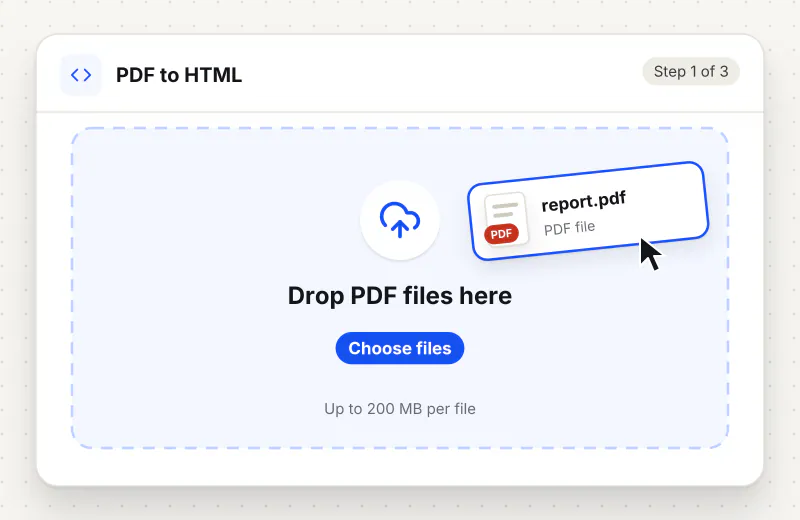
Step 1: Upload the PDF
Drag your PDF into the drop zone or click Choose a PDF file. One PDF is converted per task, and it can be up to 500 MB. PDFs made from text, not scans, work best.
Step 2: Convert to HTML
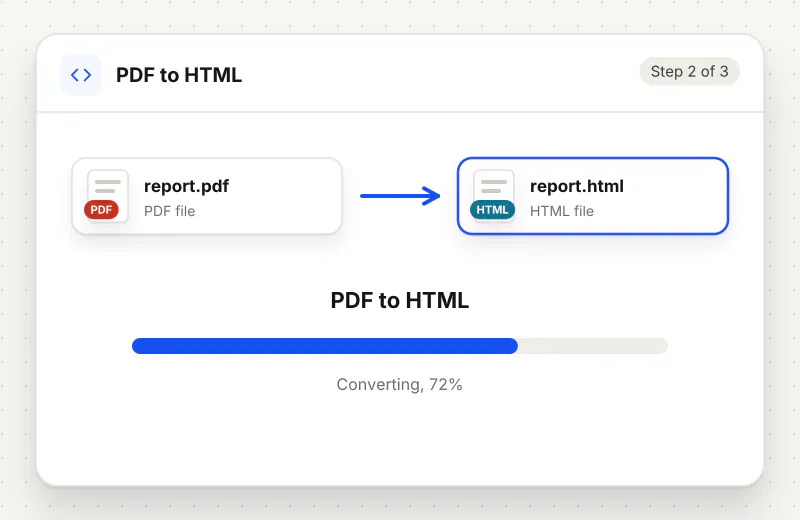
There are no settings to choose. Start the task and the server reads the text on every page and writes it into one HTML document.
Step 3: Download the HTML file
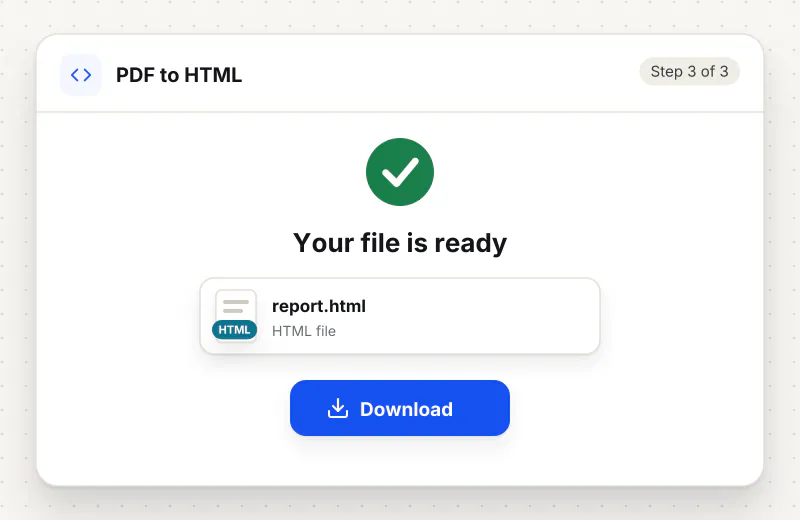
Download the .html file, which has the same name as your PDF. Open it in a browser to check it, or open it in a text or site editor to copy the parts you want to publish.
Features
What PDF to HTML Converter gives you
One file for the whole document
Every page goes into a single HTML document in the original order, so you open one file rather than a folder of fragments, and copying the full text takes one selection.
Plain markup you can edit
The output is ordinary HTML that any browser opens and any code editor or website builder can change, so you can restyle it to match your site.
Line breaks and styling carried over
Line breaks and simple styling from the PDF are kept in the HTML, so headings and emphasised words stay recognisable instead of collapsing into one paragraph.
What does PDF to HTML Converter do?
The server reads the text runs on each page of your PDF and writes them out as HTML, one page after another, in a single file named after the PDF. Line breaks and simple text styling from the PDF are carried into the markup, so the result reads like the original. Pictures are saved as PNG and embedded inside the HTML file, so there is nothing else to download. Scanned pages without a text layer give little or no text.
A PDF is built to look the same on every printer, which is exactly what makes it awkward on the web: it ignores the screen size, sits outside your site design and asks phone users to pinch and zoom. HTML adapts to the screen and can be styled, searched and read aloud. PDF to HTML gets the wording of a PDF into that form without retyping. The PDF to HTML Converter page opens the same tool.
The download is a single HTML file with the pictures embedded inside it, which makes it easy to open or email but heavier than plain text. To reuse the pictures on their own, save them with Extract Images From PDF. Multi-column layouts and tables come through as lines of text that may need tidying. A scanned PDF has no text to convert, so run OCR PDF on it first.
If you only need the words with no markup at all, PDF to Text gives a plain TXT file, and PDF to Word is the better choice when the next step is editing in an office app. Going the other way, HTML to PDF turns a web page into a PDF. All format tools are listed on the PDF converter page.
PDF to HTML runs on our servers. Your PDF travels over an encrypted upload, is converted automatically without anyone viewing it, and is deleted within 2 hours along with the HTML file. It is free for personal use and needs no account.
Every file is encrypted.
On the way to us and while stored.
- Sent over HTTPS
- Deleted automatically within 2 hours
- Never sold, never viewed by a person
When to use PDF to HTML Converter
- A circular or notice exists only as a PDF and must go on a website as a readable page
- You want to paste a PDF article into a CMS or blog editor without retyping it
- A web page loads faster and reads better on phones than a linked PDF download
- Search engines and screen readers need the wording as HTML rather than inside a PDF
At a glance
PDF to HTML Converter: free at a glance
What you get on the free plan, and when a paid plan applies.
| Price | Free for personal use, up to 30 tasks in any 24 hours |
|---|---|
| File size | Up to 500 MB per task |
| Files per task | Up to 20 on the free plan (up to 100 on paid plans) |
| Account | Not needed |
| Where it runs | On our servers, over an encrypted connection |
| File deletion | Deleted automatically within 2 hours |
| Watermark | None |
| Business use | Paid plans from ₹399 a week |
Why Siliph
PDF to HTML Converter on Siliph and on typical free PDF sites
The right-hand column sums up 5 popular free PDF sites we checked in October 2026.
| Feature | Siliph | Typical free PDF sites |
|---|---|---|
| Account for personal use | Not needed | Some sites ask you to sign in to finish or repeat a task |
| Free use | Up to 30 tasks in any 24 hours, 20 files a task | Some sites stop you after a few tasks an hour |
| Where your file goes | Uploaded over HTTPS and deleted within 2 hours | Usually uploaded, then deleted after 1 to 2 hours |
Checked October 2026. Other sites change their plans; check before you rely on a limit.Side-by-side comparisons
Questions about PDF to HTML Converter
Are images from the PDF included in the HTML?
Yes. The pictures are embedded in the HTML file itself, so the one download shows them. To use them as separate image files, save them with Extract Images From PDF.
Will the HTML look exactly like my PDF?
Not exactly. The wording, page order, line breaks and simple styling come through, but the fixed page design of a PDF does not translate one to one. Expect to restyle it with your own site CSS.
Why is the HTML file almost empty?
The PDF is probably a scan, which stores each page as a picture with no text inside. Run OCR PDF on it first to add a text layer, then convert the searchable copy to HTML.
Can I put the converted HTML on my website?
Yes. Open the file in a code editor, copy the part you want and paste it into your page or CMS in HTML mode. Check you have the right to republish the content of the PDF.
Is PDF to HTML better than linking to the PDF?
For reading on phones and for search, usually yes: HTML reflows to the screen and its text is indexed like any page. Keep a PDF link as well if visitors need a printable copy.
Is PDF to HTML free?
Yes. It is free for personal use, with no account. PDFs can be up to 500 MB and are removed from our servers within 2 hours.
Is my file private and secure?
Yes. Your file travels over HTTPS, is stored encrypted, is processed by machines with no person looking at it, and is deleted automatically within 2 hours. You need no account, and Siliph never sells your files. How we protect your files
Embed this tool on your site
Add PDF to HTML to your blog or website for free, with a credit link back to Siliph.
Get the embed code
Embed code (iframe)
<iframe src="https://siliph.com/pdf-to-html/?embed=1" title="PDF to HTML — Siliph" width="100%" height="620" style="border:0;border-radius:12px;max-width:900px;" loading="lazy" allow="clipboard-write"></iframe>
<p style="font-size:12px;color:#666;margin-top:8px;">Free tool by <a href="https://siliph.com/pdf-to-html/" rel="nofollow">Siliph</a></p>
Credit link for blog posts and tool lists
<p style="font-size:12px;color:#666;margin-top:8px;">Free tool by <a href="https://siliph.com/pdf-to-html/" rel="nofollow">Siliph</a></p>
Direct link: siliph.com/pdf-to-html/