

JPG to WebP Converter
Turn JPG photos into WebP files so product pages, blogs and portfolios load faster on phones.
Turn JPG photos into WebP files that load faster on websites. Pick the quality and convert many images at once. Siliph is free for personal use and needs no account. Many tools work right on your device; the others use secure servers in Europe and India and delete your files within 2 hours.
- Usually smaller than the JPG
- Quality slider from 10 to 100
- Photos stay on your device
- Sent over an encrypted connection
- Files deleted after 2 hours
- Free, no signup, no watermark
Loading the JPG to WebP workspace… Files are processed securely and deleted automatically.
JPG to WebP Converter in short
JPG to WebP converts JPG and JPEG photos into WebP, the image format web pages load fastest, right in your browser. Choose a quality from 10 to 100, convert a whole batch for a website or shop, and download a WebP file or a ZIP. It is free for personal use with no account.
Step by step
How to convert JPG to WebP
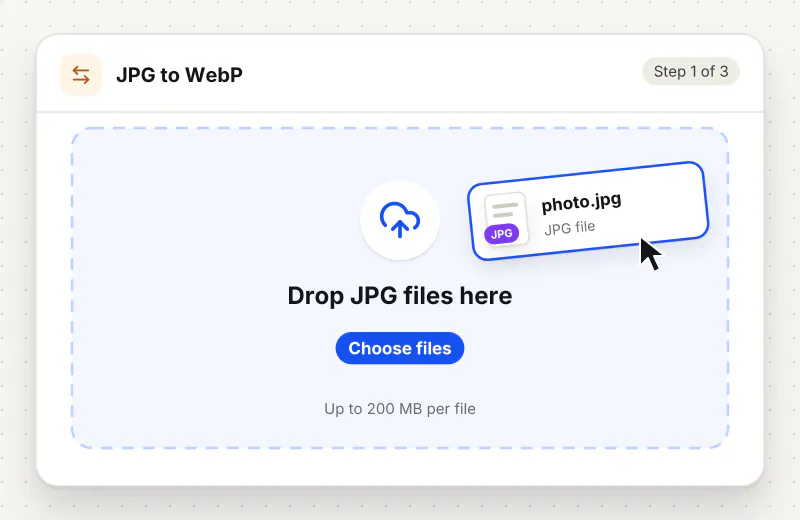
Step 1: Add your JPG photos
Drag JPG or JPEG files onto the drop zone or click Choose JPG images. Add the whole set for a page or product before you start.
Step 2: Set the WebP quality
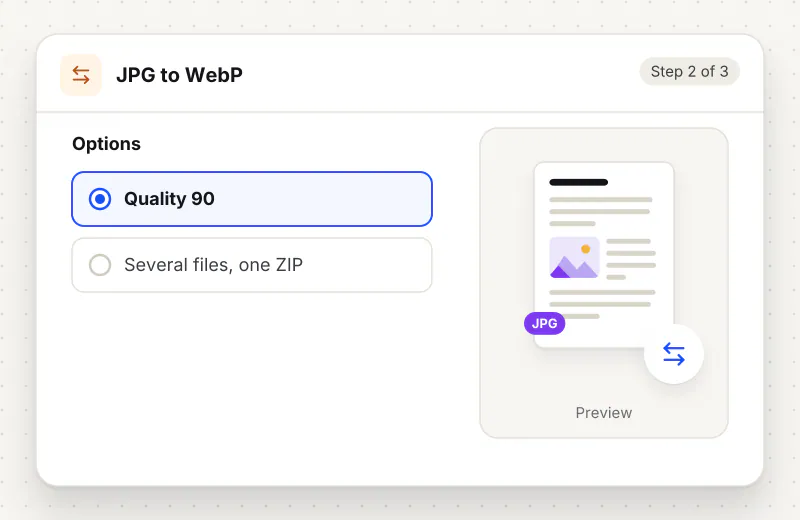
Under WebP quality, 90 keeps photos looking the same. For large banner images on a website, 75 to 85 often looks just as good at a smaller size.
Step 3: Convert and download
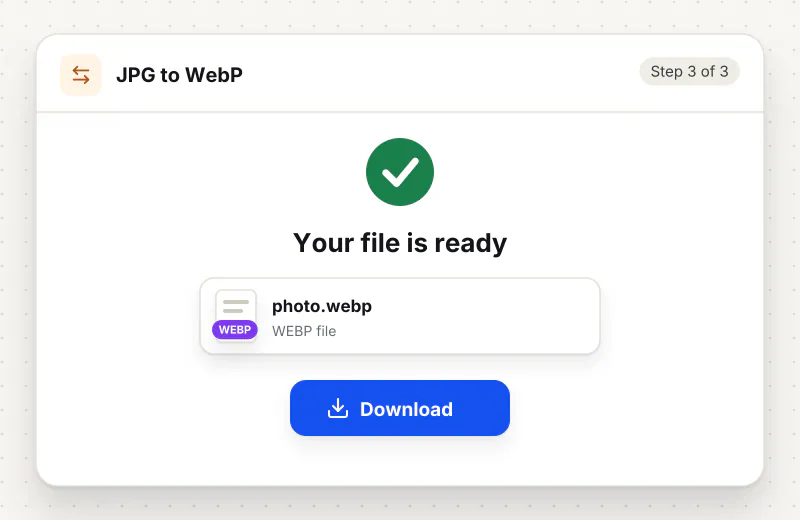
Press Convert to WebP. One photo downloads as a WebP; a batch arrives as webp-images.zip with the original names and the .webp ending.
Features
What JPG to WebP Converter gives you
Made for web pages
WebP is supported by every current major browser, so the files work on your site for visitors on Chrome, Safari, Edge and Firefox while taking less bandwidth than JPG.
Quality you control
Slide from 10 to 100 in steps of 5. Try one photo at a few settings, compare the sizes, then run the whole batch at the setting you like.
Clear message if WebP cannot be saved
Chrome, Edge and Firefox save WebP. If your browser cannot, the tool stops and says so rather than handing you a mislabelled file, and you can reopen the page in one of those.
What does JPG to WebP Converter do?
The tool opens each JPG, applies its rotation tag so it stands upright, and saves it as a WebP at the quality you set. Width and height do not change, so the photo fits the same spot on your page. At similar quality a WebP is usually noticeably smaller than the JPG, though the saving varies from photo to photo.
Images are usually the heaviest part of a web page, and page speed checks often suggest switching from JPG to WebP. For photos, WebP tends to reach the same look in a smaller file, which means faster loading on mobile data and less storage on your host. The switch is safe for visitors: all current major browsers display WebP.
Size matters as much as format. A 4000-pixel-wide camera photo is far bigger than any screen needs, so set a sensible width first with Resize Image, for example 1920 pixels for a full-width banner, then convert. If a platform you use still refuses WebP, keep the JPG, or turn received WebP files back with WebP to JPG. For graphics with transparency, start from a PNG and use PNG to WebP.
Saving WebP depends on your browser. Chrome, Edge and Firefox can do it; some Safari versions cannot, and the tool tells you when that happens instead of saving the wrong format. Opening WebP files works everywhere.
Your photos are converted in your browser on your device and never leave it, so product shots stay private until you publish them. You can convert up to 20 photos per task, free for personal use, with no account and nothing to install.
Your file stays on your device.
This tool runs in your browser.
- Processed on your phone or computer, not uploaded
- No account, no sign-up
- Free for personal use
When to use JPG to WebP Converter
- A page speed test tells you to serve images in next-gen formats
- Your online shop has dozens of large product photos slowing the pages
- A blog or portfolio host has a storage limit and photos fill it up
- You are preparing images for a website builder that accepts WebP
Questions about JPG to WebP Converter
How much smaller is a WebP than a JPG?
It depends on the photo and the quality you pick. At similar quality a WebP is usually noticeably smaller. Convert one photo first and compare the two file sizes before running a large batch.
Do all browsers show WebP images?
Yes. Every current version of Chrome, Safari, Edge and Firefox displays WebP, on computers and phones, so visitors to your site see the images normally.
Why does the tool say my browser cannot save WebP?
Some Safari versions can show WebP but cannot create it. Rather than saving a different format under a .webp name, the tool stops. Open the page in Chrome, Edge or Firefox and convert again.
Which quality should I use for a website?
Start at 80 to 85 for photos on product pages and blogs, and check one image at full size. Use 90 for photography portfolios where fine detail matters most.
Does converting change the photo size in pixels?
No. Width and height stay exactly the same. To make photos smaller for the web, use Resize Image before converting.
Are my product photos sent anywhere?
No. Each photo is read and saved as WebP by your browser on your own device, so unreleased product shots stay with you.
Is my file private and secure?
Yes. JPG to WebP Converter runs on your phone or computer, so your file stays there and never goes to our servers. You need no account, and Siliph never sells your files. How we protect your files
Embed this tool on your site
Add JPG to WebP to your blog or website for free, with a credit link back to Siliph.
Get the embed code
Embed code (iframe)
<iframe src="https://siliph.com/jpg-to-webp/?embed=1" title="JPG to WebP — Siliph" width="100%" height="620" style="border:0;border-radius:12px;max-width:900px;" loading="lazy" allow="clipboard-write"></iframe>
<p style="font-size:12px;color:#666;margin-top:8px;">Free tool by <a href="https://siliph.com/jpg-to-webp/" rel="nofollow">Siliph</a></p>
Credit link for blog posts and tool lists
<p style="font-size:12px;color:#666;margin-top:8px;">Free tool by <a href="https://siliph.com/jpg-to-webp/" rel="nofollow">Siliph</a></p>
Direct link: siliph.com/jpg-to-webp/