
Rent Receipt Generator
Create professional rent receipts in PDF format for HRA tax exemption claims
1. Basic Information
FY 2026-27: April 2026 to March 2027
Logo (optional, e.g. landlord or property company)
PNG, JPG or WebP, up to 2 MB. Your logo stays on this device: it is added to the PDF in your browser and never uploaded.
Optional. Printed above the landlord's signature on each receipt.
0 / 1,000 characters
2. Rent Receipts List
HRA Tax Saving Guidelines
Under Section 10(13A) of the Income Tax Act in India, you can claim HRA exemptions.
- If annual rent exceeds ₹1,00,000, presenting the Landlord's PAN is mandatory.
- Ensure the name on the rent receipt matches your corporate payroll records.
Why use this tool
Your files are safe
Your file stays on your device: this tool runs in your browser.
No account needed
Free, with nothing to install.
Works everywhere
Use Siliph on desktop, tablet and mobile. No installation required.
Step by step
How to generate rent receipts
Get it done in 4 simple steps.
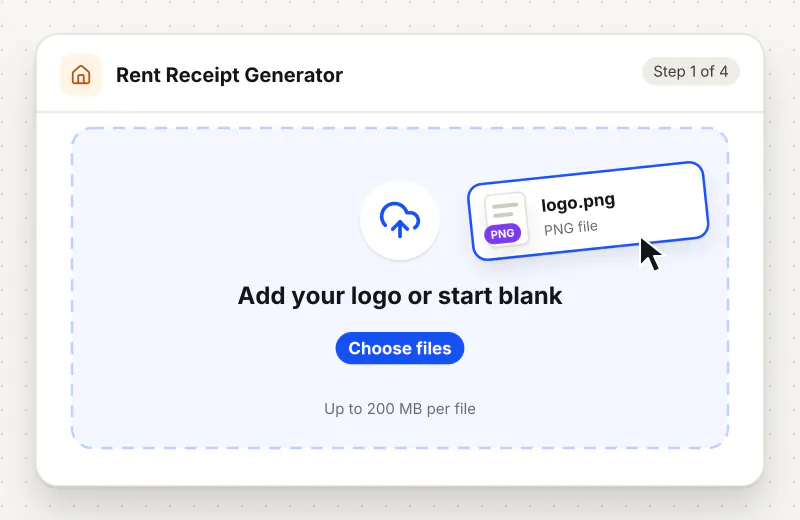
Step 1: Enter tenant and landlord details
Under Basic Information, type the Tenant Name, Landlord Name and Property Address, and the Landlord PAN if you have it. Pick Financial year or Calendar year, the starting year, and the Receipt Date.
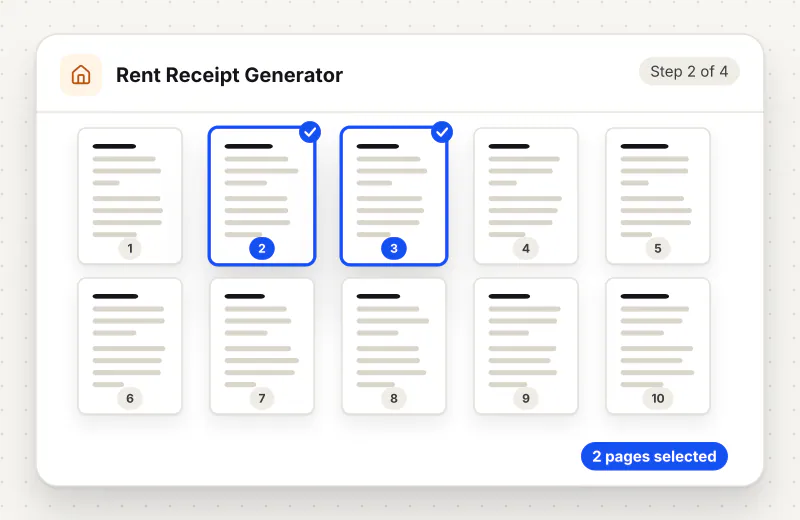
Step 2: Add the months
Set the first row’s Month, Rent Amount and Payment Mode. Click 12 Months Auto-Fill for April to March at that rent, or Add Month to add one month at a time.
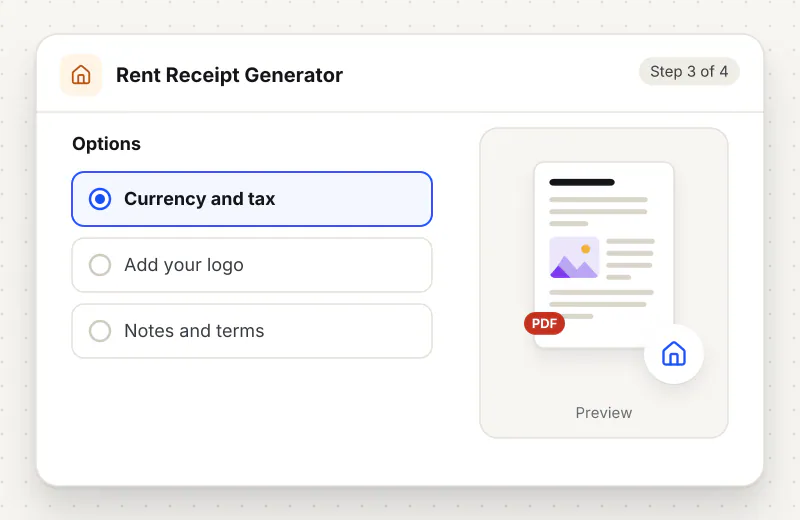
Step 3: Adjust each receipt
Change the rent for months when it went up, switch the Payment Mode between Online Transfer, Cash, Cheque and UPI / Card, and paste a Txn ID where you have one. Remove months you did not pay.
Step 4: Generate and sign
Click Generate Receipts to download one PDF with all the receipts. Print it and ask your landlord to sign each receipt on the Landlord signature line, with a revenue stamp for cash above ₹5,000.
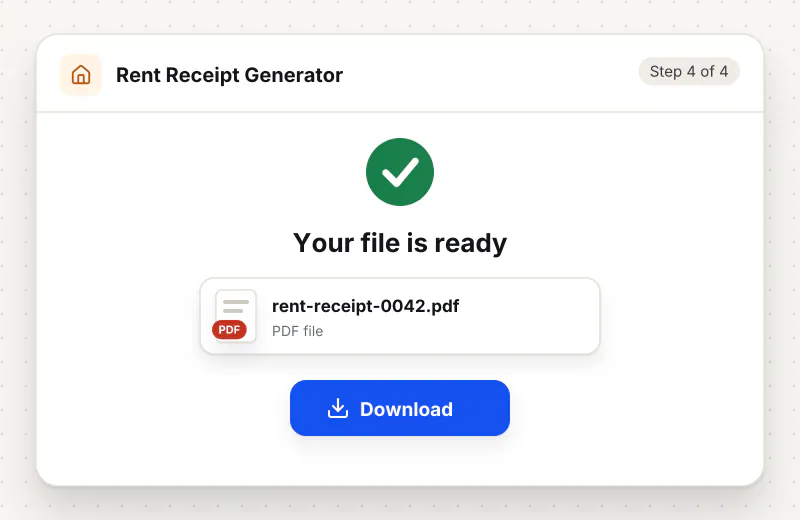
Enter tenant, landlord details, rent amount, PAN number, and period to generate a compliant PDF rent receipt instantly for tax savings.
- 12 Months Auto-Fill builds a receipt for every month
- Landlord PAN and transaction ID printed on each receipt
- Rent in figures and in words, such as Rupees Fifteen Thousand Only
In short
The rent receipt generator creates monthly rent receipts in one PDF for house rent allowance claims. Enter tenant, landlord, property address and the landlord’s PAN, then add months one at a time or fill a whole financial year at once. Each receipt shows the rent in figures and words, payment mode and transaction ID. It is free, with no account.
Features
What you get
A year of receipts in one click
12 Months Auto-Fill creates a receipt for each month at the same rent and payment mode, so a full-year HRA set takes a minute rather than twelve rounds of typing.
Details payroll teams look for
Each receipt carries the tenant and landlord names, the rented property, the month, the amount, the payment mode and reference number, and the landlord’s PAN when you supply it.
Your rent details stay local
The receipts are drawn in your browser. Names, the address and the landlord’s PAN never leave your device, and the form forgets them when you close the page.
What does Rent Receipt Generator do?
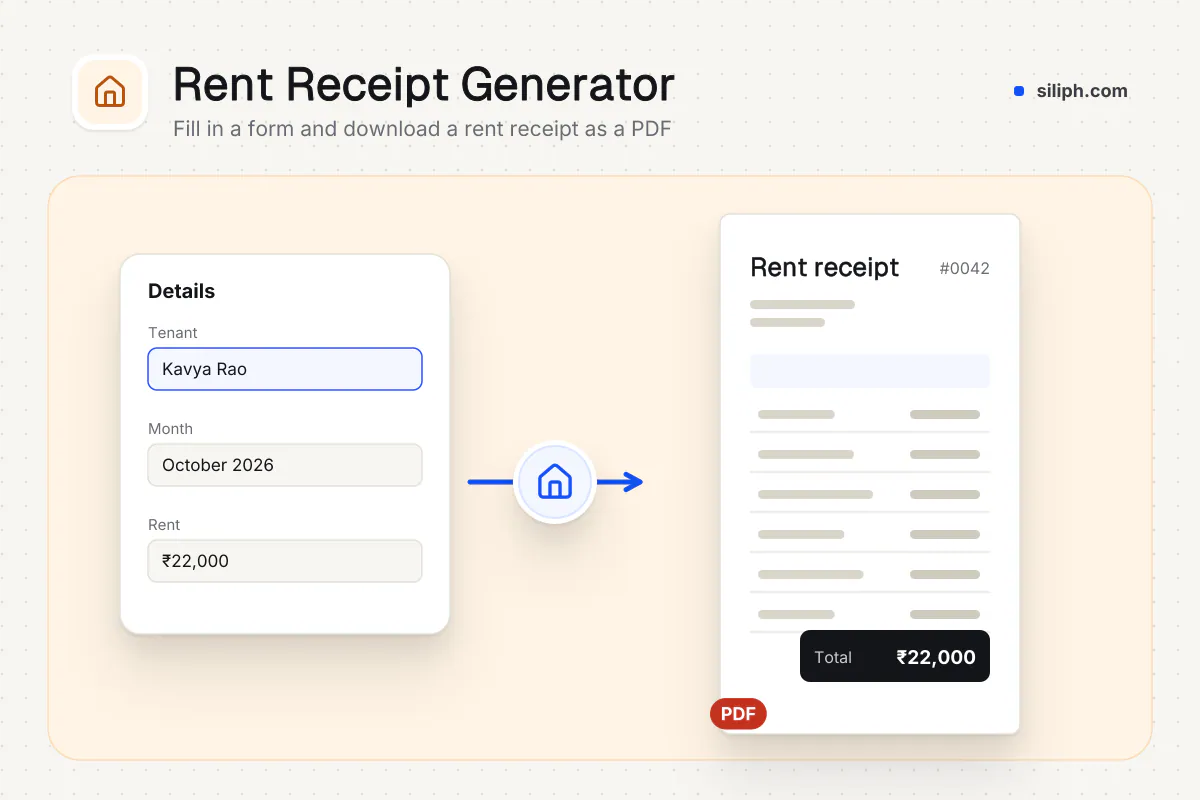
You enter the details that stay the same all year once, and the rent for each month as a row. Add Month copies the last amount and payment mode to the next month; 12 Months Auto-Fill creates April to March, or January to December for a calendar year, at the first row’s rent. Generate Receipts prints every row as a boxed receipt dated the last day of its month or a day you choose: received-with-thanks wording, the rent in figures and words, the property address, payment mode, and a landlord signature line with name and PAN.
Salaried employees in India who pay rent can reduce tax on their house rent allowance under Section 10(13A), but only with proof. Most employers ask for monthly rent receipts, and once annual rent passes 1,00,000 rupees, the landlord’s PAN as well. Landlords rarely keep receipt books, so tenants usually prepare the receipts and ask the landlord to sign them. This generator produces that set in one sitting.
Pick Financial year and type the year it starts in, such as 2025 for FY 2025-26. April to December receipts carry 2025 and January to March carry 2026, so one batch covers the whole claim. Each receipt is dated the last day of its month unless you pick a day, and a day past the month end, such as 30 for February, moves to the last day. The rent is printed with the ₹ sign and in words, and Hindi, Bengali or Tamil names print as typed.
After your landlord signs, scan the pages and attach them to your payroll portal; Compress PDF helps when the portal caps file size, and Merge PDF joins receipts from several tenancies into one file. If the landlord prefers to sign digitally, use Sign PDF. Salary proof for the same claim comes from the Salary Slip Generator. See every template on the business documents hub.
Make receipts only for rent you actually paid, at the amount you paid. A receipt for a month you did not pay, or for a higher figure, turns an HRA exemption into a false claim: the Income Tax Department can ask for the rent agreement, bank or UPI records and the landlord’s PAN, and then reverse the exemption with interest and penalty. Paying by bank transfer or UPI and keeping a signed copy, scanned with Scan to PDF, keeps the claim easy to prove.
Rent receipts are generated in your browser. Your name, your landlord’s name and PAN, and the property address are used only on your device to draw the PDF, and nothing leaves your device. The page keeps no copy, so save the PDF before you close it.
Your file stays on your device.
This tool runs in your browser.
- Processed on your phone or computer, not uploaded
- No account, no sign-up
- Free, no daily limit
When to use it
- Your employer asks for rent receipts before the year-end HRA cut-off
- You pay rent by UPI and want the transaction IDs on each receipt
- Your landlord agreed to sign receipts but has no receipt book
- Annual rent crosses the limit where the landlord’s PAN must be shown
Questions about Rent Receipt Generator
How many rent receipts do I need for HRA?
Employers usually ask for one receipt per month of the claim, so twelve for a full financial year. 12 Months Auto-Fill creates all twelve in one go.
When is the landlord’s PAN required?
The tool’s guidance notes that the landlord’s PAN is mandatory once annual rent exceeds 1,00,000 rupees. Enter it in Landlord PAN and it is printed under the signature line on every receipt.
Can I show a different rent for some months?
Yes. Each month is its own row, so change the Rent Amount for the months after a rent increase. Payment mode and transaction ID can also differ month to month.
Which year is printed on January to March receipts?
The next calendar year. With Financial year picked and 2025 entered, April to December receipts are dated 2025 and January to March receipts 2026, so one PDF covers FY 2025-26.
Does the landlord need to sign the receipts?
Yes, most employers expect a signature. Each receipt has a Landlord signature line above the landlord’s name, plus a revenue stamp box for cash rent above ₹5,000. Print the PDF, have it signed, then scan it.
Is the rent amount written in words?
Yes. The rent is written in words with Indian numbering, for example Rupees Twelve Thousand Five Hundred Only, next to the figure with the ₹ sign, and repeated in an amount box.
Is the rent receipt generator free?
Yes. It is free with no account, and you can create receipts for as many months or tenancies as you need.
Is my file private and secure?
Yes. Rent Receipt Generator runs on your phone or computer, so your file stays there and never goes to our servers. You need no account, and Siliph never sells your files. How we protect your files
Guides and how-tos
Walk-throughs for common jobs, such as hitting an upload limit or preparing an application.
Embed this tool on your site
Add Rent Receipt Generator to your blog or website for free, with a credit link back to Siliph.
Get the embed code
Embed code (iframe)
<iframe src="https://siliph.com/rent-receipt-generator/?embed=1" title="Rent Receipt Generator — Siliph" width="100%" height="620" style="border:0;border-radius:12px;max-width:900px;" loading="lazy" allow="clipboard-write"></iframe>
<p style="font-size:12px;color:#666;margin-top:8px;">Free tool by <a href="https://siliph.com/rent-receipt-generator/" rel="nofollow">Siliph</a></p>
Credit link for blog posts and tool lists
<p style="font-size:12px;color:#666;margin-top:8px;">Free tool by <a href="https://siliph.com/rent-receipt-generator/" rel="nofollow">Siliph</a></p>
Direct link: siliph.com/rent-receipt-generator/