

Watermark Image
Put your name, a website or a "copy only" note across photos and ID scans before you share them.
Stamp your name, a website or "Copy" on photos and ID scans: pick the position or a repeating pattern, size, colour, opacity and angle, for one image or a batch. Siliph is free for personal use and needs no account. Many tools work right on your device; the others use secure servers in Europe and India and delete your files within 2 hours.
- Corner, centre or repeating pattern
- Pick size, colour, opacity and angle
- Photos stay on your device
- Sent over an encrypted connection
- Files deleted after 2 hours
- Free, no signup, no watermark
Loading the Watermark Image workspace… Files are processed securely and deleted automatically.
Watermark Image in short
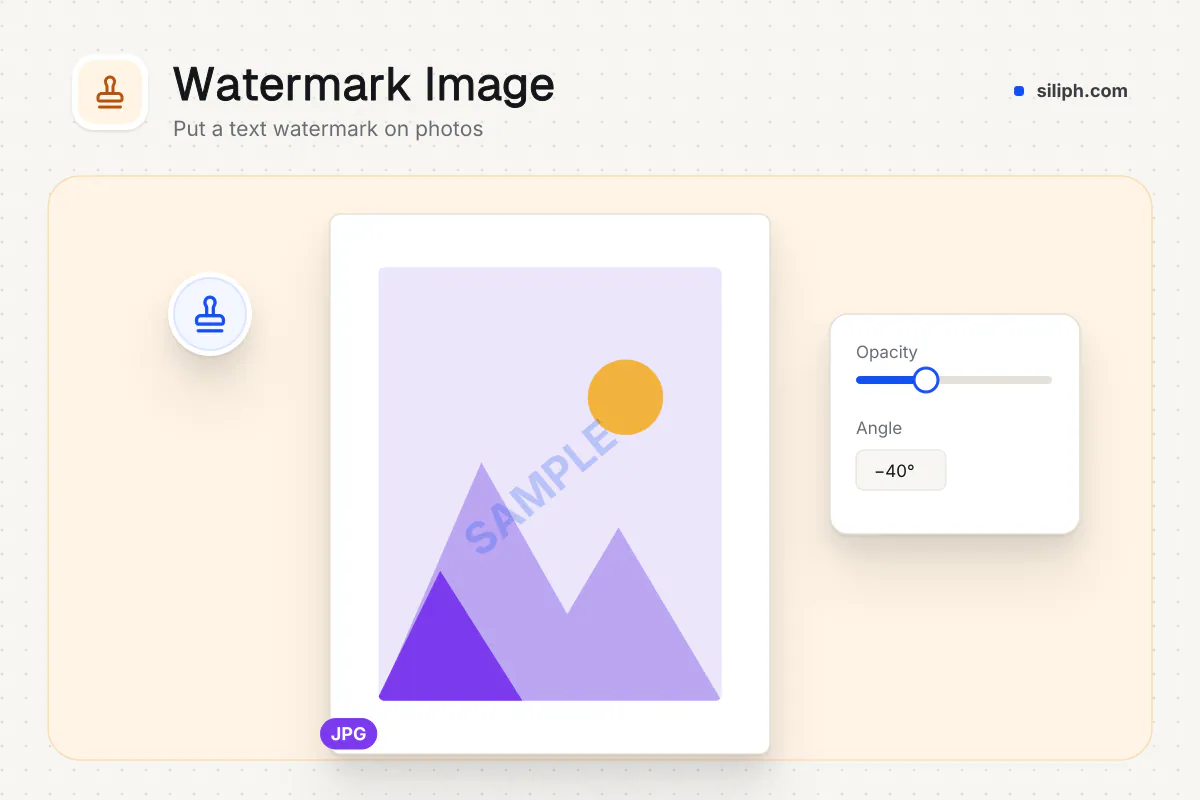
Watermark Image writes your own text on photos and scans: in a corner, in the centre or repeated across the whole picture. You set the size, colour, opacity, angle and a soft shadow, and a preview shows the result. Every image in a batch gets the same mark, in your browser, free and without an account.
Step by step
How to add a watermark to an image
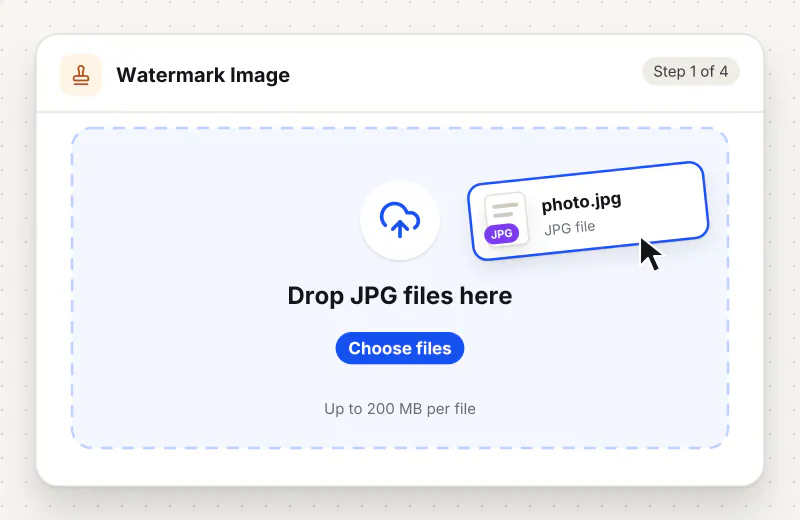
Step 1: Add your images
Drag JPG, PNG, WebP or HEIC files onto the drop zone or click Choose images. Add several to give them all the same watermark.
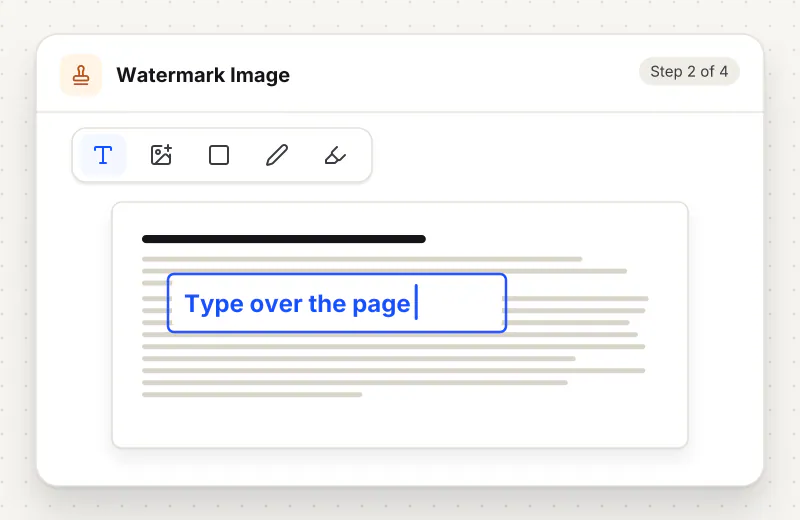
Step 2: Type the watermark text
Write up to 120 characters in Watermark text, such as your name, a website or "Copy for the bank only". The preview shows it on the first image as you type.
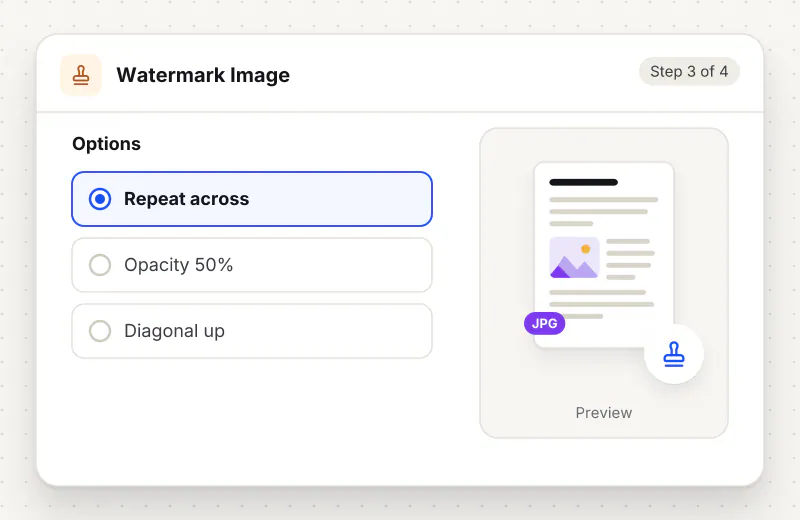
Step 3: Choose where and how it looks
Pick a Position (a corner, Centre or Repeat across the whole image) and an Angle, then set Text size, Opacity and Colour. Leave Soft shadow on for light text on bright photos.
Step 4: Save the marked images
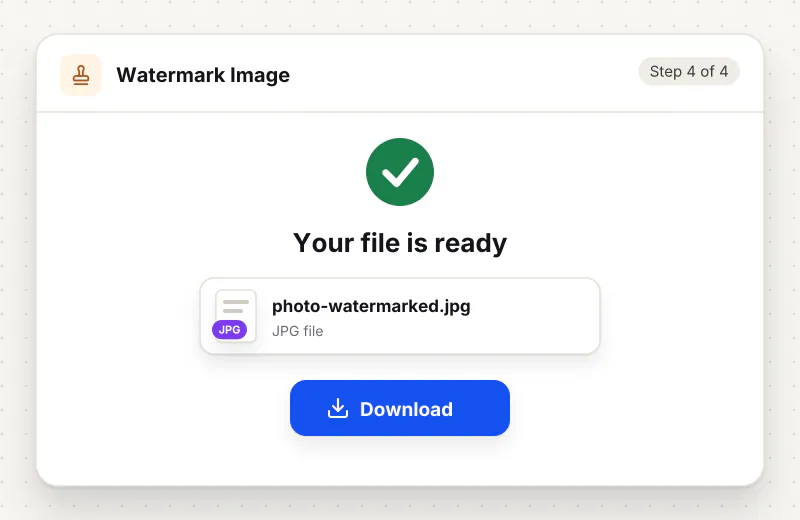
Start the task. One image downloads with -watermarked added to its name; a batch comes back as watermarked-images.zip.
Features
What Watermark Image gives you
A repeating pattern for ID copies
Repeat across the whole image covers the picture in rows of text, so no part of an ID scan can be cropped out and reused cleanly. A slanted angle makes it harder still to remove.
Text that scales with each photo
Size is set as 2 to 30 percent of the shorter side, so the same setting gives a matching mark on a small phone photo and a large camera image in one batch.
Readable on light and dark
Pick white, black, grey, red or any colour, set opacity from 5 to 100 percent, and keep the soft shadow on so white text stays visible on sky, paper and other bright areas.
What does Watermark Image do?
The text is drawn into the picture itself, so it cannot be switched off like a layer or a caption. Its size follows the shorter side of each photo, which keeps the mark in proportion on big and small images alike. Opacity lets the photo show through, and the soft shadow keeps light text readable on bright areas.
Copies of identity documents are asked for everywhere: landlords, employers, hotels, banks and courier services. A copy without a mark can be reused for something else. Writing the purpose and date across it, such as "Copy for flat rental, May 2026 only", makes a reused copy easy to spot. The repeating pattern places that line in rows over the whole scan, so a crop cannot remove it.
For photos you sell or share publicly, a small name in a corner is usually enough and spoils the picture less. Set the text size low, the opacity around 40 to 60 percent and choose the corner with the least detail. A centred or repeating mark is stronger for proofs that a client should not use before paying.
Watermarking is often the last step. Turn a sideways photo first with Rotate Image, trim it with Crop Image and set the size with Resize Image. To mark pages in a document instead, use Watermark PDF, and Compress Image to KB helps when the marked scan must stay under an upload limit.
The mark is drawn in your browser. The images are processed on your device and never leave it, which is what you want for passport and licence scans. The tool is free for personal use, takes up to 20 images in one task and needs no account.
Your file stays on your device.
This tool runs in your browser.
- Processed on your phone or computer, not uploaded
- No account, no sign-up
- Free for personal use
When to use Watermark Image
- You send a copy of your passport or driving licence and want it marked for one purpose only
- You post product photos for an online shop and want your shop name on each one
- A photographer shares proofs with a client before the final pictures are paid for
- A rental listing uses your photos and you want them credited when they are reused
Questions about Watermark Image
How do I watermark a copy of my ID?
Type who the copy is for and the date, such as "Copy for car hire, June 2026 only", choose Repeat across the whole image and a slanted angle, and keep the opacity around 40 to 50 percent so the details stay legible.
Can the watermark be removed later?
The text becomes part of the pixels, so it cannot be switched off. A skilled editor could paint over a small corner mark, which is why a repeating pattern over the whole image is better for documents.
Can I add a logo instead of text?
This tool adds text only. Type your brand or website name instead; for a logo on PDF pages, Watermark PDF accepts an image.
Can I watermark many photos at once?
Yes. Add up to 20 images, set the text and look once, and start the task. Each image gets the same mark, sized to its own shorter side, and they download together in a ZIP file.
Which colour and opacity work best?
White at about 50 percent with the soft shadow on works on most photos. Use black or grey on white paper scans. Lower opacity hides less of the picture; higher opacity is harder to remove.
Does the tool change my photo quality?
The image keeps its width, height and format. JPG files are saved again at quality 90, which looks the same in normal use, and PNG files are saved without loss.
Is Watermark Image free to use?
Yes, it is free for personal use and needs no account. Your images are marked in your browser and stay on your device.
Is my file private and secure?
Yes. Watermark Image runs on your phone or computer, so your file stays there and never goes to our servers. You need no account, and Siliph never sells your files. How we protect your files
Embed this tool on your site
Add Watermark Image to your blog or website for free, with a credit link back to Siliph.
Get the embed code
Embed code (iframe)
<iframe src="https://siliph.com/watermark-image/?embed=1" title="Watermark Image — Siliph" width="100%" height="620" style="border:0;border-radius:12px;max-width:900px;" loading="lazy" allow="clipboard-write"></iframe>
<p style="font-size:12px;color:#666;margin-top:8px;">Free tool by <a href="https://siliph.com/watermark-image/" rel="nofollow">Siliph</a></p>
Credit link for blog posts and tool lists
<p style="font-size:12px;color:#666;margin-top:8px;">Free tool by <a href="https://siliph.com/watermark-image/" rel="nofollow">Siliph</a></p>
Direct link: siliph.com/watermark-image/