
Markdown to PDF Converter
Write standard markdown text, see formatting, and export as clean PDF
Project Specifications & Proposal
1. Overview
This is a standard Markdown proposal document. You can edit this text on the left and see the real-time preview on the right. When you are ready, click the Download PDF button to compile this document into a formatted PDF instantly.
2. Key Objectives
3. Scope of Work
Lorem ipsum dolor sit amet, consectetur adipiscing elit. Aliquam pulvinar libero non leo convallis, eget feugiat nunc scelerisque. Curabitur in metus dictum, lobortis leo eu, accumsan diam.
Drafted on: 11/27/2026
Why use this tool
Your files are safe
Your file stays on your device: this tool runs in your browser.
No account needed
Free, with nothing to install.
Works everywhere
Use Siliph on desktop, tablet and mobile. No installation required.
Step by step
How to convert Markdown to PDF
Get it done in 3 simple steps.
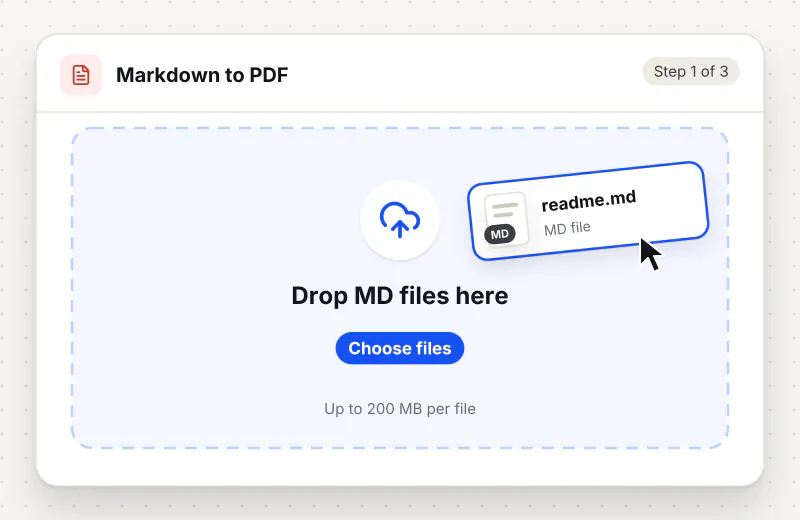
Step 1: Paste or type your Markdown
Clear the sample text in the Markdown Editor and paste your notes, or type from scratch. Use the H1, H2 and bullet list buttons above the editor to insert the markers.
Step 2: Check the document preview
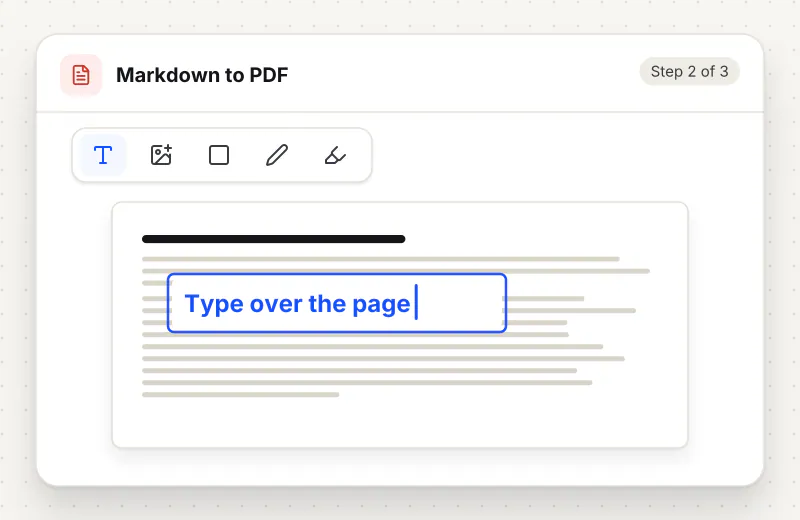
The Document Preview panel updates as you type. Confirm that titles, section headings and bullets look right before you export.
Step 3: Download the PDF
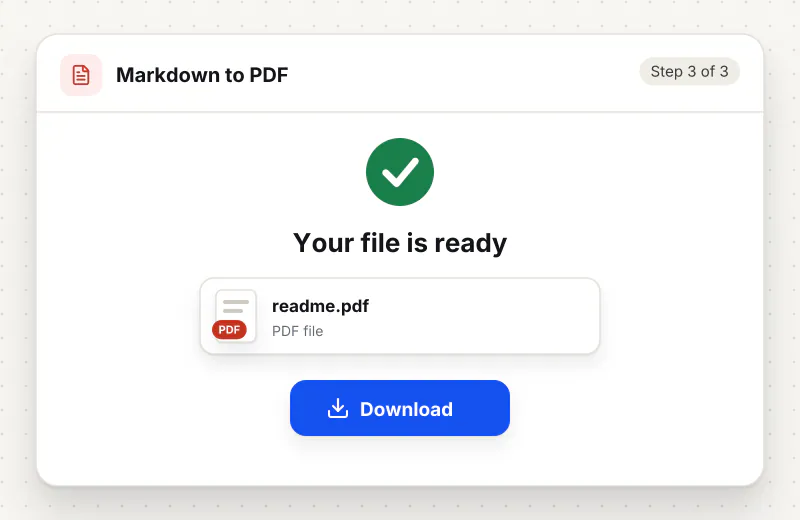
Click Download PDF. Your browser builds the A4 file and saves it as Markdown_Document.pdf, with page breaks added wherever a page fills up.
Write or paste standard Markdown text into our interactive editor, see a live preview, and download as a formatted PDF instantly.
- Live preview next to the Markdown Editor
- Headings, subheadings and bullet lists styled in the PDF
- A4 pages with automatic page breaks
In short
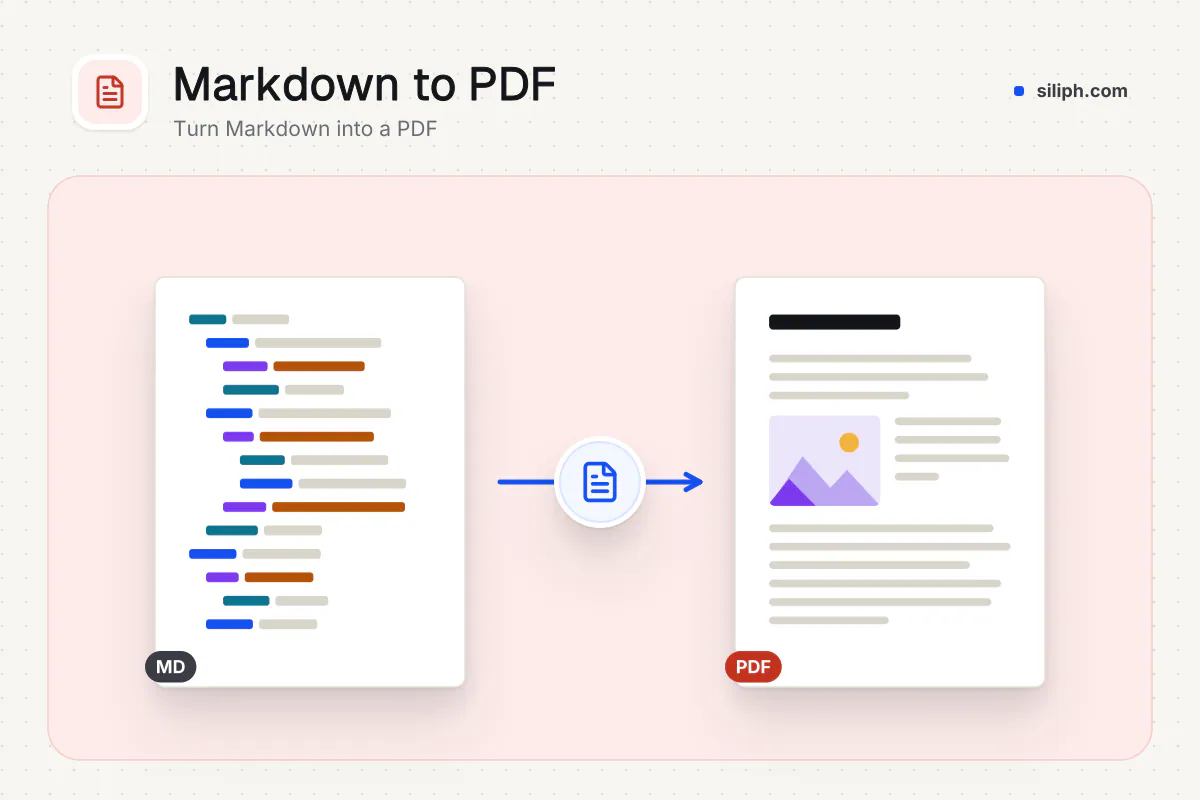
Markdown to PDF is an editor with a live preview. Type or paste Markdown, check the formatted view on the right, and click Download PDF to get an A4 document with styled headings, subheadings, bullet lists and wrapped paragraphs. Long text breaks onto new pages automatically. It is free, needs no account and runs in your browser.
Features
What you get
Side-by-side editor and preview
Write on the left and read the formatted version on the right as you type, so you catch a missing heading marker before you download anything.
Clean A4 layout with page breaks
Headings are set in bold, bullets get a hanging indent and paragraphs wrap to the page width. A new page starts automatically when one fills.
Built in your browser
The PDF is generated by your browser from the text in the editor. Your notes never leave your device, and there is no file to send or wait for.
What does Markdown to PDF do?
The editor reads your text line by line. A line starting with # becomes a large title, ## a section heading, and - or * a bullet point; every other line is a wrapped paragraph and blank lines add space. When you click Download PDF, the same rules lay the text out on A4 pages in Roboto with even margins, starting a new page whenever the current one is full. The PDF is assembled by your browser.
Markdown is quick to write and easy to read as plain text, but most people outside developer teams expect a PDF. This editor bridges that gap for simple documents. It handles the parts of Markdown that notes and outlines rely on: a title with #, section headings with ##, bullet lists with - or *, and plain paragraphs. The output is a tidy A4 file in Roboto with consistent spacing.
Know the limits before you paste a long README. Third-level headings (###), bold and italic markers, links, images, tables, numbered lists and code blocks are not converted; they appear as the literal characters you typed. Remove the asterisks or use plain wording where emphasis matters. Rupee signs and Hindi, Bengali or Tamil text print as typed. Emoji and scripts without a bundled font, such as Gujarati, Telugu, Arabic or Chinese, are left out of the PDF, so check those passages.
For richer formatting, write the document in a word processor and use Word to PDF. Plain text files with no markup go through TXT to PDF, and saved web pages through HTML to PDF. Once your Markdown PDF is ready, Merge PDF can add it to a larger pack and Add Page Numbers can number the pages. More converters live on the PDF converter hub.
Everything happens in your browser tab. The text you type is turned into a PDF on your device and saved straight to your downloads folder; it never leaves your device. Nothing is kept after you close or reload the page, so save the PDF, or copy the Markdown somewhere safe, before you leave.
Your file stays on your device.
This tool runs in your browser.
- Processed on your phone or computer, not uploaded
- No account, no sign-up
- Free, no daily limit
When to use it
- Meeting notes written in Markdown need to go to someone who wants a PDF
- A project outline drafted in a notes app has to be printed for a workshop
- A short spec or checklist must be attached to an email as a fixed file
- You want a tidy PDF from plain notes without opening a word processor
At a glance
Free plan at a glance
What you get on the free plan, and when a paid plan applies.
| Price | Free for personal and business use, with no daily limit |
|---|---|
| File size | Up to 300 MB on a computer, 100 MB on a phone, for this tool |
| Where it runs | On your phone or computer: the file never goes to our servers |
| File deletion | Your file never reaches our servers, so we keep nothing |
Questions about Markdown to PDF
Which Markdown syntax does the converter support?
Lines starting with # (title), ## (section heading), and - or * (bullet) are styled. Every other line becomes a wrapped paragraph, and blank lines add spacing.
Why do asterisks show up around my bold words?
Bold and italic markers are not converted, so **word** prints with its asterisks. Remove the markers, or use a heading line for text that needs to stand out.
Can I open a .md file instead of pasting?
There is no file picker. Open the .md file in any text editor, copy everything, and paste it into the Markdown Editor. The preview and PDF follow straight away.
Are tables, links and code blocks supported?
No. They are printed as the plain characters you typed, including pipes and backticks. For tables, use CSV to PDF or build the document in Word and use Word to PDF.
Can I use other scripts or currency signs such as € or ₹?
Yes. Currency signs such as €, £, ¥ and ₹, and Hindi, Bengali and Tamil text, print in the PDF. Emoji and scripts with no bundled font, such as Gujarati, Telugu, Arabic or Chinese, are dropped without stopping the download.
What page size does the PDF use?
Every page is A4 with even margins. Long documents continue onto new pages, and a heading that would sit at the very bottom moves to the next page. Long headings wrap onto a second line.
Is my Markdown text kept private?
Yes. The PDF is built in your browser from the text in the editor, and nothing is stored after you close the tab. It is free and needs no account.
Embed this tool on your site
Add Markdown to PDF to your blog or website for free, with a credit link back to Siliph.
Get the embed code
Embed code (iframe)
<iframe src="https://siliph.com/markdown-to-pdf/?embed=1" title="Markdown to PDF — Siliph" width="100%" height="620" style="border:0;border-radius:12px;max-width:900px;" loading="lazy" allow="clipboard-write"></iframe>
<p style="font-size:12px;color:#666;margin-top:8px;">Free tool by <a href="https://siliph.com/markdown-to-pdf/" rel="nofollow">Siliph</a></p>
Credit link for blog posts and tool lists
<p style="font-size:12px;color:#666;margin-top:8px;">Free tool by <a href="https://siliph.com/markdown-to-pdf/" rel="nofollow">Siliph</a></p>
Direct link: siliph.com/markdown-to-pdf/