

Repair PDF
Rebuild a damaged PDF so it opens in your reader and passes the checks of upload portals again.
Rebuild damaged PDF structure so files open and upload correctly again. Siliph is free for personal use and needs no account. Many tools work right on your device; the others use secure servers in Europe and India and delete your files within 2 hours.
- Text stays sharp
- Pick the quality you need
- Free with no watermarks
- Sent over an encrypted connection
- Files deleted after 2 hours
- Free, no signup, no watermark
Loading the Repair PDF workspace… Files are processed securely and deleted automatically.
Repair PDF in short
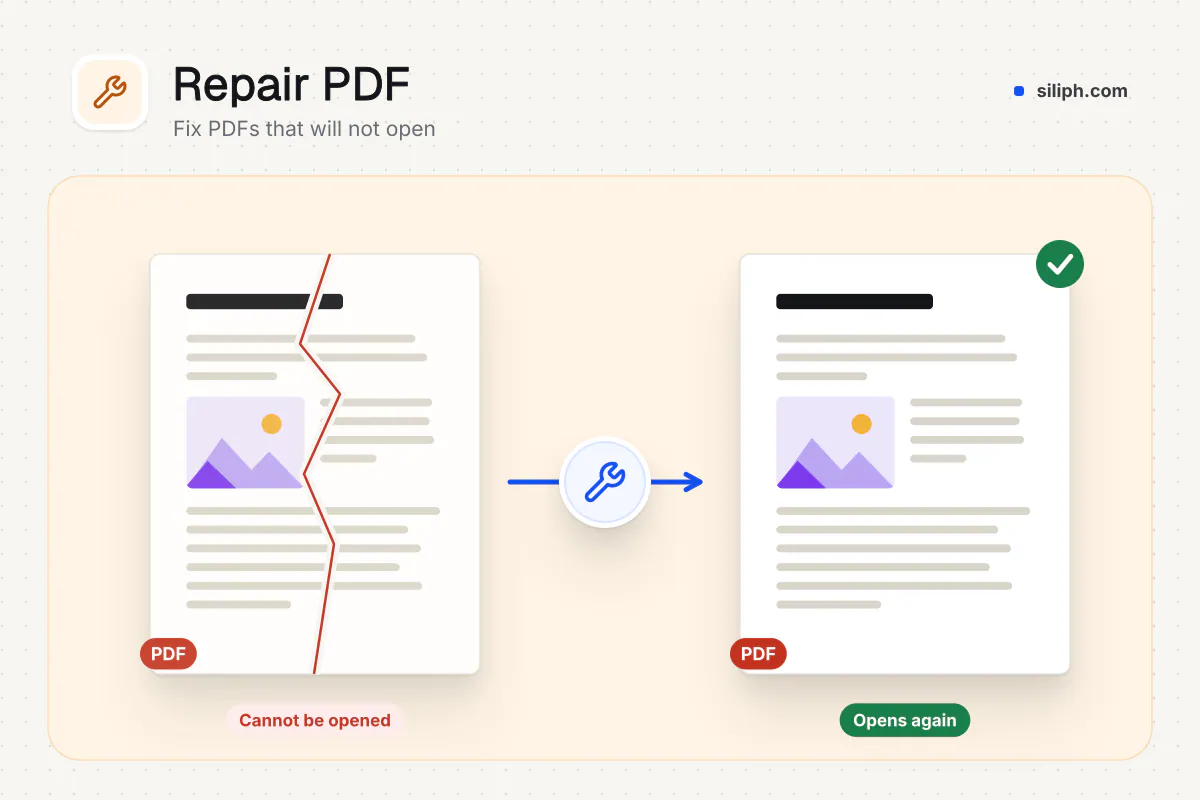
Repair PDF reads a damaged or badly written PDF, recovers the parts that are still intact and writes them into a clean, consistent new file, so it opens in readers and uploads without errors. There are no settings. It is free with no account, accepts PDFs up to 2 GB and deletes uploads within 2 hours.
Step by step
How to repair a corrupted PDF
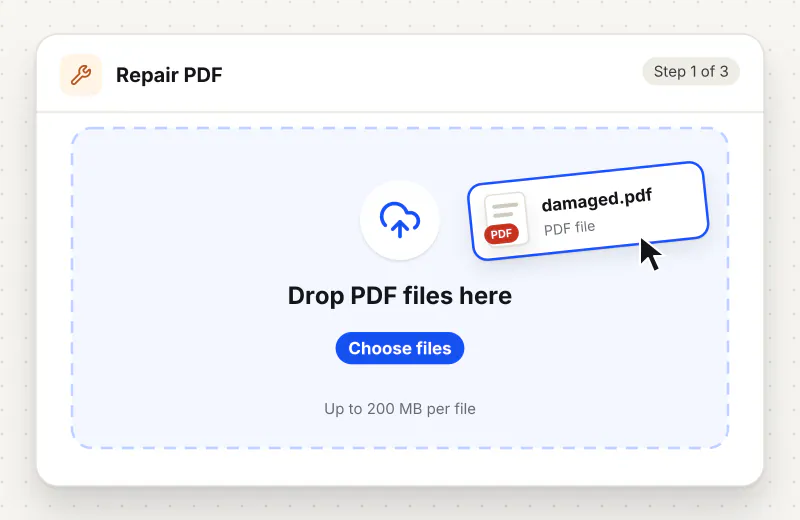
Step 1: Upload the broken PDF
Drag the damaged file into the drop zone or click Choose the damaged PDF. Repair one file per task; it can be up to 2 GB.
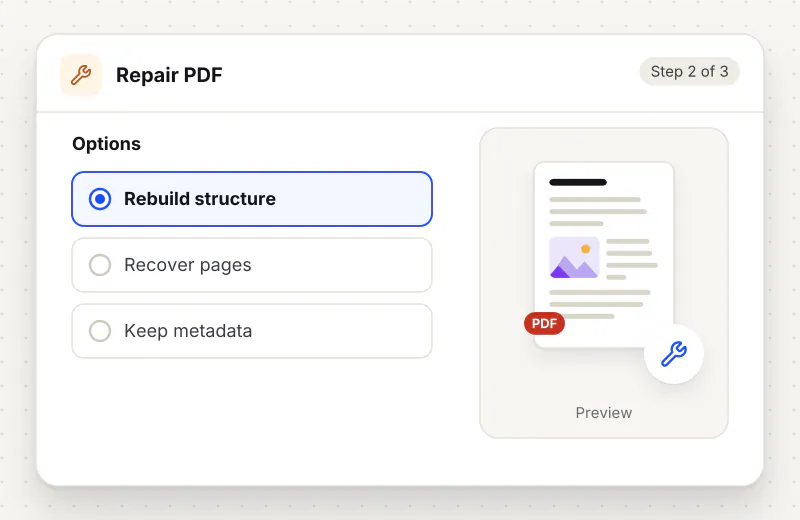
Step 2: Let the tool rebuild it
Start the task. The server rebuilds the file from the parts it can read. If that first engine cannot fix it, a second engine rewrites the file as a fallback.
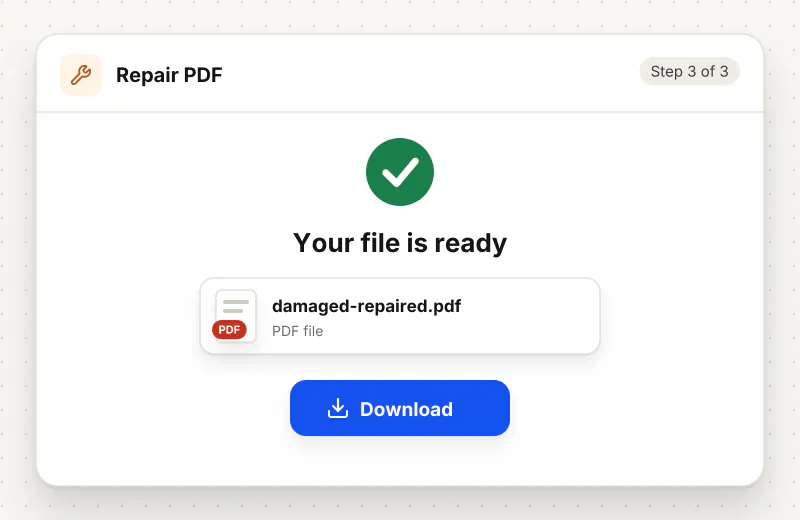
Step 3: Download and open the repaired copy
Download the file saved with -repaired in its name and open it in your usual reader. Scroll through every page to confirm the content you need is there before you delete the original.
Features
What Repair PDF gives you
Structure rebuilt from what can be read
Instead of patching one error, the tool writes a completely new file from the objects it can still parse, which clears broken indexes, wrong offsets and leftover junk in one pass.
Ready for portals and web viewing
The repaired copy is written in a tidy, standard layout and, in most cases, set up for fast web view, which helps with strict upload validators and browsers that show page one while the rest loads.
Your original stays untouched
The result is a separate file with -repaired in the name. Keep the original until you have checked the new copy page by page.
What does Repair PDF do?
Inside every PDF is an index that tells a reader where each page, font and image starts. Interrupted downloads, buggy exporters and failing drives break that index or the objects it points to, and readers then refuse the file. The tool checks the structure, collects every object it can still read and writes a new file with a fresh index. Content that is truly missing from the damaged file cannot be brought back.
Most broken PDFs are not destroyed, just disorganised. The file ends with a table that lists where every object sits, and if a download stops early, an exporter miscounts or a drive flips a few bytes, that table points to the wrong places. Readers then give up with a message about a damaged file. Repair PDF rebuilds the table from what is actually in the file. The Fix Corrupted PDF and Repair PDF Online pages lead here too.
Repair has limits. Pages that were never written, because a download was cut off halfway, cannot be invented, so a truncated file may come back shorter than expected. A PDF that asks for a password to open must be unlocked with Unlock PDF before it can be repaired. If a scan opens but looks crooked rather than broken, Deskew PDF is the right fix.
After a successful repair, the file behaves like any other PDF. Shrink it for a portal with Compress PDF, or archive it with PDF to PDF/A so it stays readable for years. More fixes for scanned and problem files are in the Scan and OCR hub.
Repair PDF runs on our servers. The damaged file travels over an encrypted upload, is rebuilt automatically with no one opening it, and is deleted within 2 hours together with the repaired copy. It is free for personal use, with no account.
Every file is encrypted.
On the way to us and while stored.
- Sent over HTTPS
- Deleted automatically within 2 hours
- Never sold, never viewed by a person
When to use Repair PDF
- Your PDF reader says the file is damaged and could not be repaired
- An upload portal rejects a PDF as invalid even though it opens on your computer
- A PDF copied from an old USB drive or email attachment shows blank pages or errors
- A file exported by accounting or scanning software crashes other tools you open it with
At a glance
Repair PDF: free at a glance
What you get on the free plan, and when a paid plan applies.
| Price | Free for personal use, up to 30 tasks in any 24 hours |
|---|---|
| File size | Up to 2 GB per task |
| Files per task | Up to 20 on the free plan (up to 100 on paid plans) |
| Account | Not needed |
| Where it runs | On our servers, over an encrypted connection |
| File deletion | Deleted automatically within 2 hours |
| Watermark | None |
| Business use | Paid plans from ₹399 a week |
Why Siliph
Repair PDF on Siliph and on typical free PDF sites
The right-hand column sums up 5 popular free PDF sites we checked in October 2026.
| Feature | Siliph | Typical free PDF sites |
|---|---|---|
| Account for personal use | Not needed | Some sites ask you to sign in to finish or repeat a task |
| Free use | Up to 30 tasks in any 24 hours, 20 files a task | Some sites stop you after a few tasks an hour |
| Where your file goes | Uploaded over HTTPS and deleted within 2 hours | Usually uploaded, then deleted after 1 to 2 hours |
Checked October 2026. Other sites change their plans; check before you rely on a limit.Side-by-side comparisons
Questions about Repair PDF
Can every corrupted PDF be repaired?
No. The tool recovers whatever is still in the file. If the damage only affects the internal index, the PDF usually comes back complete. If part of the content was never saved, those pages cannot be restored.
Why is my repaired PDF missing pages?
The original file most likely stopped part way through, often after an interrupted download or transfer. The missing pages were never in it. Download or copy the file again from its source if you can.
Will repairing change how my PDF looks?
No. The tool rewrites the structure, not the content. Text, images, fonts and page sizes that can be read are written into the new file as they were.
Can I repair a password-protected PDF?
Not while it needs a password to open, because the tool has no way to read the content. Unlock it with Unlock PDF first, using the password, then repair the unlocked copy.
What does the error "file is damaged and could not be repaired" mean?
Your reader could not find or trust the index that lists where the objects in the PDF are stored. Rebuilding that index with Repair PDF is often enough to make the file open again.
Is Repair PDF free?
Yes. It is free for personal use, with no account. Files can be up to 2 GB and are deleted from our servers within 2 hours.
Is my file private and secure?
Yes. Your file travels over HTTPS, is stored encrypted, is processed by machines with no person looking at it, and is deleted automatically within 2 hours. You need no account, and Siliph never sells your files. How we protect your files
Guides for Repair PDF
Walk-throughs for common jobs, such as hitting an upload limit or preparing an application.
Embed this tool on your site
Add Repair PDF to your blog or website for free, with a credit link back to Siliph.
Get the embed code
Embed code (iframe)
<iframe src="https://siliph.com/repair-pdf/?embed=1" title="Repair PDF — Siliph" width="100%" height="620" style="border:0;border-radius:12px;max-width:900px;" loading="lazy" allow="clipboard-write"></iframe>
<p style="font-size:12px;color:#666;margin-top:8px;">Free tool by <a href="https://siliph.com/repair-pdf/" rel="nofollow">Siliph</a></p>
Credit link for blog posts and tool lists
<p style="font-size:12px;color:#666;margin-top:8px;">Free tool by <a href="https://siliph.com/repair-pdf/" rel="nofollow">Siliph</a></p>
Direct link: siliph.com/repair-pdf/