

Flatten PDF
Turn a filled-in form or a reviewed PDF into a fixed document whose answers and comments can no longer be changed.
Makes fillable PDFs read-only. Print & scan in one step Siliph is free for personal use and needs no account. Many tools work right on your device; the others use secure servers in Europe and India and delete your files within 2 hours.
- AES-256 encryption
- Sent over an encrypted connection
- Files auto-delete after 2 hours
- Sent over an encrypted connection
- Files deleted after 2 hours
- Free, no signup, no watermark
Loading the Flatten PDF workspace… Files are processed securely and deleted automatically.
Flatten PDF in short
Flatten PDF merges form fields and annotations into the page, so typed answers, ticked boxes, comments, highlights and stamps stay visible but can no longer be edited. Add several PDFs and each is flattened. There are no settings. It is free with no account, accepts files up to 150 MB and deletes uploads within 2 hours.
Step by step
How to flatten a PDF form
Step 1: Fill in the form first
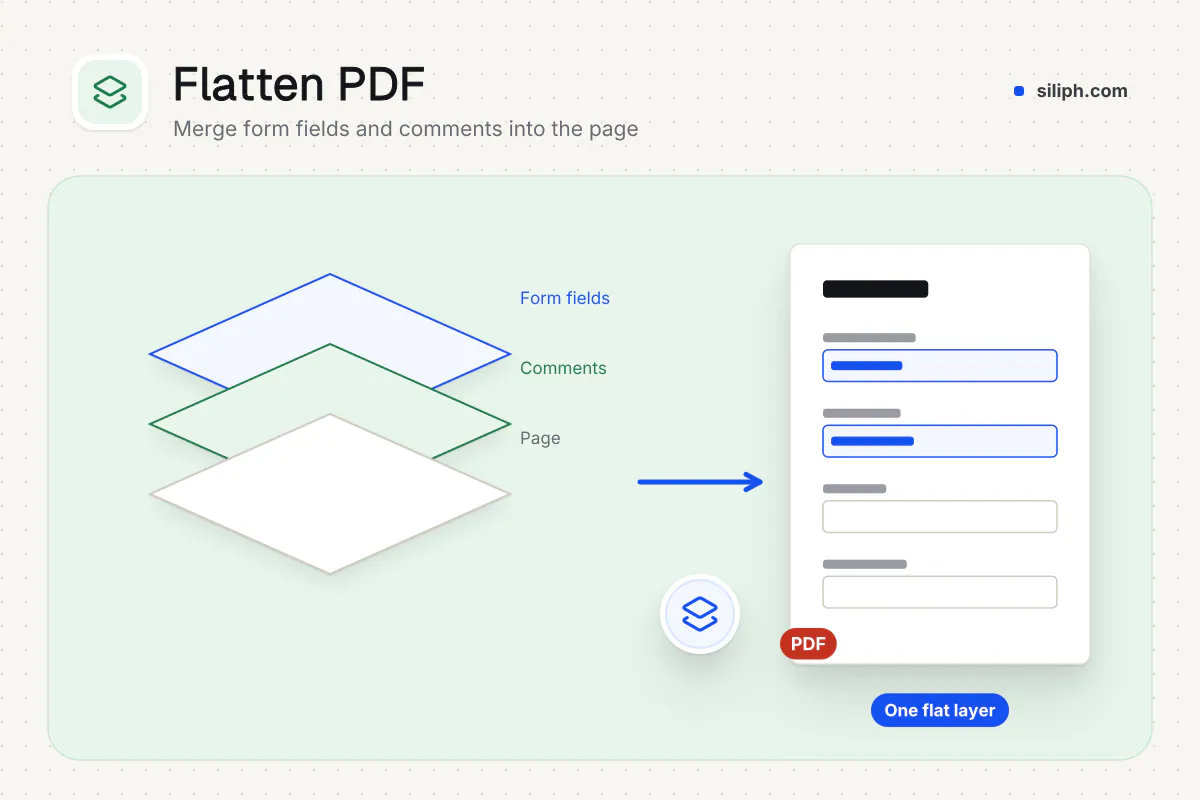
Complete and save the form in your usual PDF reader, then drag it into the drop zone or click Choose a PDF form. Add several PDFs to flatten them all, up to 150 MB in total.
Step 2: Flatten the fields
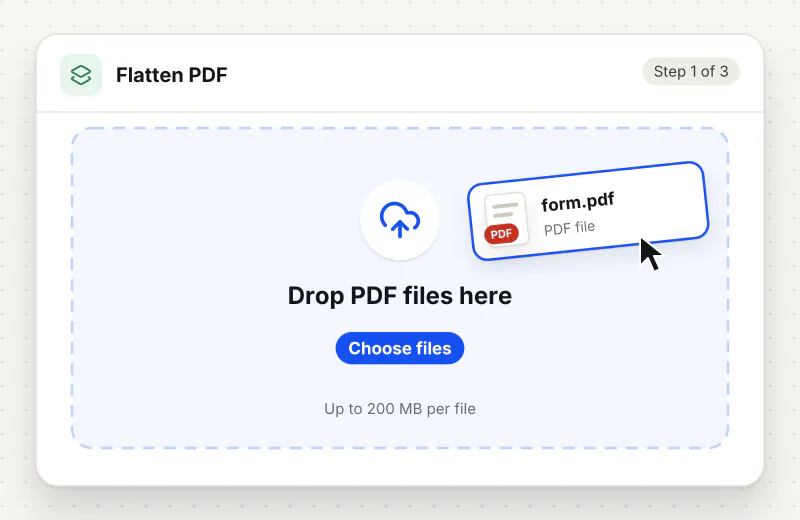
There is nothing to configure. Start the task and every form field, comment, highlight and stamp is drawn into the page as it currently looks.
Step 3: Download the flattened PDF
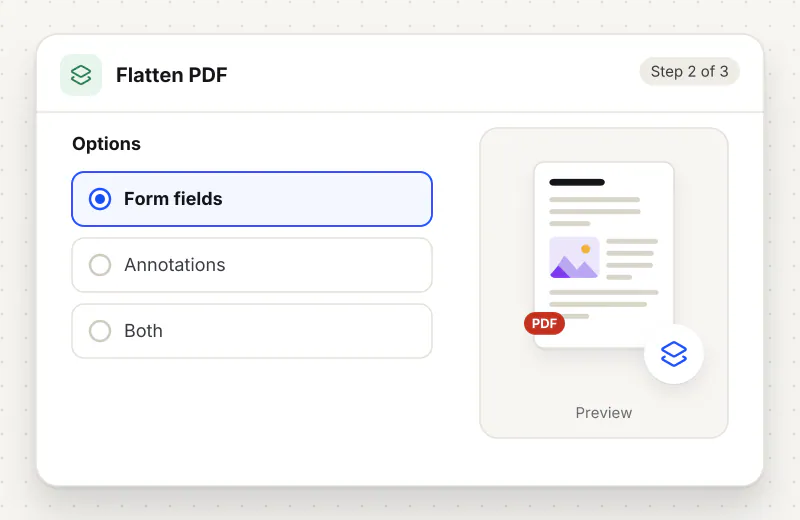
Download the result, saved with -flattened added to the name. Open it and click a field to confirm it no longer accepts typing before you send it.
Features
What Flatten PDF gives you
Every kind of form field
Text boxes, checkboxes, radio buttons and dropdown lists are all drawn into the page with their current values, so the flattened copy shows exactly what was filled in.
Answers that look the same everywhere
Some apps and printers ignore interactive fields and show them empty. Once flattened, the values are ordinary page content and appear in every viewer, browser and print preview.
Comments and stamps too
Review marks such as highlights, sticky-note icons, stamps, ink drawings and text boxes are drawn into the page, so a signed-off copy cannot be quietly edited. Links stay clickable.
What does Flatten PDF do?
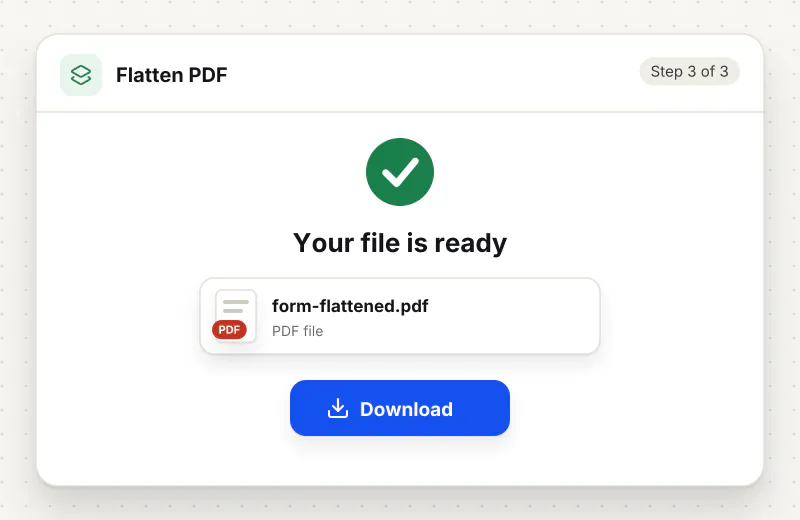
A PDF keeps form fields and review marks as a separate interactive layer on top of the page. Flattening draws the current look of each field and each comment, highlight, stamp or drawing onto the page itself and removes the layer. Everything looks the same, but there is nothing left to click, move or retype. Links stay clickable.
A fillable PDF is really two documents in one: the printed page and a layer of interactive boxes floating above it. That layer is what lets you type, but it also lets the next person change a figure, untick a box or clear a field, and some viewers do not draw it at all, so a completed form arrives looking blank. Flattening merges the layer into the page. The Flatten PDF Forms and Flatten PDF Online Free pages lead to the same tool.
Flatten only after the form is complete, because a flattened field cannot be reopened for typing; keep the fillable original if you may need to edit it again. Comments, highlights and stamps are flattened too, so remove any you do not want with Remove Annotations first. If you are building a form rather than finishing one, start with Create Forms instead.
Flattening stops casual edits, not copying: the values are still text in the page. To restrict opening the file, add a password with Protect PDF, and to sign the completed form, use Sign PDF before or after flattening. Related tools sit in the Security hub.
Smaller forms are flattened in your browser. Larger files use an encrypted upload to our servers, are processed automatically without human access, and are deleted within 2 hours. It is free for personal use, with no account.
Small files stay on your device.
Bigger files use an encrypted upload.
- No account, no sign-up
- Larger files go over HTTPS and are deleted automatically within 2 hours
- Never sold, never viewed by a person
When to use Flatten PDF
- You filled in a government or bank form and want to send it so nobody can alter the answers
- A portal rejects PDFs that still contain interactive form fields
- Field values disappear or show blank when the form is opened in another app or printed
- You are archiving a completed application and want a fixed record of what was submitted
At a glance
Flatten PDF: free at a glance
What you get on the free plan, and when a paid plan applies.
| Price | Free for personal use, up to 30 tasks in any 24 hours |
|---|---|
| File size | Up to 150 MB per task |
| Files per task | Up to 20 on the free plan (up to 100 on paid plans) |
| Account | Not needed |
| Where it runs | On your phone or computer for files up to 300 MB on a computer or 100 MB on a phone; bigger files go to our servers over a secure connection |
| File deletion | Files sent to our servers are deleted automatically within 2 hours |
| Watermark | None |
| Business use | Paid plans from ₹399 a week |
Why Siliph
Flatten PDF on Siliph and on typical free PDF sites
The right-hand column sums up 5 popular free PDF sites we checked in October 2026.
| Feature | Siliph | Typical free PDF sites |
|---|---|---|
| Account for personal use | Not needed | Some sites ask you to sign in to finish or repeat a task |
| Free use | Up to 30 tasks in any 24 hours, 20 files a task | Some sites stop you after a few tasks an hour |
| Where your file goes | Small files stay in your browser; larger ones are uploaded over HTTPS and deleted within 2 hours | Usually uploaded, then deleted after 1 to 2 hours |
Checked October 2026. Other sites change their plans; check before you rely on a limit.Side-by-side comparisons
Questions about Flatten PDF
What does flattening a PDF do?
It turns interactive form fields into normal page content. The values you typed, ticked or picked stay visible in the same place, but the fields can no longer be clicked or edited in a PDF reader.
Can I edit a PDF form again after flattening it?
Not in the fields; they are gone from the flattened copy. Keep the original fillable PDF if you might need to change an answer, then flatten a fresh copy when the form is final.
Does flattening keep comments and highlights?
It keeps how they look but fixes them into the page. Highlights, stamps, drawings and note icons stay visible and can no longer be edited, moved or deleted. Links stay clickable.
Why do my form answers show blank on some devices?
Some viewers and printers do not draw interactive fields, so the values seem to vanish. Flattening fixes this, because the answers become part of the page and every viewer shows them.
What happens if my PDF has no form fields?
Any comments, highlights or stamps are still flattened. A PDF with no form fields and no annotations is saved again without visible changes, because there is nothing to merge.
Can someone still copy text from a flattened PDF?
Yes. Flattening fixes the answers into the page, but they remain text that can be selected and copied. To stop people opening the file at all, add a password with Protect PDF.
Is Flatten PDF free?
Yes. It is free for personal use, with no account. Files can be up to 150 MB, and anything that reaches our servers is deleted within 2 hours.
Is my file private and secure?
Yes. Flatten PDF runs on your phone or computer, so your file usually stays there. Only a file too big to handle on your device goes to our servers: it travels over HTTPS, is stored encrypted, is processed by machines with no person looking at it, and is deleted automatically within 2 hours. Siliph never sells your files. How we protect your files
Guides for Flatten PDF
Walk-throughs for common jobs, such as hitting an upload limit or preparing an application.
Embed this tool on your site
Add Flatten PDF to your blog or website for free, with a credit link back to Siliph.
Get the embed code
Embed code (iframe)
<iframe src="https://siliph.com/flatten-pdf/?embed=1" title="Flatten PDF — Siliph" width="100%" height="620" style="border:0;border-radius:12px;max-width:900px;" loading="lazy" allow="clipboard-write"></iframe>
<p style="font-size:12px;color:#666;margin-top:8px;">Free tool by <a href="https://siliph.com/flatten-pdf/" rel="nofollow">Siliph</a></p>
Credit link for blog posts and tool lists
<p style="font-size:12px;color:#666;margin-top:8px;">Free tool by <a href="https://siliph.com/flatten-pdf/" rel="nofollow">Siliph</a></p>
Direct link: siliph.com/flatten-pdf/