

Pages to PDF Converter
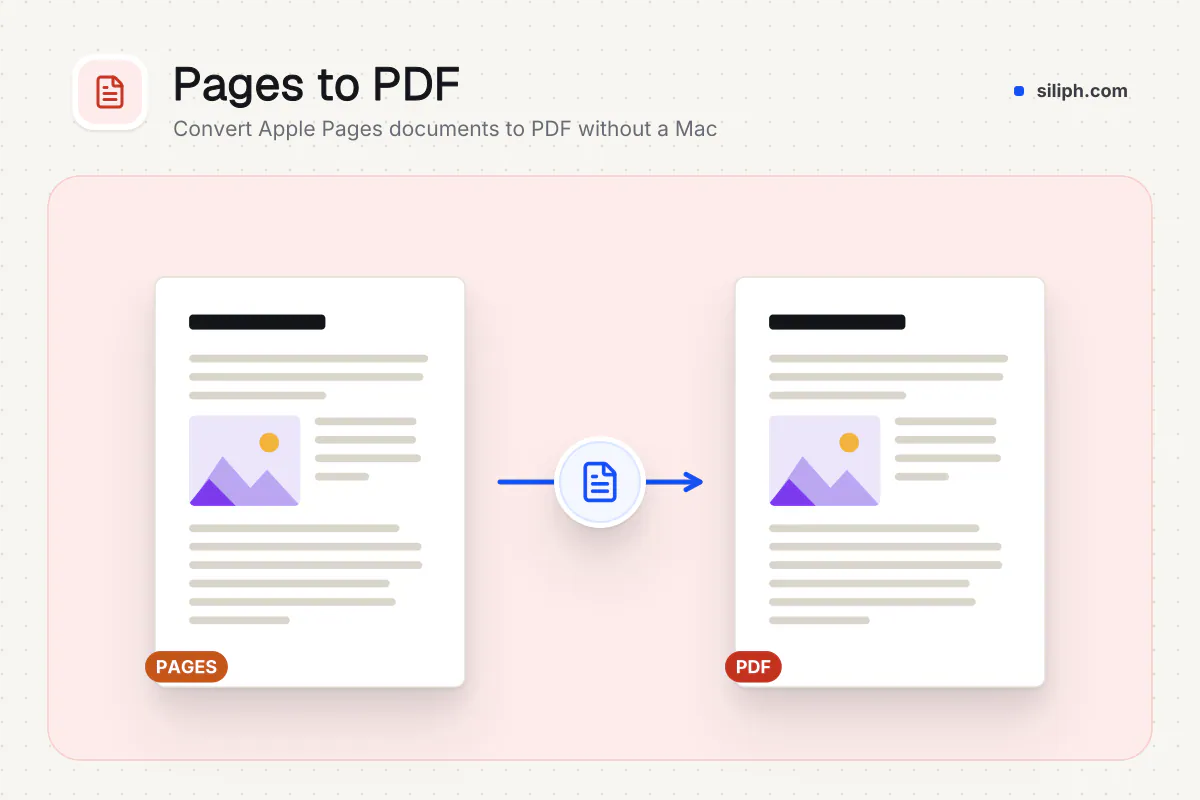
Convert Apple Pages documents to PDF on Windows, Android or any computer without a Mac.
Export Apple Pages .pages files to PDF on any computer or phone, converted with LibreOffice, one PDF per document. Siliph is free for personal use and needs no account. Many tools work right on your device; the others use secure servers in Europe and India and delete your files within 2 hours.
- No Mac or Pages app needed
- One PDF per .pages file
- Uploaded securely and deleted within 2 hours
- Sent over an encrypted connection
- Files deleted after 2 hours
- Free, no signup, no watermark
Loading the Pages to PDF workspace… Files are processed securely and deleted automatically.
Pages to PDF Converter in short
Pages to PDF turns a document made in Apple Pages into a PDF that opens on any phone, Windows PC or browser. It is for the times someone sends you a .pages file and you have no Mac or iPad to open it. It is free, needs no account and takes up to 20 files.
Step by step
How to convert Pages to PDF
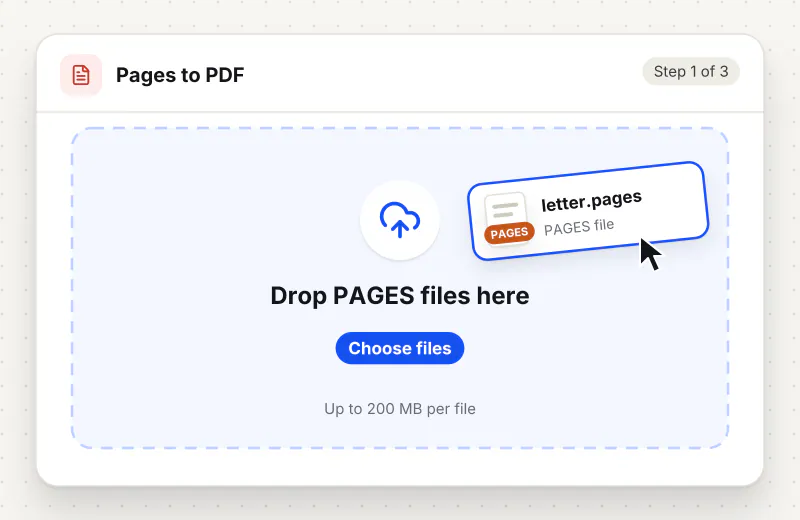
Step 1: Upload the Pages file
Drop your .pages files into the upload area or click Choose a Pages file. Add up to 20 documents and 200 MB to one task.
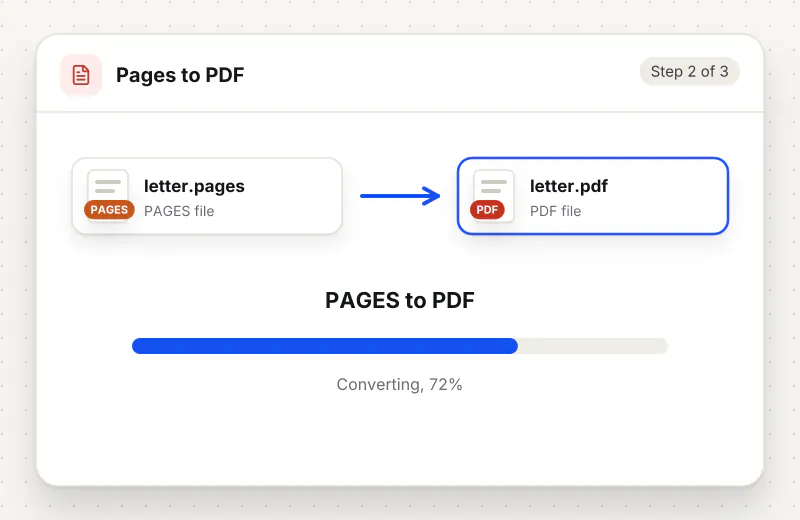
Step 2: Start the conversion
Click the convert button. Each document goes through an encrypted upload and LibreOffice exports it to PDF; long documents with many pictures take a little longer.
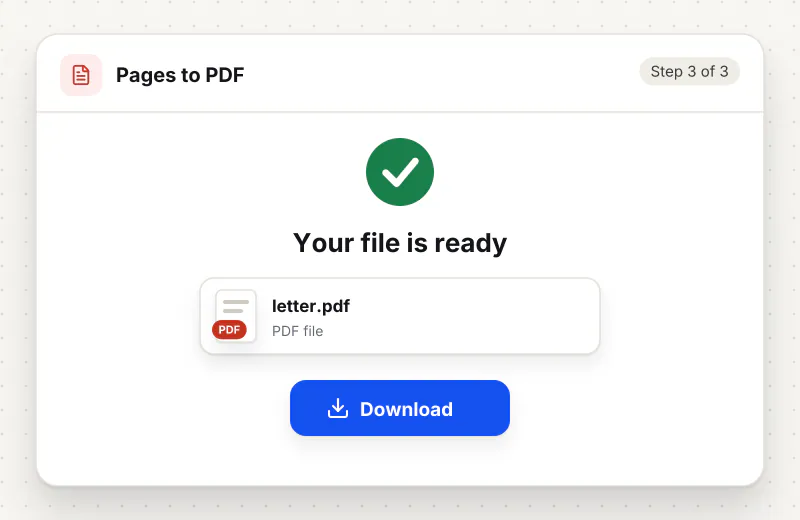
Step 3: Download your PDF
Click Download when the progress bar finishes. Each PDF keeps the name of its Pages file and opens in any PDF reader or browser.
Features
What Pages to PDF Converter gives you
No Mac or iCloud needed
Opening a Pages file normally means a Mac, an iPad or signing in to iCloud. Here you upload the file from any browser, including Windows and Android, and get a PDF back without an Apple account.
Old and new Pages files
The converter reads documents from the current Pages app and from Pages 2009. A single task can mix both, so an archive of older documents converts in the same batch as this week’s files.
A format everyone can open
The PDF keeps the text and page layout fixed, so it prints the same way everywhere and can be attached to forms, signed or merged with other documents using the usual PDF tools.
What does Pages to PDF Converter do?
A .pages file is a package only Apple apps open natively, so Windows and Android show it as an unknown file. The converter reads the document on the server with LibreOffice, which understands Pages files from Pages 2009 and from the current Pages app, and exports each one as a PDF with the same name. Text, headings, tables and page size are taken from the document; you do not choose any settings.
Pages is Apple’s word processor, and its files only open directly in Apple apps. When a Mac user shares a .pages file with someone on Windows or Android, the attachment often shows up as an unknown file or a ZIP. Asking the sender to export again is slow, and it is not always possible for old archives. Converting the file to PDF gives you a copy you can read, print and forward straight away.
Most everyday documents, such as letters, reports, CVs and homework sheets, convert with their text and tables intact. Designs that rely on Apple-only fonts, text wrapped around shapes or complex page layouts can look different, because the fonts on the server are not Apple fonts. Check the PDF before you send it on; if the layout matters, ask the sender to export a PDF from Pages itself.
If you need to edit the text afterwards, PDF to Word turns the PDF into a DOCX you can change in Word. Several converted documents can be joined with Merge PDF and signed with Sign PDF. For Word and OpenDocument files, use Word to PDF or ODT to PDF, and see the PDF Converter hub for other formats.
Each Pages file is sent over an encrypted upload, converted automatically with no human access, and deleted from our servers within 2 hours together with the PDF. The tool is free and needs no sign-up.
Every file is encrypted.
On the way to us and while stored.
- Sent over HTTPS
- Deleted automatically within 2 hours
- Never sold, never viewed by a person
When to use Pages to PDF Converter
- A Mac user emailed you a .pages file and your Windows laptop cannot open it
- A teacher shared homework instructions as Pages and you only have an Android phone
- An office archive holds old Pages documents that now need to be filed as PDF
- A form or portal accepts PDF only and your draft was written in Pages
At a glance
Pages to PDF Converter: free at a glance
What you get on the free plan, and when a paid plan applies.
| Price | Free for personal use, up to 30 tasks in any 24 hours |
|---|---|
| File size | Up to 200 MB per task |
| Files per task | Up to 20 on the free plan (up to 100 on paid plans) |
| Account | Not needed |
| Where it runs | On our servers, over an encrypted connection |
| File deletion | Deleted automatically within 2 hours |
| Watermark | None |
| Business use | Paid plans from ₹399 a week |
Why Siliph
Pages to PDF Converter on Siliph and on typical free PDF sites
The right-hand column sums up 5 popular free PDF sites we checked in October 2026.
| Feature | Siliph | Typical free PDF sites |
|---|---|---|
| Account for personal use | Not needed | Some sites ask you to sign in to finish or repeat a task |
| Free use | Up to 30 tasks in any 24 hours, 20 files a task | Some sites stop you after a few tasks an hour |
| Where your file goes | Uploaded over HTTPS and deleted within 2 hours | Usually uploaded, then deleted after 1 to 2 hours |
Checked October 2026. Other sites change their plans; check before you rely on a limit.Side-by-side comparisons
Questions about Pages to PDF Converter
Which versions of Pages are supported?
Documents saved by the current Pages app and by Pages 2009 both convert. Very old files from earlier Pages versions may not open; export them to PDF on a Mac if that happens.
Will the PDF look exactly like the Pages document?
Text, headings, tables and page size come across. Apple-only fonts are replaced with similar ones and complex layouts can shift, so check the PDF before sending it to someone else.
My .pages file shows up as a ZIP. Can I still convert it?
Yes. A .pages file is a package that some systems show as a ZIP. Upload the file with its .pages name; if it was renamed to .zip, rename it back to .pages first.
Can I convert Keynote or Numbers files too?
This tool converts Pages documents. For presentations and spreadsheets, export them from Keynote or Numbers as PowerPoint or Excel and use PPT to PDF or Excel to PDF.
Can I convert several Pages files at once?
Yes. Add up to 20 files to one task and each one comes back as its own PDF. Use Merge PDF afterwards if you want them in a single file.
What happens to my documents after conversion?
They are processed automatically, never opened by a person, and deleted from our servers within 2 hours together with the PDFs.
Is my file private and secure?
Yes. Your file travels over HTTPS, is stored encrypted, is processed by machines with no person looking at it, and is deleted automatically within 2 hours. You need no account, and Siliph never sells your files. How we protect your files
Embed this tool on your site
Add Pages to PDF to your blog or website for free, with a credit link back to Siliph.
Get the embed code
Embed code (iframe)
<iframe src="https://siliph.com/pages-to-pdf/?embed=1" title="Pages to PDF — Siliph" width="100%" height="620" style="border:0;border-radius:12px;max-width:900px;" loading="lazy" allow="clipboard-write"></iframe>
<p style="font-size:12px;color:#666;margin-top:8px;">Free tool by <a href="https://siliph.com/pages-to-pdf/" rel="nofollow">Siliph</a></p>
Credit link for blog posts and tool lists
<p style="font-size:12px;color:#666;margin-top:8px;">Free tool by <a href="https://siliph.com/pages-to-pdf/" rel="nofollow">Siliph</a></p>
Direct link: siliph.com/pages-to-pdf/