
Free Estimate Generator
Create professional price quotations and project estimates instantly
Company & Client Details
Company logo (optional)
PNG, JPG or WebP, up to 2 MB. Your logo stays on this device: it is added to the PDF in your browser and never uploaded.
Quotation Line Items
Printed under the total: validity, scope, payment terms or how to accept.
76 / 1,000 characters
Quotation Settings
Why use this tool
Your files are safe
Your file stays on your device: this tool runs in your browser.
No account needed
Free, with nothing to install.
Works everywhere
Use Siliph on desktop, tablet and mobile. No installation required.
Step by step
How to create an estimate
Get it done in 4 simple steps.
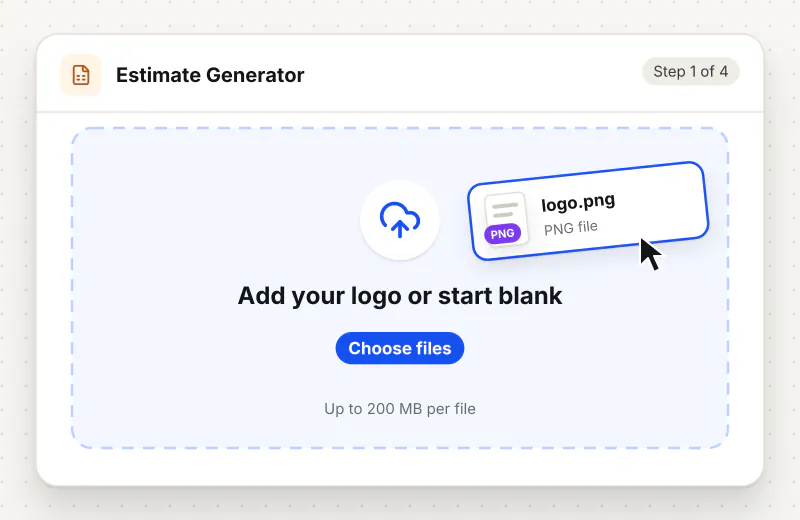
Step 1: Add your business and the client
Under Company & Client Details, type the Sender Business Name, Business Address, Sender Email and Sender Phone, then the Client Name, Client Address and Client Email.
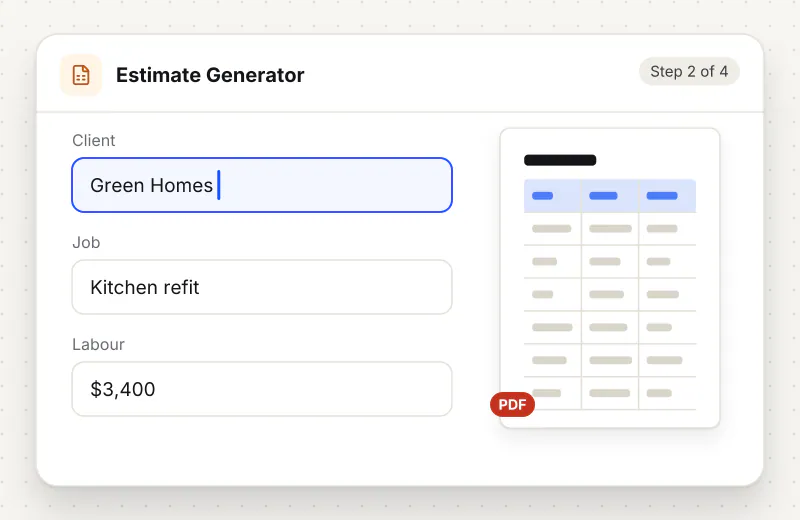
Step 2: List the work and prices
For each line, enter the Service / Product Description, Qty and Rate. Click Add Item for more lines and remove any you do not need.
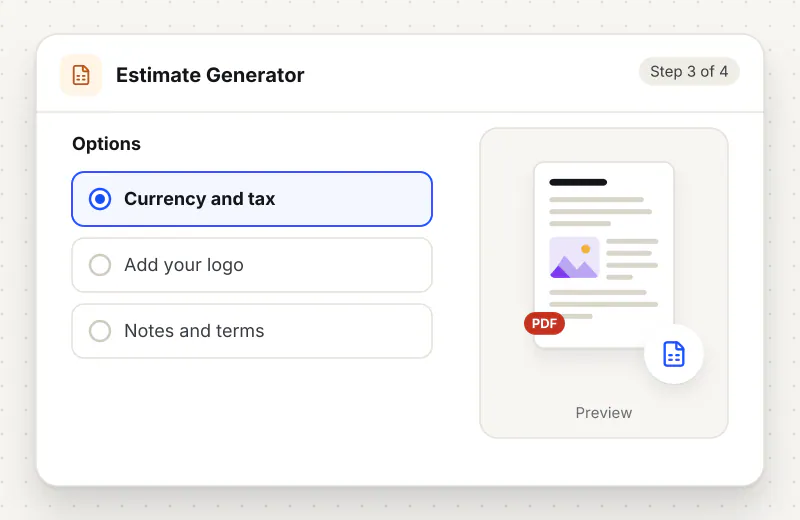
Step 3: Set tax, validity and terms
Under Quotation Settings, set the Currency Symbol and Tax Rate (%), check the Estimate Number and Estimate Date, pick a Valid Until Date, and edit the Terms & Notes.
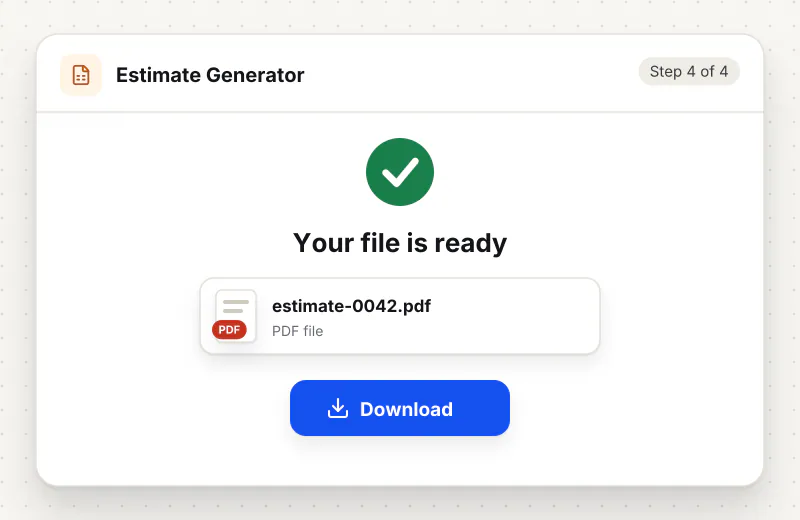
Step 4: Download the estimate
Click Download Estimate. The PDF is named after the estimate number, ready to attach to an email or a message.
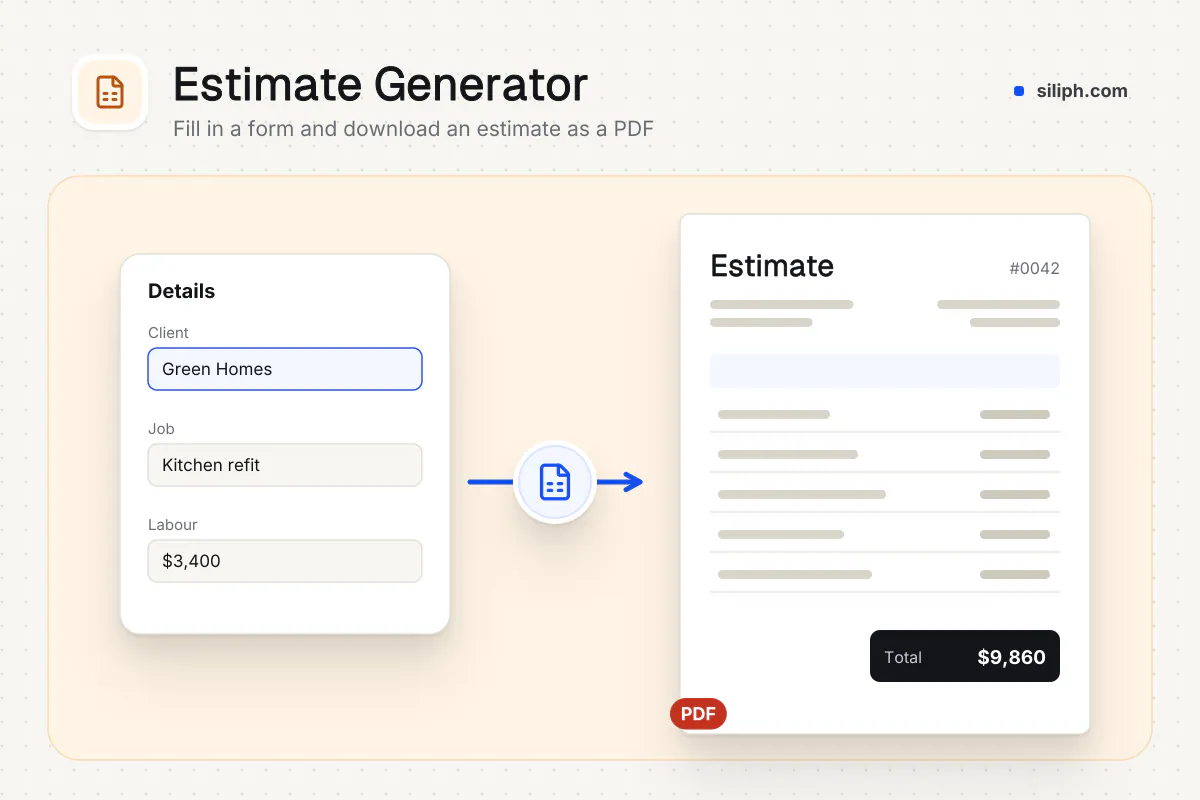
Add client details, list services or products, specify terms, and download a custom estimate PDF quote to send to potential clients.
- Line items with rate, quantity and amount
- Valid until date printed under the estimate number
- Subtotal, tax and estimated total worked out
In short
The estimate generator turns a list of services or products into a quote PDF. Enter your business and the client, add each line with a rate and quantity, set a tax rate and a valid-until date, and write short terms. The quote shows the subtotal, tax and estimated total on an A4 page. It is free, with no account.
Features
What you get
A price with an expiry date
The Valid Until date prints beneath the estimate number, so the client knows how long your rates hold before materials or schedules change.
Clear arithmetic for the client
Each line shows rate, quantity and amount, followed by the subtotal, the tax at your chosen rate and a highlighted estimated total.
Your prices stay on your device
The quote is drawn by your browser. Rates, margins and client details never leave your device, and the form is cleared when you close the tab.
What does Estimate Generator do?
Each line multiplies rate by quantity, the lines add up to a subtotal, and tax is applied at the rate you choose to give the estimated total. The estimate number starts with an EST prefix and the date starts as today; you can change both. The A4 PDF opens with ESTIMATE QUOTE, the number, date and valid-until date, then FROM and TO blocks, a coloured item table, the totals box and your terms underneath.
An estimate sets expectations before any work begins. It tells the client what you will do, what it should cost and how long that price stands, and it gives you something to point to when the scope grows. Sending it as a PDF rather than a message thread keeps the numbers fixed and makes it easy for the client to forward to whoever approves the spend.
Write specific descriptions, such as "Kitchen tiling, 12 square metres"; long ones wrap onto extra lines in the table. Use the quantity for hours, days or units and the rate for the price of one. The tax rate applies to the whole estimate; if part of the work is exempt, quote it separately. Terms & Notes is printed in full, so deposit and payment terms fit. Currency can be ₹, $ or £, and client names in Hindi, Bengali or Tamil print as typed.
When the client accepts, turn the same lines into a bill with the Invoice Generator, and send field staff a Work Order Generator work order. If you are the buyer accepting a supplier’s quote, the Purchase Order Generator confirms the order. Add your signature to an accepted estimate with Sign PDF. All templates are on the business documents hub.
The estimate is built in your browser. Prices and client details are turned into a PDF on your device and never leave your device. The page does not save drafts, so download the estimate before you close it.
Your file stays on your device.
This tool runs in your browser.
- Processed on your phone or computer, not uploaded
- No account, no sign-up
- Free, no daily limit
When to use it
- A homeowner asked a painter or plumber for a written price before work starts
- A designer needs to quote hours for a website project before a contract
- A client wants a price that holds only until a set date
- A caterer is pricing an event per head and needs a document to send
Questions about Estimate Generator
What is the difference between an estimate and a quote?
People use the words loosely. An estimate is an expected price that may change; a quote is often treated as fixed. The PDF is titled ESTIMATE QUOTE, so state in the terms whether the price is fixed.
Can I set how long the estimate is valid?
Yes. Pick a Valid Until Date in Quotation Settings and it is printed under the estimate number and date at the top of the PDF.
Can I edit the estimate number?
Yes. Estimate Number starts as EST plus five digits and Estimate Date starts as today. Change either one under Quotation Settings before you download.
How much text fits in Terms & Notes?
All of it. Terms & Notes wraps across the page width and continues on a new page if it is long, so deposit, payment and scope terms can all go on the estimate.
Can I turn an accepted estimate into an invoice?
There is no one-click conversion. Open the Invoice Generator and enter the same lines; it adds GSTIN, HSN codes and a GST split if you need them.
Is the estimate generator free?
Yes. It is free, with no account. Making documents for a business is free too.
Is my file private and secure?
Yes. Estimate Generator runs on your phone or computer, so your file stays there and never goes to our servers. You need no account, and Siliph never sells your files. How we protect your files
Guides and how-tos
Walk-throughs for common jobs, such as hitting an upload limit or preparing an application.
Embed this tool on your site
Add Estimate Generator to your blog or website for free, with a credit link back to Siliph.
Get the embed code
Embed code (iframe)
<iframe src="https://siliph.com/estimate-generator/?embed=1" title="Estimate Generator — Siliph" width="100%" height="620" style="border:0;border-radius:12px;max-width:900px;" loading="lazy" allow="clipboard-write"></iframe>
<p style="font-size:12px;color:#666;margin-top:8px;">Free tool by <a href="https://siliph.com/estimate-generator/" rel="nofollow">Siliph</a></p>
Credit link for blog posts and tool lists
<p style="font-size:12px;color:#666;margin-top:8px;">Free tool by <a href="https://siliph.com/estimate-generator/" rel="nofollow">Siliph</a></p>
Direct link: siliph.com/estimate-generator/