

ZIP to PDF Converter
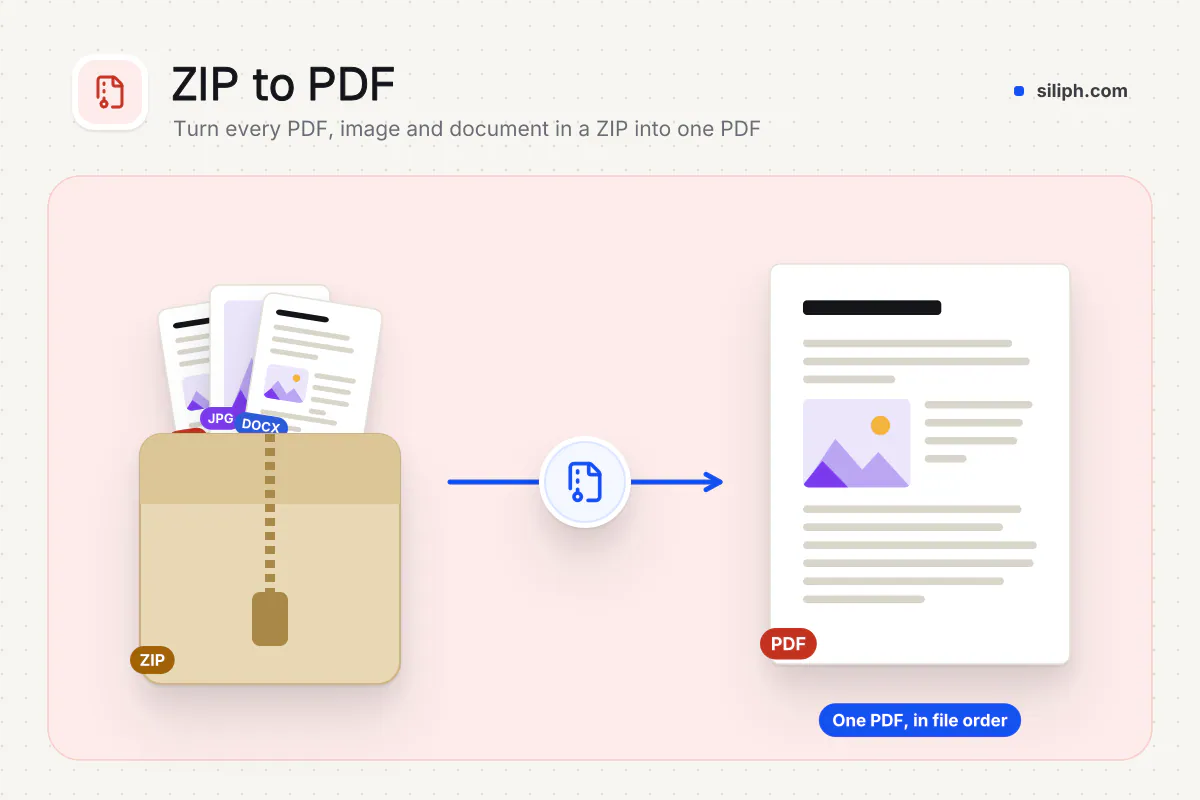
Upload a ZIP of PDFs, photos and documents and get back one PDF, in the order the archive lists them.
Upload a ZIP archive and get one PDF: PDFs, images, Word, Excel, PowerPoint, OpenDocument, Pages, RTF, TXT and CSV files inside are converted and joined in archive order, with a list of any files that were skipped. Siliph is free for personal use and needs no account. Many tools work right on your device; the others use secure servers in Europe and India and delete your files within 2 hours.
- PDF, images, Word, Excel, PowerPoint, Pages
- Joined in archive order into one PDF
- Skipped files listed in a text report
- Sent over an encrypted connection
- Files deleted after 2 hours
- Free, no signup, no watermark
Loading the ZIP to PDF workspace… Files are processed securely and deleted automatically.
ZIP to PDF Converter in short
ZIP to PDF opens an archive, converts the PDFs, images and documents inside it and joins them into one PDF in the order the ZIP lists them. Files it cannot use are named in a short report. It is free, needs no account and takes ZIP files up to 200 MB.
Step by step
How to convert a ZIP file to PDF
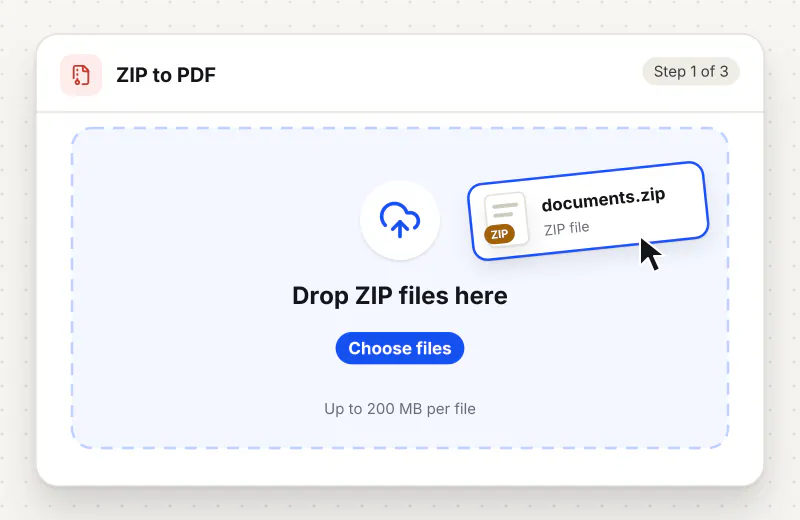
Step 1: Upload your ZIP file
Drop the archive into the upload area or click Choose a ZIP file. Each ZIP can be up to 200 MB; add several archives and each one becomes its own PDF.
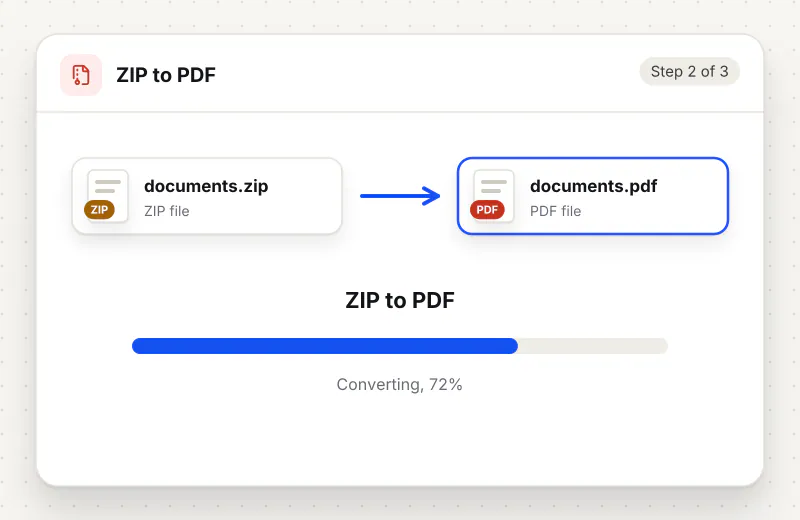
Step 2: Let the server convert the contents
Click the convert button. The archive goes through an encrypted upload, every supported file inside is converted, and the progress bar counts the files as they are done.
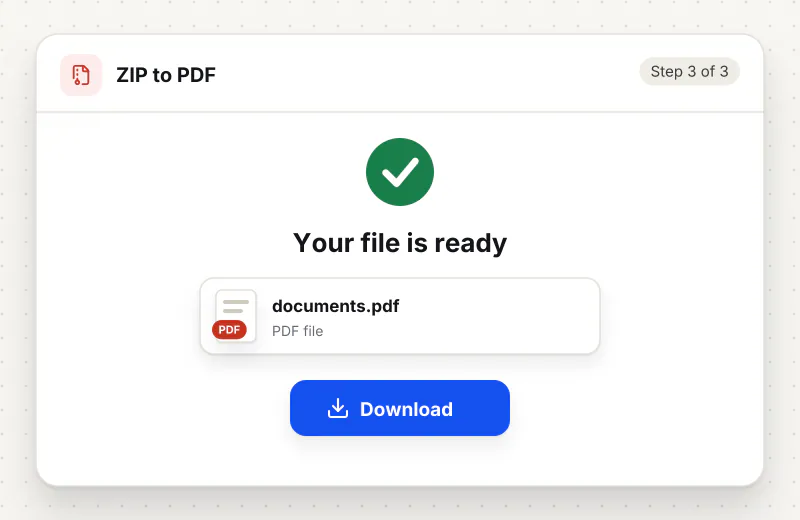
Step 3: Download the combined PDF
Click Download when processing finishes. The PDF has the name of the ZIP; if any file was left out, a second download called skipped-files lists each one with the reason.
Features
What ZIP to PDF Converter gives you
Mixed formats in one pass
A single archive can hold PDFs, phone photos, HEIC images, spreadsheets and slide decks. Each one is converted with the matching method, so you do not have to sort the files and run three different converters first.
Archive order is kept
Pages follow the order the ZIP lists its files, which is usually the order they were added. Name files 01, 02, 03 before zipping them if the sequence matters, for example for chapters or numbered annexes.
Nothing is dropped silently
Files that cannot be used, such as a locked PDF, a video or a ZIP inside the ZIP, are listed with the reason in a plain text report. You can fix those few files and add them with Merge PDF afterwards.
What does ZIP to PDF Converter do?
The server unpacks the archive into a private folder, ignores folders and macOS metadata, and works through the files in archive order. PDFs are added as they are, each photo becomes one page, and Word, Excel, PowerPoint, OpenDocument, Pages, RTF, TXT and CSV files are converted with LibreOffice. Up to 50 of the files inside one archive are converted, then all the pages are joined into a single PDF named after the ZIP. Anything left out, such as a password-protected PDF or an unknown file type, is listed with the reason in a text file next to the PDF.
Archives are how most bundles travel: email clients zip attachments, cloud drives zip a folder when you download it, and scanners often save a batch as a ZIP of images. Portals, printers and reviewers usually want the opposite, a single PDF they can open and page through. Unpacking the archive and converting each file by hand is slow, and it is easy to miss one. This tool does the whole bundle at once and tells you exactly which files did not make it in.
Order is taken from the archive itself. If the pages come out in the wrong sequence, rename the files with a number prefix and zip them again, or rearrange the result in Organize Pages. Password-protected PDFs are skipped because they cannot be opened without the password; remove it with Unlock PDF and add the file back with Merge PDF. Archives that unpack to more than 300 MB are refused to keep processing reliable.
Once you have one PDF, a large bundle of photos can be made smaller with Compress PDF, and page numbers help reviewers refer to a page. For a single format you can also go straight to JPG to PDF or Word to PDF. More converters are listed in the PDF Converter hub.
The ZIP is sent over an encrypted upload, unpacked and converted automatically with no human access, and deleted from our servers within 2 hours together with the PDF and the report. The tool is free and needs no sign-up.
Every file is encrypted.
On the way to us and while stored.
- Sent over HTTPS
- Deleted automatically within 2 hours
- Never sold, never viewed by a person
When to use ZIP to PDF Converter
- A colleague sent a ZIP of scans and receipts and a portal wants one PDF
- You downloaded a folder of photos from cloud storage as a ZIP and need to print them
- An application asks for every certificate and letter as a single attachment
- A client handed over Word files and PDFs in one archive for a review pack
At a glance
ZIP to PDF Converter: free at a glance
What you get on the free plan, and when a paid plan applies.
| Price | Free for personal use, up to 30 tasks in any 24 hours |
|---|---|
| File size | Up to 200 MB per task |
| Files per task | Up to 20 on the free plan (up to 100 on paid plans) |
| Account | Not needed |
| Where it runs | On our servers, over an encrypted connection |
| File deletion | Deleted automatically within 2 hours |
| Watermark | None |
| Business use | Paid plans from ₹399 a week |
Why Siliph
ZIP to PDF Converter on Siliph and on typical free PDF sites
The right-hand column sums up 5 popular free PDF sites we checked in October 2026.
| Feature | Siliph | Typical free PDF sites |
|---|---|---|
| Account for personal use | Not needed | Some sites ask you to sign in to finish or repeat a task |
| Free use | Up to 30 tasks in any 24 hours, 20 files a task | Some sites stop you after a few tasks an hour |
| Where your file goes | Uploaded over HTTPS and deleted within 2 hours | Usually uploaded, then deleted after 1 to 2 hours |
Checked October 2026. Other sites change their plans; check before you rely on a limit.Side-by-side comparisons
Questions about ZIP to PDF Converter
Which files inside the ZIP are converted?
PDF files; JPG, PNG, WebP, GIF, BMP, TIFF, HEIC and AVIF images; Word, Excel, PowerPoint and OpenDocument files; Apple Pages; and RTF, TXT and CSV files. Up to 50 of them from one archive are converted.
In what order do the pages appear?
In the order the ZIP lists its files. To control it, give the files numbered names such as 01-cover and 02-letter before you zip them, or reorder pages in Organize Pages after converting.
What happens to files that cannot be converted?
They are left out of the PDF and listed in a text file called skipped-files, with a reason for each one, such as an unsupported type, a password-protected PDF or a ZIP inside the ZIP.
Are folders inside the ZIP supported?
Yes. Files in sub-folders are converted too, in archive order. The folders themselves and macOS metadata files such as the __MACOSX folder are ignored and do not appear in the report.
Can I upload more than one ZIP?
Yes. Add up to 20 archives to one task and each one comes back as its own PDF named after the ZIP. Join them afterwards with Merge PDF if you need one file.
What happens to my ZIP after conversion?
It is processed automatically, never opened by a person, and deleted from our servers within 2 hours together with the PDF and the report.
Is my file private and secure?
Yes. Your file travels over HTTPS, is stored encrypted, is processed by machines with no person looking at it, and is deleted automatically within 2 hours. You need no account, and Siliph never sells your files. How we protect your files
Embed this tool on your site
Add ZIP to PDF to your blog or website for free, with a credit link back to Siliph.
Get the embed code
Embed code (iframe)
<iframe src="https://siliph.com/zip-to-pdf/?embed=1" title="ZIP to PDF — Siliph" width="100%" height="620" style="border:0;border-radius:12px;max-width:900px;" loading="lazy" allow="clipboard-write"></iframe>
<p style="font-size:12px;color:#666;margin-top:8px;">Free tool by <a href="https://siliph.com/zip-to-pdf/" rel="nofollow">Siliph</a></p>
Credit link for blog posts and tool lists
<p style="font-size:12px;color:#666;margin-top:8px;">Free tool by <a href="https://siliph.com/zip-to-pdf/" rel="nofollow">Siliph</a></p>
Direct link: siliph.com/zip-to-pdf/