

QR Code Generator
Turn a link, Wi-Fi details or a contact into a QR code, pick the colours and a logo, and save it as a sharp PNG or SVG.
QR Code Generator in short
The QR code generator turns a website link, plain text, an email, a phone number, an SMS, Wi-Fi details or a contact card into a scannable QR code. Choose the size, quiet border, error-correction level and colours, add a small centre logo, and save a PNG or SVG. It runs in your browser, free and with no account.
Step by step
How to make a QR code
Step 1: Pick what the code holds
Choose a website link, plain text, email, phone, SMS, Wi-Fi network or a contact card, then fill in the short form for that kind. The preview updates as you type.
Step 2: Set the size and colours
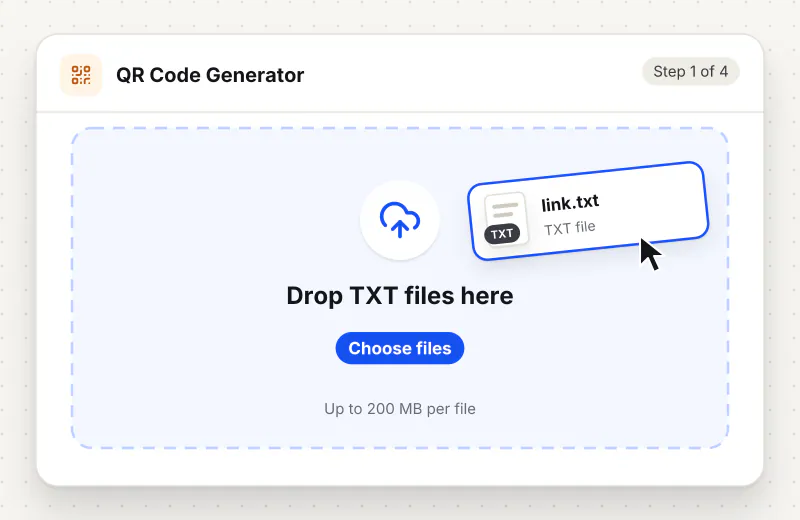
Choose a size, a quiet border and an error-correction level. Pick the code and background colours; a warning appears when they are too close for a camera to read.
Step 3: Add a centre logo
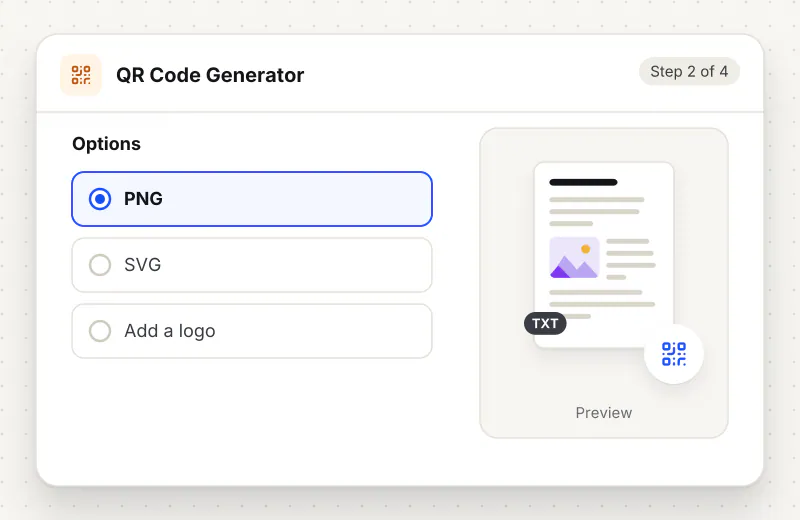
If you want, add a small logo in the middle. It is kept small so the code still scans; setting error correction to High leaves more room to recover around it.
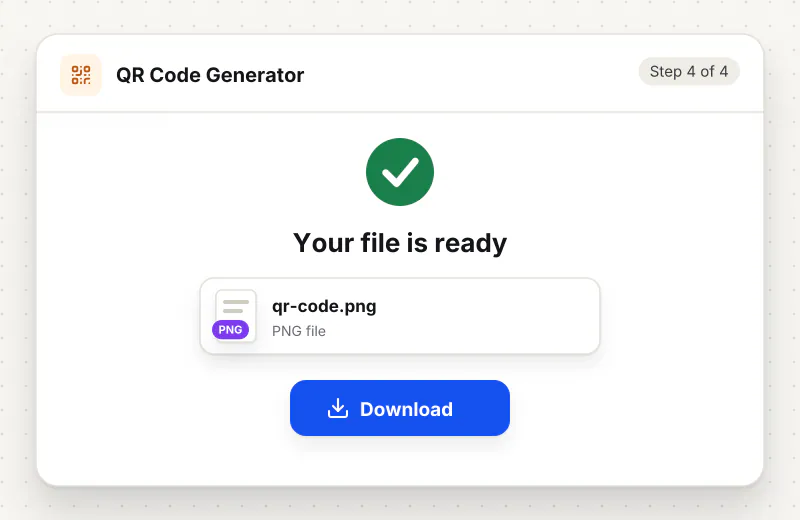
Step 4: Save the PNG or SVG
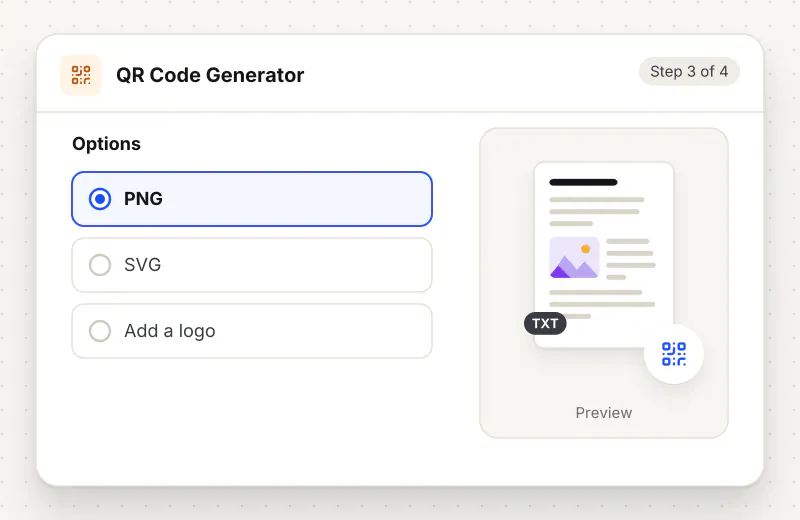
Check that the preview scans with your phone camera, then download it as a PNG for screens or an SVG for print. Both are made on your device.
Features
What QR Code Generator gives you
Seven kinds of code
One tool builds the right payload for a website link, plain text, an email, a phone number, an SMS, a Wi-Fi join or a vCard contact, so a scanner opens the correct app with the details filled in.
Colours that still scan
Set the code and background to match your brand. The tool checks the contrast as you go and warns when the two colours are too close or the wrong way round, so you do not print a code no camera can read.
PNG for screens, SVG for print
Save a PNG at the size you choose for a website, slide or chat, or an SVG that stays crisp from a sticker to a billboard because it is drawn from shapes, not pixels.
What does QR Code Generator do?
You pick what the code should hold and fill in a short form, and the tool writes the matching payload: a plain link, a mailto for email, a tel for a phone number, an SMSTO message, a WIFI entry that joins a network, or a vCard contact. It draws the code on your device as you type, warns when the two colours are too close to scan, and keeps a logo small so the code still reads. The result downloads as a PNG image or an SVG that stays sharp at any print size.
A QR code is a link you can point a camera at, which is why posters, menus, packaging and business cards all carry them now. This generator builds the code from what you type: paste a web address, type a message, or fill in Wi-Fi or contact details, and the matching code appears next to the form. Nothing you enter leaves your device, so a Wi-Fi password or a private link stays with you.
The look is yours to set. Larger sizes suit print, a wider quiet border helps older scanners, and the colours can match a brand as long as the code stays darker than its background. A centre logo makes a code feel on-brand, and keeping error correction High gives a scanner enough spare data to read around the logo. The preview is the final code, so test it with a phone before you print.
Once a code is read, you often want to check the other direction. To confirm what a finished code actually holds, scan it back with the QR Code Reader, which shows the decoded link or Wi-Fi details. If you need the saved PNG smaller for email, run it through Compress Image to KB, and Resize Image sets an exact pixel size for a template slot.
An SVG download is best for anything that will be printed large, because it is drawn from shapes and never turns blocky. A PNG is simplest for a screen, a chat message or a document. If you are placing the code inside a leaflet or a poster image, Crop Image trims it to fit, and the code keeps working as long as the quiet border around it is left clear.
Your file stays on your device.
This tool runs in your browser.
- Processed on your phone or computer, not uploaded
- No account, no sign-up
- Free for personal use
When to use QR Code Generator
- A poster or flyer needs a code that opens your website
- Guests should join your Wi-Fi without typing the password
- A business card should add your contact details in one scan
- An email or phone number should be one tap away on a leaflet
- A print shop asks for a vector QR code that will not blur when enlarged
Questions about QR Code Generator
What can I put in a QR code?
A website link, plain text, an email with a subject and message, a phone number, an SMS, Wi-Fi details that let a phone join a network, or a contact card with name, phone and email.
How do I make a Wi-Fi QR code?
Pick Wi-Fi network, enter the network name, choose the security type and type the password. A phone that scans it offers to join the network without typing anything.
Can I add my logo to the middle?
Yes. Add a small logo image and it sits in the centre on a clean patch. Keep it small and set error correction to High so the code can still be read around it.
Why does it warn about my colours?
A camera reads a code as dark marks on a light field. When the two colours are too close, or the code is lighter than the background, the warning tells you a scanner may fail, so you can fix it before printing.
Should I download a PNG or an SVG?
Use a PNG for a screen, a chat or a document. Use an SVG for anything printed large, because it is drawn from shapes and stays sharp at any size.
Will the code expire or stop working?
No. The code holds your content directly, so it keeps working forever and is not tracked. There is no link in the middle that could go dead later.
Is the QR code generator free, and is my data private?
It is free for personal use with no account. The code is built in your browser, so your link, password or contact details stay on your device.
Is my file private and secure?
Yes. QR Code Generator runs on your phone or computer, so your file stays there and never goes to our servers. You need no account, and Siliph never sells your files. How we protect your files
Embed this tool on your site
Add QR Code Generator to your blog or website for free, with a credit link back to Siliph.
Get the embed code
Embed code (iframe)
<iframe src="https://siliph.com/qr-code-generator/?embed=1" title="QR Code Generator — Siliph" width="100%" height="620" style="border:0;border-radius:12px;max-width:900px;" loading="lazy" allow="clipboard-write"></iframe>
<p style="font-size:12px;color:#666;margin-top:8px;">Free tool by <a href="https://siliph.com/qr-code-generator/" rel="nofollow">Siliph</a></p>
Credit link for blog posts and tool lists
<p style="font-size:12px;color:#666;margin-top:8px;">Free tool by <a href="https://siliph.com/qr-code-generator/" rel="nofollow">Siliph</a></p>
Direct link: siliph.com/qr-code-generator/