
AI Edit Text in Image
Upload a poster, photo or screenshot, say what the words should say, check the changes and download the image with the new text.
- Free: Free to use. No signup requiredFree to useNo signup required
- AI provider: Uses our AI provider. Sent over HTTPS to do the workUses our AI providerSent over HTTPS to do the work
- Fast: Fast processing. Optimized for speedFast processingOptimized for speed
- All devices: Works on all devices. Desktop, tablet and mobileWorks on all devicesDesktop, tablet and mobile
Why use this tool
How your file is handled
The words found in your image and your instruction are sent to our AI provider (DeepSeek, Cloudflare Workers AI (Llama) or Google Gemini). HD AI edit also sends the area around the text through our server to Cloudflare Workers AI (FLUX), and Siliph does not store it. Siliph never sells it.
Files up to 25 MB
One task can be up to 25 MB for this tool. Free, with no account.
Works everywhere
Use Siliph on desktop, tablet and mobile. No installation required.
Step by step
How to edit text in an image
Get it done in 4 simple steps.
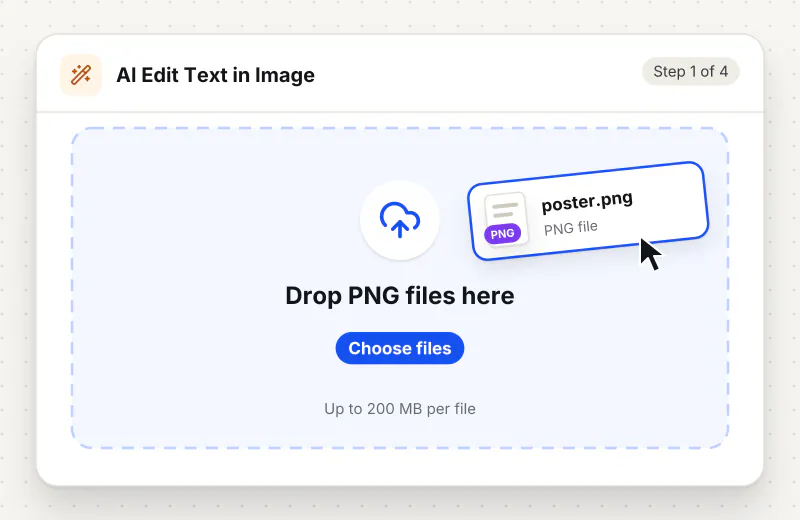
Step 1: Add the image
Choose or drop a JPG, PNG, WebP or HEIC image up to 25 MB. The text in it is read on your device and listed line by line.
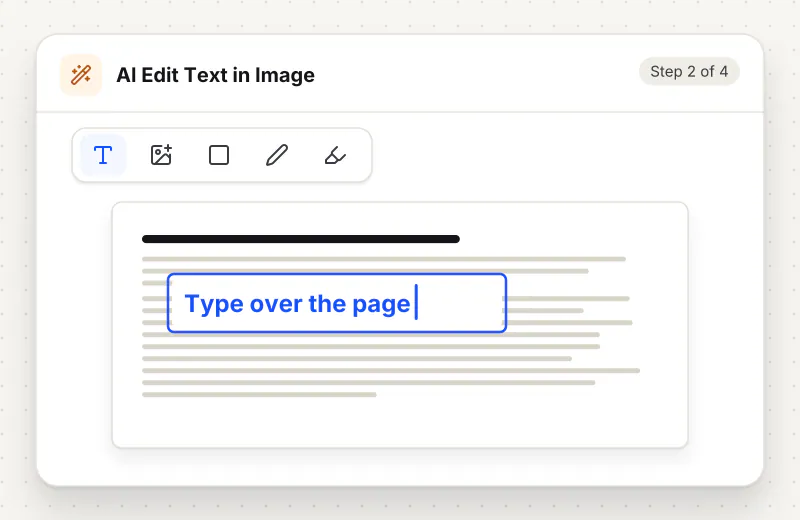
Step 2: Say what to change
Type an instruction such as change "Sale 20%" to "Sale 30%" or replace the phone number with 98765 43210. You can also tap a line and retype it.
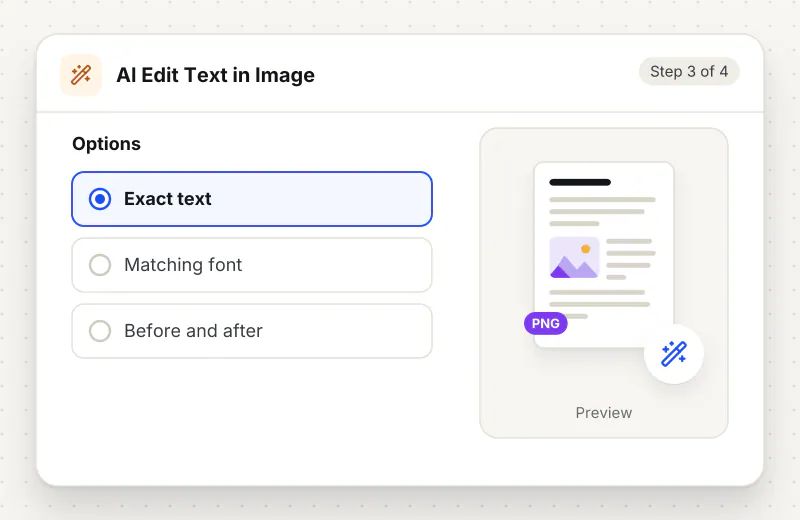
Step 3: Check the changes
Each edit is shown as old text and new text. Untick any you do not want, then press Apply, or HD AI edit for photos where it is offered.
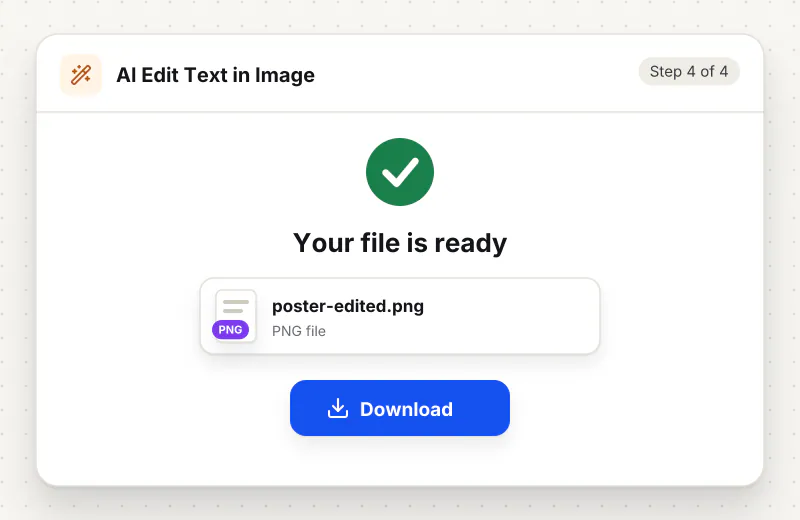
Step 4: Compare and download
Drag the before and after divider to compare, undo or edit again, then download a PNG or JPEG at the same size as your original.
Upload a JPG, PNG or WebP, say what to change ("change Sale 20% to Sale 30%"), check the exact edits, and get the image back with the new text in a matching font, size, colour and angle. Identity, financial and official documents are refused.
- New text matches the font, size and colour
- Exact spelling on every change
- Download PNG or JPEG at full size
In short
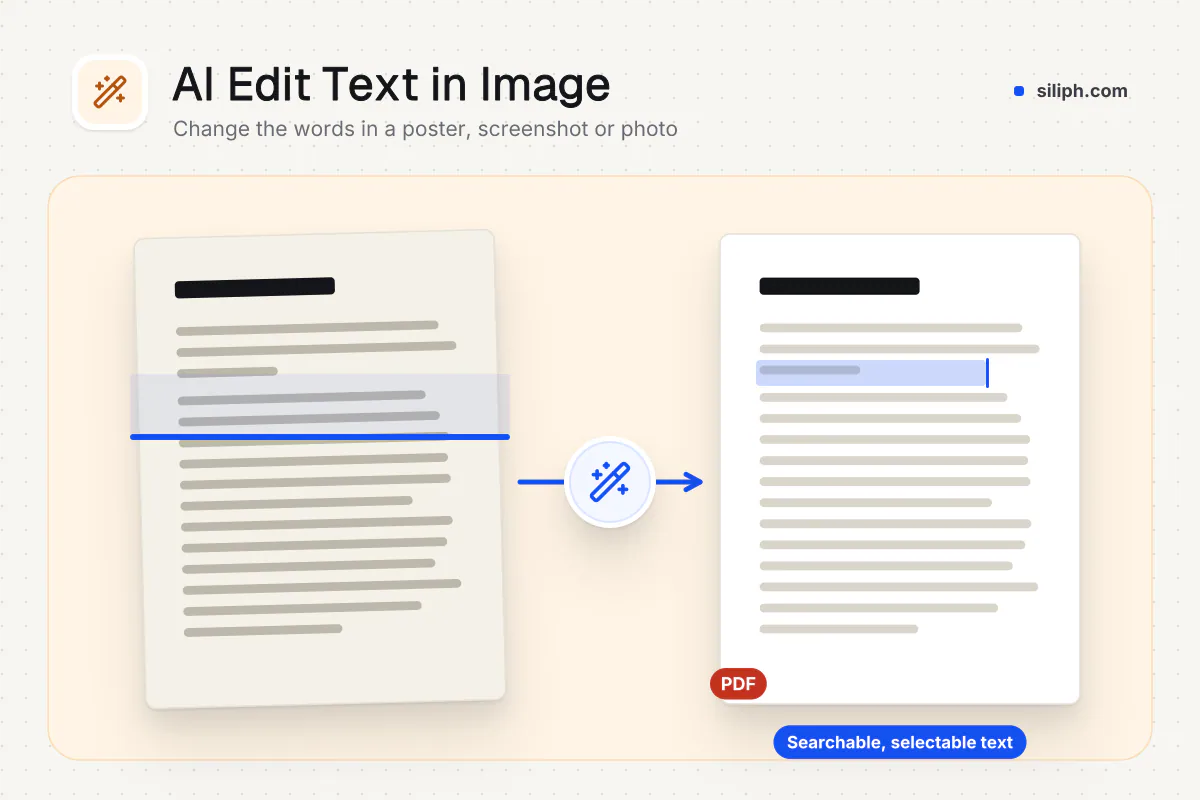
AI Edit Text in Image changes the words in a poster, banner, menu, social post or screenshot. Type what to change in plain words, confirm the exact edits, and the old text is removed and redrawn in a matching font, size, colour and angle. ID cards and other official documents are refused.
Features
What you get
Matching style, exact spelling
Colour comes from the letters themselves, size from their cap and x-height, and the font and weight from testing a set of typefaces against the original. The words are drawn by the tool, so they are spelled exactly as you typed them.
Clean background repair
Plain and gradient backgrounds are rebuilt from the colours around the text. On photos and patterns only the letter pixels are filled from nearby texture, so the grain carries on behind the new words.
Refuses documents that could be forged
Before any edit the text is checked for identity cards, passports, marksheets, certificates, bank statements, cheques, payslips, tax invoices, prescriptions and government letters. Those are refused, and no change is made.
What does AI Edit Text in Image do?
The tool reads every line of text in the picture on your device, turns your request into exact find-and-replace edits, and shows them for a yes before anything changes. It then wipes the old letters, fills the background in, and draws the new words in the closest font, weight and colour it can measure from the original. You can compare before and after, undo, edit again and download at the original size.
Changing words in a finished graphic usually means opening the design file again, and often nobody has it any more. This tool works from the picture alone: it finds each line of text, measures how it looks, removes it and writes the new words back in the same place, the same colour and nearly the same font. It suits flat designs such as posters, menus, banners, slides and screenshots best.
You can describe the change in your own words. The instruction and the recognised text, never the image, go to a text model that turns them into exact edits, and every edit is shown for your approval first. If you prefer, tap any line in the list and type its new text. Short edits keep the rest of the line untouched; longer ones redraw the whole line so the spacing stays even.
Photos with busy backgrounds are harder to repair by hand. Where it is offered, HD AI edit sends only the area around the text to Cloudflare Workers AI, which repaints it, and the result is read again to check the spelling; if the model got a letter wrong, its clean background is kept and the exact words are drawn on top. Siliph does not store that crop, unlike file tools that keep uploads for up to 2 hours.
Some edits are off limits. The tool refuses identity, financial, academic, medical and official documents, because a changed copy can be used as a forgery. To hide details before sharing such a document, black them out with Mask Aadhaar or Redact PDF instead. To copy the words out of a picture without changing it, use Image to Text.
Encrypted on the way to us.
The text goes to our AI provider to do the work.
- Sent over HTTPS
- Deleted automatically within 2 hours from our servers
- Never sold by Siliph
When to use it
- A sale poster says 20% off and the offer is now 30% off
- The phone number or address on a flyer or banner has changed
- A typo slipped into a social media graphic that is already designed
- A product photo or slide needs a new price, date or headline
- A screenshot for a tutorial needs a placeholder name in place of a real one
Questions about AI Edit Text in Image
Will the new text look like the original?
It matches the colour, size, angle and alignment closely and picks the nearest font and weight from a set of common typefaces. Unusual or hand-drawn lettering will look a little different, so compare the result with the before and after divider.
Can I change only one word in a line?
Yes. Ask for just that word, such as change 20% to 30%. When the new word fits the space only it is redrawn; when it is much longer the whole line is redrawn so the words do not overlap.
Why was my image refused?
The text looked like an ID card, passport, marksheet, certificate, bank statement, cheque, payslip, tax invoice, prescription or official letter. Siliph does not change text on those, to avoid forgeries. Use Mask Aadhaar or Redact PDF to hide details instead.
What does HD AI edit do differently?
It asks an image model on Cloudflare Workers AI to repaint the area around the text, which can look more natural on photos. The result is read back, and if any letter is wrong the words are redrawn by the tool so the spelling stays exact.
Does the downloaded image keep its size?
Yes. The PNG or JPEG is saved at the same width and height in pixels as the image you added. It also carries a note in its file details saying it was edited with Siliph AI text edit.
Which languages and scripts work?
Text in English and other Latin-script languages is read and redrawn best. Other scripts, stylised logos and curved text may not be recognised; tap the line to retype it, or choose a cleaner image.
Is my image sent anywhere?
The image is read in your browser. Only the recognised words and your instruction are sent to our AI provider to read your request. The image goes to Cloudflare Workers AI only if you press HD AI edit, and Siliph does not store it.
Is my file private and secure?
What you send travels over HTTPS. To produce the result, the text you choose is passed to our AI provider, which handles it under its own privacy policy; anything held on Siliph's servers is deleted within 2 hours. No person at Siliph reads it, and Siliph never sells your files. How we protect your files
Guides and how-tos
Walk-throughs for common jobs, such as hitting an upload limit or preparing an application.
- Step by stepChange Text in a PhotoTell the AI which words to change in your photo and check the edits before anything happens. The old letters are removed, the background is filled in, and the new words are drawn in a matching font, size and colour.
- Step by stepEdit Text in a ScreenshotScreenshots have flat backgrounds and crisp type, which makes them easy to edit cleanly. Say which words to change, confirm the edits, and download the screenshot with the new text in the same place and style.
Embed this tool on your site
Add AI Edit Text in Image to your blog or website for free, with a credit link back to Siliph.
Get the embed code
Embed code (iframe)
<iframe src="https://siliph.com/edit-text-in-image/?embed=1" title="AI Edit Text in Image — Siliph" width="100%" height="620" style="border:0;border-radius:12px;max-width:900px;" loading="lazy" allow="clipboard-write"></iframe>
<p style="font-size:12px;color:#666;margin-top:8px;">Free tool by <a href="https://siliph.com/edit-text-in-image/" rel="nofollow">Siliph</a></p>
Credit link for blog posts and tool lists
<p style="font-size:12px;color:#666;margin-top:8px;">Free tool by <a href="https://siliph.com/edit-text-in-image/" rel="nofollow">Siliph</a></p>
Direct link: siliph.com/edit-text-in-image/