

Word Counter
Count the words, characters, sentences and paragraphs in pasted text or in a PDF, Word or TXT file.
Word Counter in short
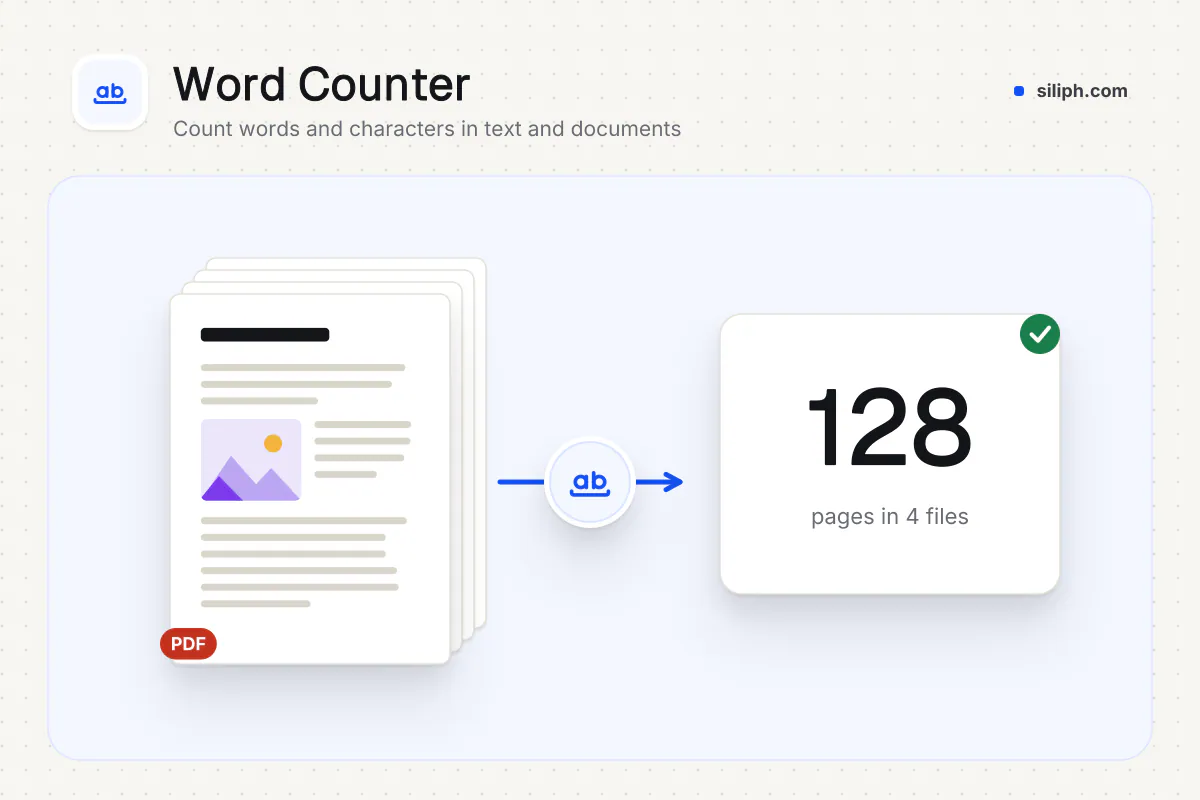
Word Counter shows the words, characters with and without spaces, sentences, paragraphs, reading time and speaking time of any text as you type or paste it. It can also open a PDF, DOCX or TXT file and count the text inside. Counting happens in your browser, free and without an account.
Step by step
How to count words in a text or document
Step 1: Paste text or open a file
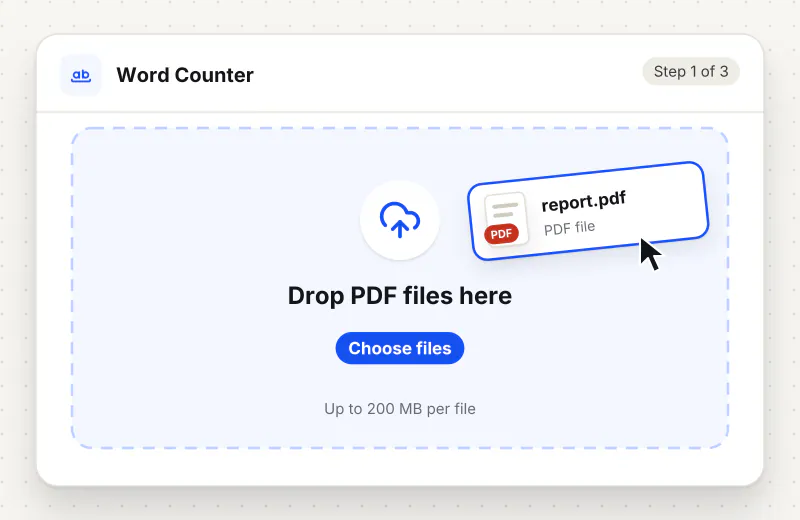
Type or paste into the text box, or click Open a file to load a PDF, DOCX or TXT document. Its text appears in the box and can be edited.
Step 2: Read the counts
Words, characters, characters without spaces, sentences, paragraphs, reading time and speaking time update as you type. Most used words lists the ten words you use most.
Step 3: Edit to fit your limit
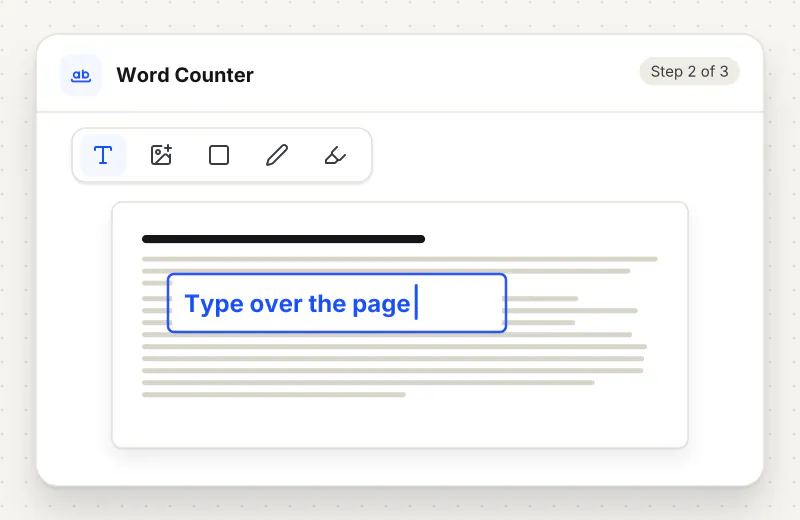
Shorten or rewrite in the box and watch the numbers change. When you are done, copy the text back into your document, or press Clear to start again.
Features
What Word Counter gives you
Counts for every kind of limit
Word limits for essays, character limits with or without spaces for forms and posts, sentence and paragraph counts for style checks, all shown side by side and updated as you type.
Opens PDF, Word and text files
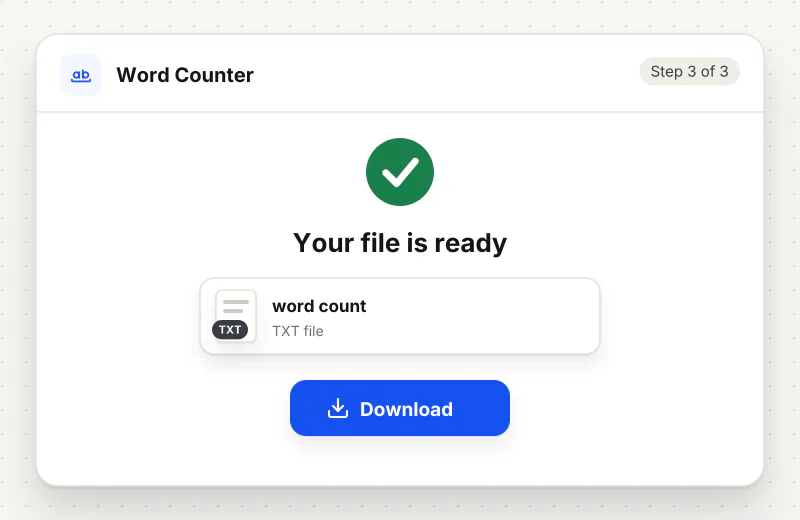
Load a PDF and its selectable text is read out, load a DOCX and its main body text is used, or open a TXT file. There is no need to copy the text out of the document first.
Reading time and most used words
Reading time assumes 230 words a minute and speaking time 130, useful for talks and videos. The most used words list skips short words like the and and, so repeated terms stand out.
What does Word Counter do?
The counts update with every key you press. Words and sentences are split with the language rules built into your browser, so text in Chinese, Japanese or Thai is counted by word too where the browser supports it. A file you open is turned into plain text in the box, where you can edit it before counting.
Limits are counted in different ways. Schools and journals usually count words, while forms, text messages and social posts count characters, sometimes without the spaces. Word Counter shows all of these at once, so you can check a draft against whichever rule applies without pasting it into several places.
A word here is a run of letters or digits, so a number counts as a word and a hyphenated term such as well-known counts as two. Sentences end at a full stop, question mark or exclamation mark, and a paragraph is any block of text after a line break. Expect small differences from other counters around abbreviations, lists and headings.
Documents can be counted too. A PDF gives up the text you could select in a viewer; a scanned PDF has none, so run it through OCR PDF first. For page counts and sizes across many PDFs, PDF Page Counter builds a table. Words in a photo or screenshot can be pulled out with Image to Text, and PDF to Text saves the whole text of a PDF as a file.
The text you type and the files you open stay in your browser and on your device; nothing is sent anywhere, which matters for unpublished work and private letters. Word Counter is free for personal use and needs no account.
Your file stays on your device.
This tool runs in your browser.
- Processed on your phone or computer, not uploaded
- No account, no sign-up
- Free for personal use
When to use Word Counter
- An essay or cover letter must stay under 500 words
- A form field or social post allows a set number of characters
- A translator quotes by the word and the source document is a PDF
- You want to know how long a speech or presentation script takes to read aloud
At a glance
Word Counter: free at a glance
What you get on the free plan, and when a paid plan applies.
| Price | Free for personal use, up to 30 tasks in any 24 hours |
|---|---|
| File size | Up to 300 MB on a computer, 100 MB on a phone |
| Files per task | Up to 20 on the free plan (up to 100 on paid plans) |
| Account | Not needed |
| Where it runs | On your phone or computer: the file never goes to our servers |
| File deletion | Your file never reaches our servers, so we keep nothing |
| Watermark | None |
| Business use | Paid plans from ₹399 a week |
Why Siliph
Word Counter on Siliph and on typical free PDF sites
The right-hand column sums up 5 popular free PDF sites we checked in October 2026.
| Feature | Siliph | Typical free PDF sites |
|---|---|---|
| Account for personal use | Not needed | Some sites ask you to sign in to finish or repeat a task |
| Free use | Up to 30 tasks in any 24 hours, 20 files a task | Some sites stop you after a few tasks an hour |
| Where your file goes | Stays on your device: this tool runs in your browser | Usually uploaded, then deleted after 1 to 2 hours |
Checked October 2026. Other sites change their plans; check before you rely on a limit.Side-by-side comparisons
Questions about Word Counter
How do I count the words in a PDF?
Click Open a file and pick the PDF. Its selectable text fills the box and the word count appears straight away. A scanned PDF has no text layer, so make it searchable with OCR PDF first.
Does it count words in a Word document?
Yes, for DOCX files. The main body text is counted; headers, footers, footnotes and comments are left out. Older DOC files are not read, so save them as DOCX first.
What is the difference between characters with and without spaces?
Characters counts every letter, digit, punctuation mark and space. Characters without spaces leaves out spaces, tabs and line breaks. Check which one your form or publisher means before you trim.
How is reading time worked out?
Reading time divides the word count by 230 words a minute, a typical silent reading pace for adults. Speaking time uses 130 words a minute, a comfortable pace for a talk or a video voice-over.
Why does my count differ from my word processor?
Counters split text in slightly different places, for example around dashes, slashes, numbers and bullet points. The difference is usually a few words in a thousand; when a limit is strict, follow the counter the publisher names.
Can it count Chinese or Japanese text?
Yes, where your browser supports language-aware word splitting, which current Chrome, Edge, Safari and Firefox do. Text without spaces between words is then split into words rather than counted as one long word.
Is the word counter free and private?
It is free for personal use with no account. Your text and files are counted in your browser on your device and are not sent anywhere.
Is my file private and secure?
Yes. Word Counter runs on your phone or computer, so your file stays there and never goes to our servers. You need no account, and Siliph never sells your files. How we protect your files
Embed this tool on your site
Add Word Counter to your blog or website for free, with a credit link back to Siliph.
Get the embed code
Embed code (iframe)
<iframe src="https://siliph.com/word-counter/?embed=1" title="Word Counter — Siliph" width="100%" height="620" style="border:0;border-radius:12px;max-width:900px;" loading="lazy" allow="clipboard-write"></iframe>
<p style="font-size:12px;color:#666;margin-top:8px;">Free tool by <a href="https://siliph.com/word-counter/" rel="nofollow">Siliph</a></p>
Credit link for blog posts and tool lists
<p style="font-size:12px;color:#666;margin-top:8px;">Free tool by <a href="https://siliph.com/word-counter/" rel="nofollow">Siliph</a></p>
Direct link: siliph.com/word-counter/