

WebP to JPG Converter
Turn a WebP picture you saved from a website into a JPG that older apps, editors and forms will open.
Turn WebP images saved from websites into JPG files that every app opens. Pick the quality and convert many images at once. Siliph is free for personal use and needs no account. Many tools work right on your device; the others use secure servers in Europe and India and delete your files within 2 hours.
- Convert a whole batch at once
- Quality slider from 10 to 100
- Images stay on your device
- Sent over an encrypted connection
- Files deleted after 2 hours
- Free, no signup, no watermark
Loading the WebP to JPG workspace… Files are processed securely and deleted automatically.
WebP to JPG Converter in short
WebP to JPG converts images that browsers save in the WebP format into ordinary JPG files, right in your browser. Choose a quality from 10 to 100, add as many images as you need for one task, and download a JPG or a ZIP of them. Free for personal use, no account.
Step by step
How to convert WebP to JPG
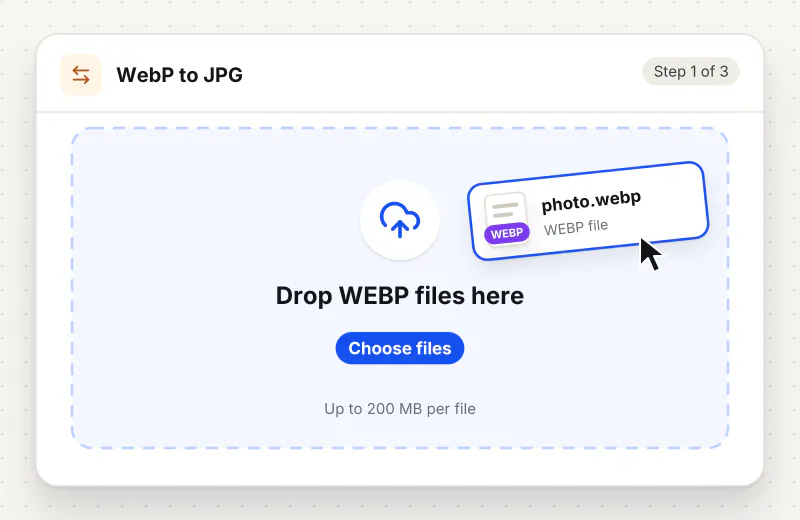
Step 1: Add the WebP images
Drag your .webp files into the drop zone or click Choose WebP images. The tool waits, so you can keep adding pictures from other folders.
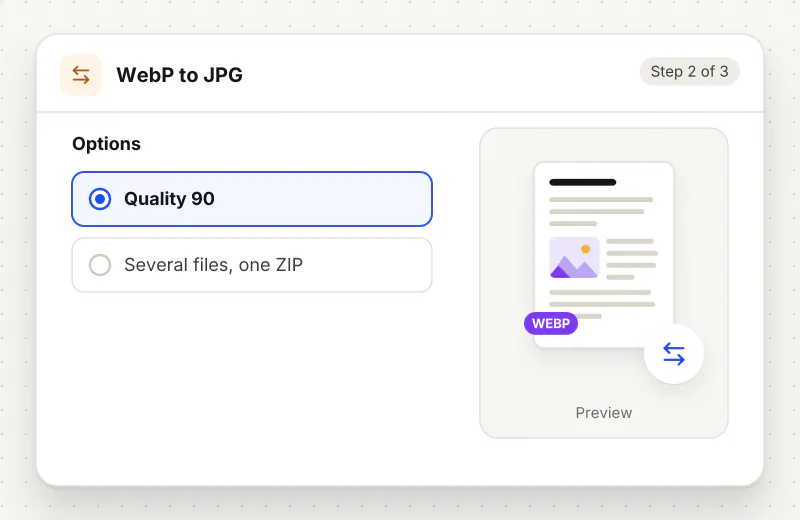
Step 2: Pick a JPG quality
Under JPG quality, leave the Quality slider at 90 for pictures that look the same, or slide it down when the files must be small.
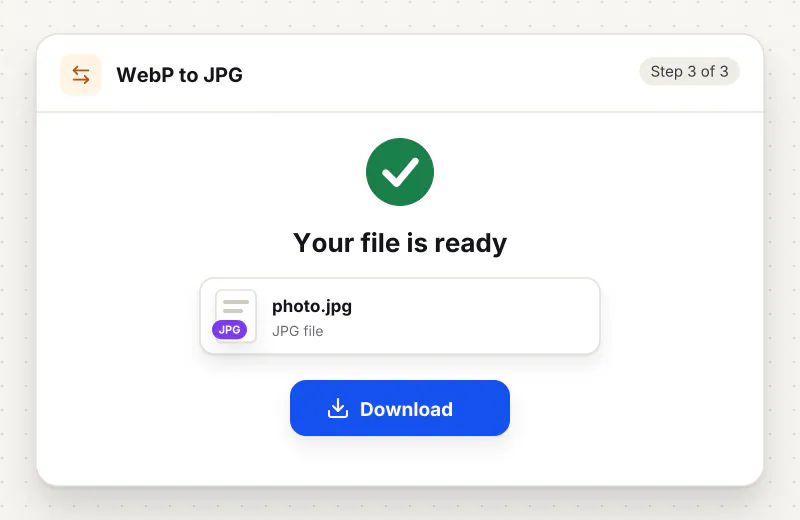
Step 3: Convert and download
Press Convert to JPG. A single image downloads as a JPG; a batch arrives as jpg-images.zip with every file inside.
Features
What WebP to JPG Converter gives you
Works with any saved web picture
Pictures saved from search results, news sites and online shops are often WebP even when the page looked like a normal photo. The tool reads them all and gives back plain JPG.
You choose quality versus size
The Quality slider runs from 10 to 100 in steps of 5. Around 90 keeps the picture looking the same; 60 to 75 makes far smaller files that are still fine on a phone screen.
See-through parts handled for you
JPG has no transparency, so logos and cut-out product shots get a clean white background instead of the black fill some converters leave behind.
What does WebP to JPG Converter do?
The tool opens each WebP image, paints a white background behind it in case it has see-through parts, and saves it as a JPG at the quality you set. The width and height stay the same. The file name stays too, with the ending changed to .jpg, so product-photo.webp becomes product-photo.jpg.
Websites send WebP because it loads faster than JPG, and most browsers keep that format when you right-click and save. That is why a picture you saved can refuse to open in an older photo viewer, a word processor or a form that lists JPG and PNG only. Turning it into a JPG makes it behave like any camera photo again.
A WebP image is often smaller than the JPG made from it, so do not be surprised if the new file is bigger. If a form caps the size, follow up with Compress Image to KB, or change the pixel size in Resize Image. Need the transparent background kept? Use WebP to PNG instead. Going the other way, for your own website, JPG to WebP does the reverse job.
Animated WebP files, the moving stickers some chat apps use, are converted as a single still picture, because a JPG cannot hold animation. To collect several web images into one document, WebP to PDF puts each one on its own page.
The pictures are opened and saved in your browser on your device and are never sent anywhere, so nothing you collect is shared with a third party. It is free for personal use, takes up to 20 images per task and needs no account.
Your file stays on your device.
This tool runs in your browser.
- Processed on your phone or computer, not uploaded
- No account, no sign-up
- Free for personal use
When to use WebP to JPG Converter
- You saved a picture from a website and it came down as .webp
- An older photo editor or office program will not open WebP files
- A job, school or rental form asks for a JPG of a document or photo
- You collected product photos from a supplier site for your own listing
Questions about WebP to JPG Converter
Why do pictures I save from websites end up as WebP?
Many sites serve images in WebP because the files are small and pages load faster. Your browser saves the file in the format it received, so the picture arrives as .webp even if it looked like a normal photo.
Will the JPG be bigger than the WebP file?
Often, yes. WebP squeezes pictures tighter than JPG, so the same image usually takes more space as a JPG. Lower the Quality slider to bring the size down.
What happens to a transparent background?
JPG cannot store transparency, so see-through areas are filled with white. If you need to keep a transparent background, convert to PNG with WebP to PNG instead.
Can I convert an animated WebP sticker?
You get one still frame as a JPG, because the JPG format has no animation. The moving version cannot be kept in a JPG file.
Which quality setting should I choose?
Use 90 when the picture will be printed or edited further. Use 70 to 80 for email and chat, where a smaller file matters more than tiny details. Very low settings, below 50, show blocky patches.
Do my images leave my computer?
No. Converting happens in your browser, so the WebP files are read and the JPG files are made on your own device.
Is my file private and secure?
Yes. WebP to JPG Converter runs on your phone or computer, so your file stays there and never goes to our servers. You need no account, and Siliph never sells your files. How we protect your files
Embed this tool on your site
Add WebP to JPG to your blog or website for free, with a credit link back to Siliph.
Get the embed code
Embed code (iframe)
<iframe src="https://siliph.com/webp-to-jpg/?embed=1" title="WebP to JPG — Siliph" width="100%" height="620" style="border:0;border-radius:12px;max-width:900px;" loading="lazy" allow="clipboard-write"></iframe>
<p style="font-size:12px;color:#666;margin-top:8px;">Free tool by <a href="https://siliph.com/webp-to-jpg/" rel="nofollow">Siliph</a></p>
Credit link for blog posts and tool lists
<p style="font-size:12px;color:#666;margin-top:8px;">Free tool by <a href="https://siliph.com/webp-to-jpg/" rel="nofollow">Siliph</a></p>
Direct link: siliph.com/webp-to-jpg/