
Credit Note Generator
Create GST-compliant credit notes & refund memos — download PDF free
Credit Note Details
Seller / Issuer
Buyer / Recipient
Company logo (optional)
PNG, JPG or WebP, up to 2 MB. Your logo stays on this device: it is added to the PDF in your browser and never uploaded.
Credit Items
| Description | HSN/SAC | Qty | Rate (₹) | GST % | Credit Amount | |
|---|---|---|---|---|---|---|
| ₹0.00 |
Printed as Notes under the totals, above the signature lines.
0 / 1,000 characters
Why use this tool
Your files are safe
Your file stays on your device: this tool runs in your browser.
No account needed
Free, with nothing to install.
Works everywhere
Use Siliph on desktop, tablet and mobile. No installation required.
Step by step
How to create a credit note
Get it done in 4 simple steps.
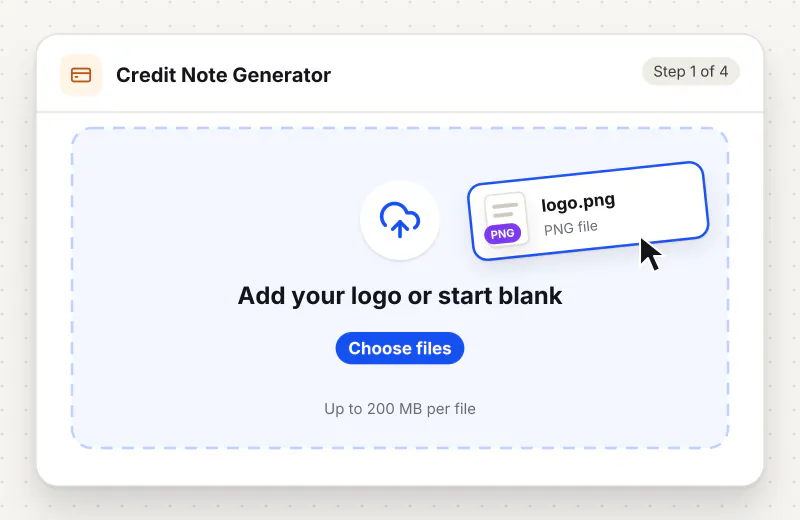
Step 1: Enter note and invoice details
Type the Credit Note No and Date, then the Original Invoice No and Invoice Date it adjusts. Pick a Reason and set Supply Type to intra-state or inter-state, matching the original invoice.
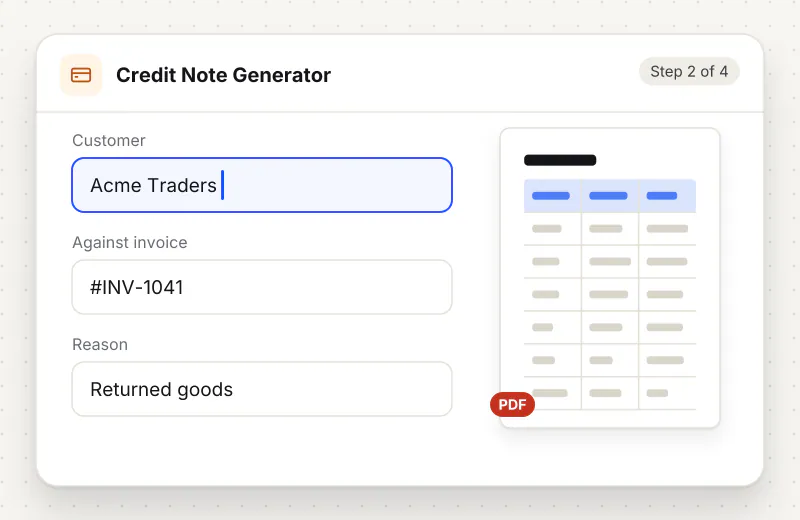
Step 2: Add seller and buyer
Under Seller / Issuer, fill in Name, Address, GSTIN and PAN. Under Buyer / Recipient, fill in Name, Address and GSTIN.
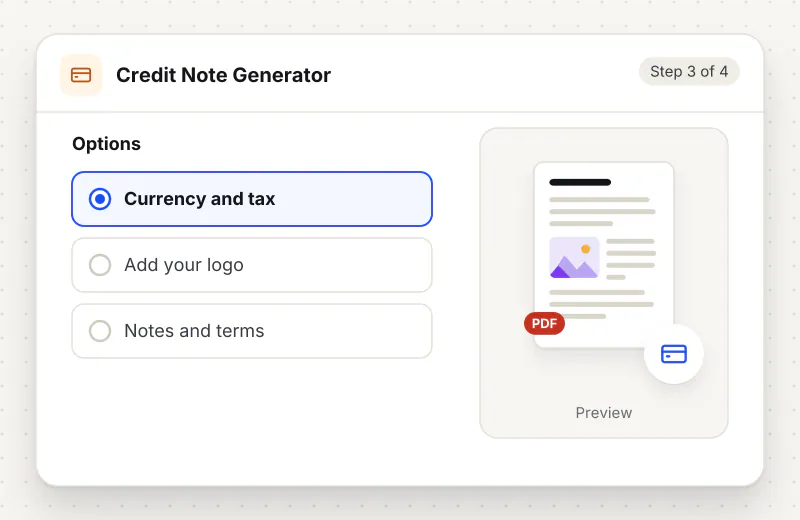
Step 3: List the credited items
For each item, enter the Description, HSN/SAC, Qty and Rate being credited, and the GST % from the original invoice. Click Add Item for more lines. The credit amount updates as you type.
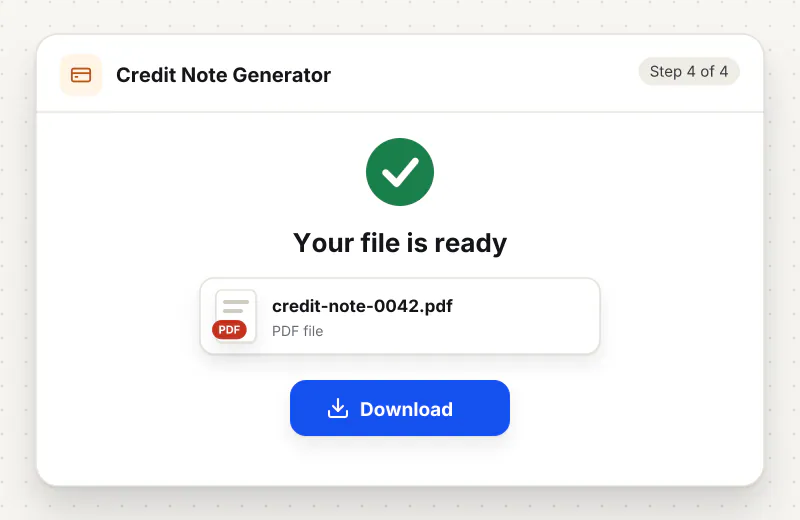
Step 4: Download the credit note
Add Notes / Remarks if needed and click Download PDF. The file is named after the credit note number.
Create a credit note to offset an invoice for returns, discounts, or corrections. Supports GST credit notes for B2B billing adjustments.
- Linked to the original invoice number and date
- Six reasons, from goods returned to invoice error
- Per-line CGST and SGST, or IGST, columns
In short
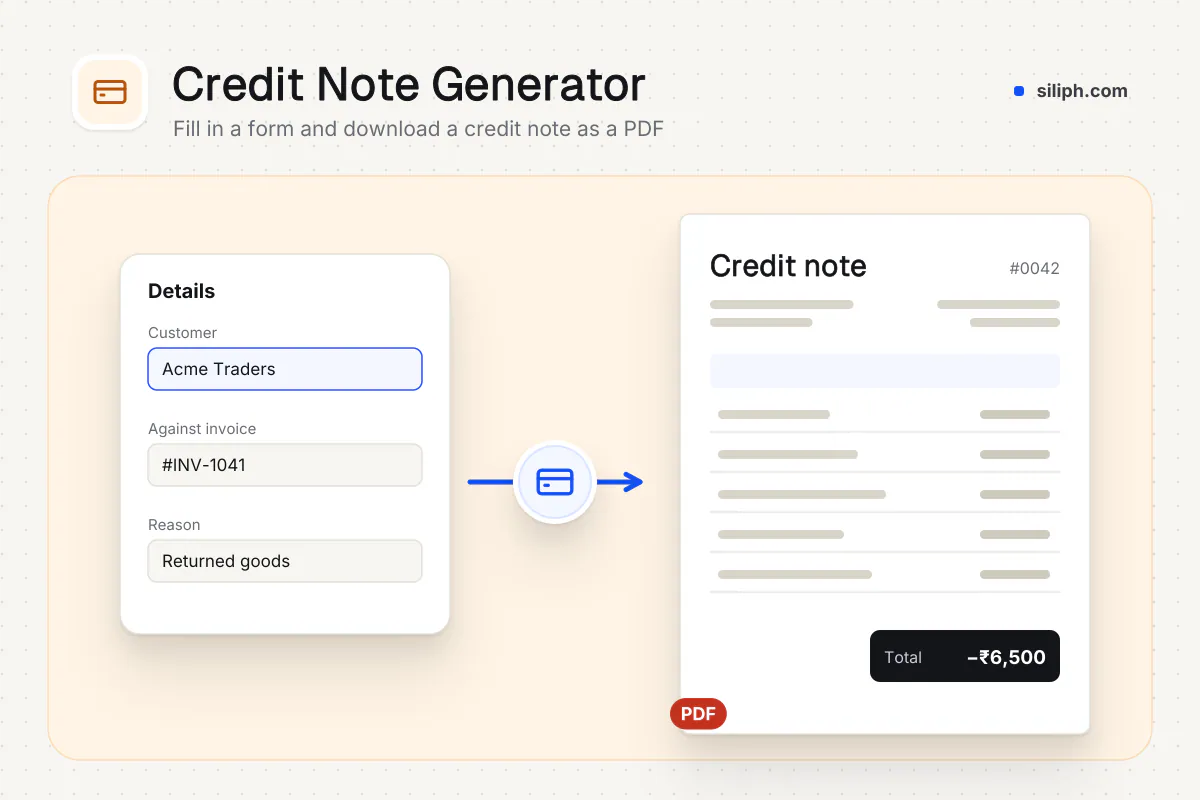
The credit note generator creates a GST credit note PDF against an earlier invoice. Enter the note number and date, the original invoice number and date, the reason and the supply type, then the seller and buyer with GSTIN. List the items being credited with HSN code, quantity, rate and GST rate. The tax split is calculated. It is free.
Features
What you get
Tied to the original invoice
The original invoice number and date print in the header as Against Invoice, with the reason underneath, so the buyer’s accountant can match the note to the bill.
Tax reversed line by line
For intra-state supplies the table has separate CGST and SGST columns; for inter-state, an IGST column. Totals repeat the split above the Credit Note Total.
Generated on your computer
The credit note is built in your browser. GSTINs, PAN and amounts never leave your device, and the form is cleared when you close the tab.
What does Credit Note Generator do?
A credit note lowers the value of an invoice you already issued. The form ties the note to that invoice and records why it exists. Each credited line is valued at quantity times rate, and GST is reversed at the line’s rate: halved into CGST and SGST for an intra-state supply, or shown as IGST for inter-state. The A4 PDF prints CREDIT NOTE with the number, date, Against Invoice reference and reason, both parties, a tax column per line, the totals and two signature lines.
Once a tax invoice is issued, you should not edit it. When goods come back, a discount is agreed later or the invoice simply had a mistake, the correction is a credit note: a separate document that reduces the amount owed and reverses the matching GST. The buyer uses it to adjust their input credit, and you use it to lower your output tax, so both sides need the reference to the original invoice to be exact.
Use the same supply type and GST rates as the original invoice, otherwise the tax being reversed will not match the tax that was charged. Credit only the quantity or value that changed; for a 10 percent discount on one item, enter that item with a rate equal to the discount. The reason list covers Goods Returned, Discount Allowed, Defective Goods, Invoice Error, Post-Sale Discount and Other. Amounts are in rupees and print with the ₹ sign, and a long list of returned items continues onto a second page.
The original bill would have come from the Invoice Generator, and returned goods often travel back under a Delivery Challan Generator challan. If you refund in cash on the spot, a Receipt Maker receipt records the payment. Keep the invoice and its credit notes together with Merge PDF. More templates are on the business documents hub.
The credit note is generated in your browser. Party details, GSTINs and amounts are drawn into a PDF on your device and never leave your device. Nothing is saved by the page, so download the note before you close it.
Your file stays on your device.
This tool runs in your browser.
- Processed on your phone or computer, not uploaded
- No account, no sign-up
- Free, no daily limit
When to use it
- A customer returned part of an order that was already invoiced
- You agreed a discount after the invoice went out
- An invoice charged the wrong rate or quantity and needs correcting
- Defective goods were accepted back and the buyer wants the tax reversed
Questions about Credit Note Generator
When should I issue a credit note instead of a new invoice?
When an invoice already issued needs to go down: goods returned, a discount after sale, defective goods or an error that overcharged the buyer. The original invoice stays as it is.
Does the credit note show CGST and SGST separately?
Yes, for an intra-state supply each line has its own CGST and SGST columns. For inter-state, choose IGST and the table shows a single IGST column.
How do I link the credit note to the original invoice?
Enter the Original Invoice No and Invoice Date. They print in the header as Against Invoice, followed by the date, next to the reason for the note.
Which reasons can I choose?
Goods Returned, Discount Allowed, Defective Goods, Invoice Error, Post-Sale Discount and Other. The reason is printed in the header of the credit note.
Is a credit note the same as a refund?
Not quite. A credit note reduces what the buyer owes, which may be settled as a refund or set off against a future bill. If you hand back money, a receipt can record it.
Is the credit note generator free?
Yes. It is free and needs no account. Making documents for a business is free too. A small footer line on the PDF names Siliph.
Is my file private and secure?
Yes. Credit Note Generator runs on your phone or computer, so your file stays there and never goes to our servers. You need no account, and Siliph never sells your files. How we protect your files
Embed this tool on your site
Add Credit Note Generator to your blog or website for free, with a credit link back to Siliph.
Get the embed code
Embed code (iframe)
<iframe src="https://siliph.com/credit-note-generator/?embed=1" title="Credit Note Generator — Siliph" width="100%" height="620" style="border:0;border-radius:12px;max-width:900px;" loading="lazy" allow="clipboard-write"></iframe>
<p style="font-size:12px;color:#666;margin-top:8px;">Free tool by <a href="https://siliph.com/credit-note-generator/" rel="nofollow">Siliph</a></p>
Credit link for blog posts and tool lists
<p style="font-size:12px;color:#666;margin-top:8px;">Free tool by <a href="https://siliph.com/credit-note-generator/" rel="nofollow">Siliph</a></p>
Direct link: siliph.com/credit-note-generator/