
Purchase Order Generator
Create GST-ready purchase orders and download as PDF free
Purchase Order Details
Buyer / Ship To
Vendor / Bill From
Company logo (optional)
PNG, JPG or WebP, up to 2 MB. Your logo stays on this device: it is added to the PDF in your browser and never uploaded.
Items / Services
| Description | HSN/SAC | Qty | Unit | Rate (₹) | GST % | Amount | |
|---|---|---|---|---|---|---|---|
| ₹0.00 |
Printed under the totals, above the signature line.
69 / 1,000 characters
Why use this tool
Your files are safe
Your file stays on your device: this tool runs in your browser.
No account needed
Free, with nothing to install.
Works everywhere
Use Siliph on desktop, tablet and mobile. No installation required.
Step by step
How to create a purchase order
Get it done in 4 simple steps.
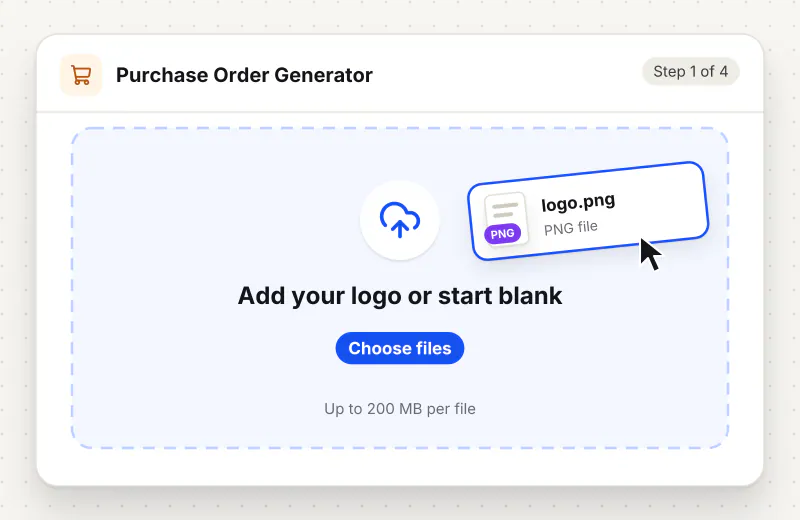
Step 1: Fill in the PO details
Pick a style, then enter the PO Number, PO Date, Delivery Date and Payment Terms, which starts as Net 30 and can be changed to anything you agreed.
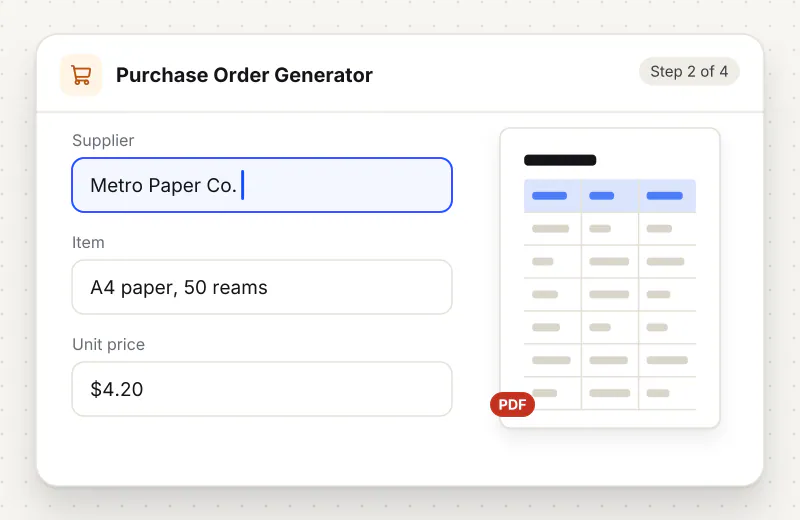
Step 2: Add buyer and vendor
Under Buyer / Ship To and Vendor / Bill From, type the Name, Address, GSTIN, Phone and Email. If goods go elsewhere, fill in the Delivery / Ship To Address box.
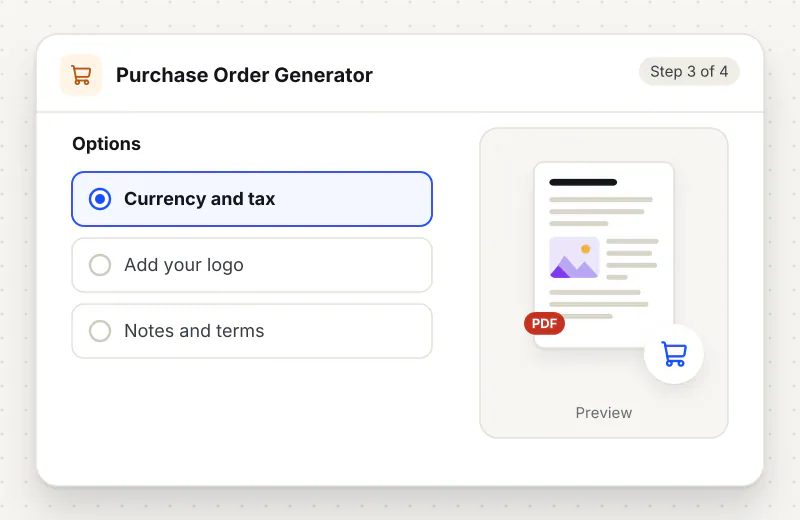
Step 3: List the items
For each line, enter Description, HSN/SAC, Qty, Unit such as Nos, kg or box, the Rate in rupees and a GST % of 0, 5, 12, 18 or 28. Use Add Item for more lines.
Step 4: Add terms and download
Edit the Notes / Terms & Conditions, which suggest the vendor confirms within 2 business days, then download the PDF. It is named after the PO number.
Fill in vendor details, item list, taxes, and shipping terms to generate a professional PDF purchase order instantly, with GST per line and pages that continue for long item lists.
- Buyer and vendor blocks with GSTIN, phone and email
- HSN/SAC, unit and GST rate on every line
- Delivery date, ship-to address and payment terms printed
In short
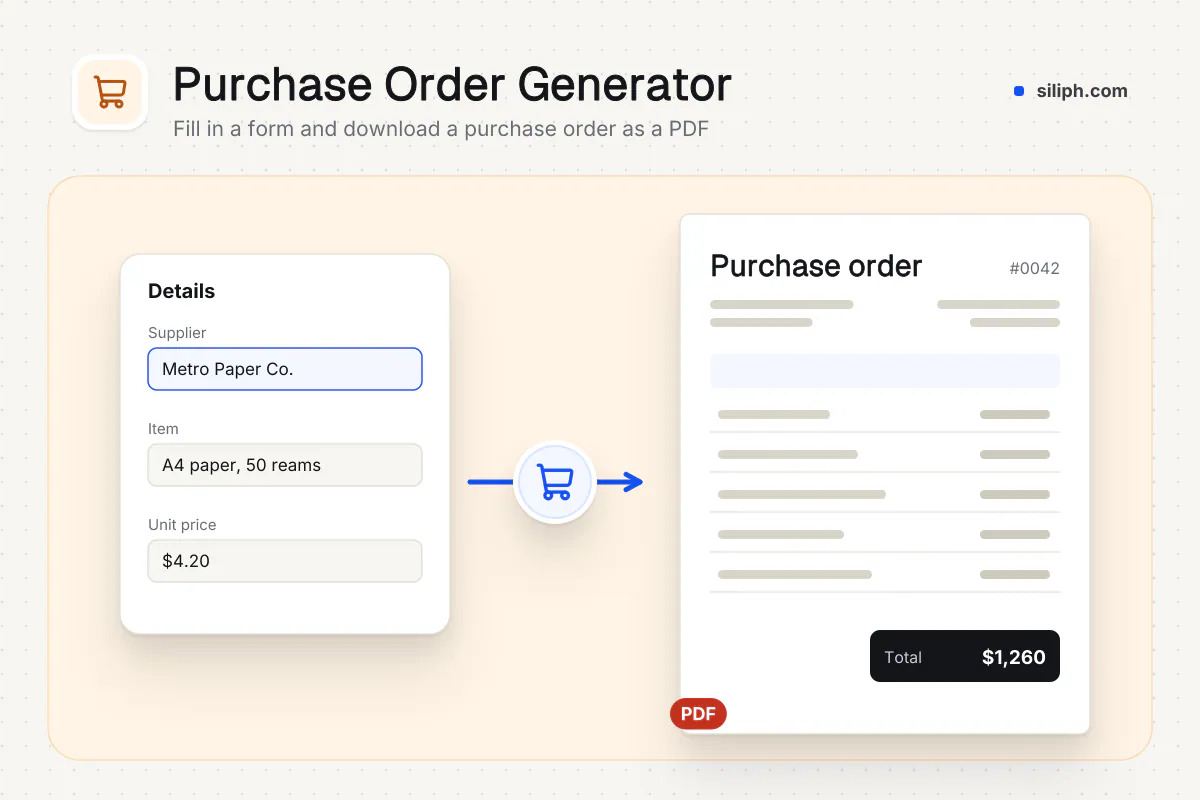
The purchase order generator creates a PO as a PDF for a supplier. Enter the PO number and dates, buyer and vendor details with GSTIN, an optional ship-to address and payment terms, then add items with HSN or SAC code, quantity, unit, rate and GST rate. The order totals the taxable value, GST and grand total, free.
Features
What you get
Units and HSN codes per line
Every item carries its own unit, HSN or SAC code and GST rate, so an order mixing goods in kilos with services by the hour stays accurate on paper.
Delivery and payment spelled out
Delivery date, a separate ship-to address and payment terms such as Net 30 are printed above the item table, where the supplier reads them first.
Built locally in your browser
The PO is drawn in your browser. Supplier names, negotiated rates and quantities never leave your device and are cleared when you close the page.
What does Purchase Order Generator do?
Each line multiplies quantity by rate and adds GST at that line’s rate, so the amount column already includes tax. The order totals the taxable subtotal, the GST and the grand total. The A4 PDF opens with a coloured PURCHASE ORDER band carrying the PO number, date and delivery-by date, then side-by-side buyer and vendor boxes, the ship-to address, payment terms, the item table, totals, your terms and an Authorized Signature line.
A purchase order turns a phone call or a WhatsApp agreement into a document both sides can check. It fixes what was ordered, at what rate, by when and on what payment terms, and suppliers often will not dispatch or extend credit without one. When the vendor’s invoice arrives, matching it against the PO is how you catch a wrong rate or a short delivery.
The amounts are in rupees, and the GST on all lines is shown as one total rather than split into CGST and SGST, which is normal for an order: the tax split belongs on the supplier’s invoice. Choose the unit carefully, since a rate per box and a rate per piece differ by a lot. Long orders continue onto more A4 pages with the table header repeated, and long descriptions wrap rather than being cut. Pick Classic Blue, Modern Green or Minimal Slate for the header colour.
A PO usually starts with a supplier’s quote, which they may send using the Estimate Generator. When the goods ship, a Delivery Challan Generator challan goes with them, and the bill arrives as an Invoice Generator invoice. Sign the order before sending with Sign PDF. More templates are on the business documents hub.
The purchase order is assembled in your browser. Supplier details and negotiated prices are turned into a PDF on your device and never leave your device. The form keeps no copy, so save the PDF before you reload the page.
Your file stays on your device.
This tool runs in your browser.
- Processed on your phone or computer, not uploaded
- No account, no sign-up
- Free, no daily limit
When to use it
- A shop orders stock from a wholesaler and wants the agreed rates on record
- An office buys laptops and the vendor will not dispatch without a PO
- A factory orders raw material by the kilo and needs units on each line
- Goods must go to a site address that differs from the billing office
Questions about Purchase Order Generator
What should a purchase order include?
A PO number and date, buyer and vendor details, each item with quantity, unit and agreed rate, tax, the delivery date and address, and payment terms. This generator has a field for each of them.
Does the PO split GST into CGST and SGST?
No. The PO shows GST per line and one GST total. The CGST and SGST or IGST split is shown on the supplier’s tax invoice, which you can check against this order.
Can I send goods to a different address?
Yes. Fill in Delivery / Ship To Address and it is printed below the buyer and vendor boxes. Leave it empty when goods go to the buyer’s own address.
Which currency does the purchase order use?
Rates and totals are in Indian rupees and printed with the ₹ sign in the PDF. There is no currency switch in this form.
Is there a place for an authorised signature?
Yes. An Authorized Signature line follows the notes on the last page. Print and sign it, or add a typed or drawn signature with Sign PDF.
Is the purchase order generator free?
Yes. It is free with no account, and you can raise as many purchase orders as you need. A short footer line notes that the PDF was made with Siliph.
Is my file private and secure?
Yes. Purchase Order Generator runs on your phone or computer, so your file stays there and never goes to our servers. You need no account, and Siliph never sells your files. How we protect your files
Embed this tool on your site
Add Purchase Order Generator to your blog or website for free, with a credit link back to Siliph.
Get the embed code
Embed code (iframe)
<iframe src="https://siliph.com/purchase-order-generator/?embed=1" title="Purchase Order Generator — Siliph" width="100%" height="620" style="border:0;border-radius:12px;max-width:900px;" loading="lazy" allow="clipboard-write"></iframe>
<p style="font-size:12px;color:#666;margin-top:8px;">Free tool by <a href="https://siliph.com/purchase-order-generator/" rel="nofollow">Siliph</a></p>
Credit link for blog posts and tool lists
<p style="font-size:12px;color:#666;margin-top:8px;">Free tool by <a href="https://siliph.com/purchase-order-generator/" rel="nofollow">Siliph</a></p>
Direct link: siliph.com/purchase-order-generator/