
Delivery Challan Generator
Create GST-compliant delivery challans and download as PDF free
Challan Details
Consignor / From
Consignee / To
Company logo (optional)
PNG, JPG or WebP, up to 2 MB. Your logo stays on this device: it is added to the PDF in your browser and never uploaded.
Transport Details
Items
| Description | HSN/SAC | Qty | Unit | Rate (₹) | GST % | Amount | |
|---|---|---|---|---|---|---|---|
| ₹0.00 |
Printed as Remarks under the items, above the signature lines.
0 / 1,000 characters
Why use this tool
Your files are safe
Your file stays on your device: this tool runs in your browser.
No account needed
Free, with nothing to install.
Works everywhere
Use Siliph on desktop, tablet and mobile. No installation required.
Step by step
How to make a delivery challan
Get it done in 4 simple steps.
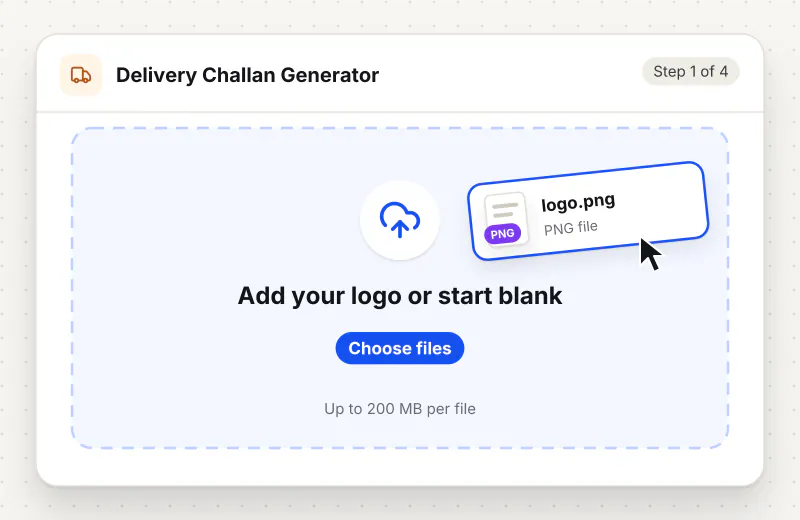
Step 1: Set the challan details
Enter the Challan No and Date, then pick the Challan Type: Supply of Goods, Job Work, Supply on Approval, Return of Goods, Exhibition or Fairs, or Others.
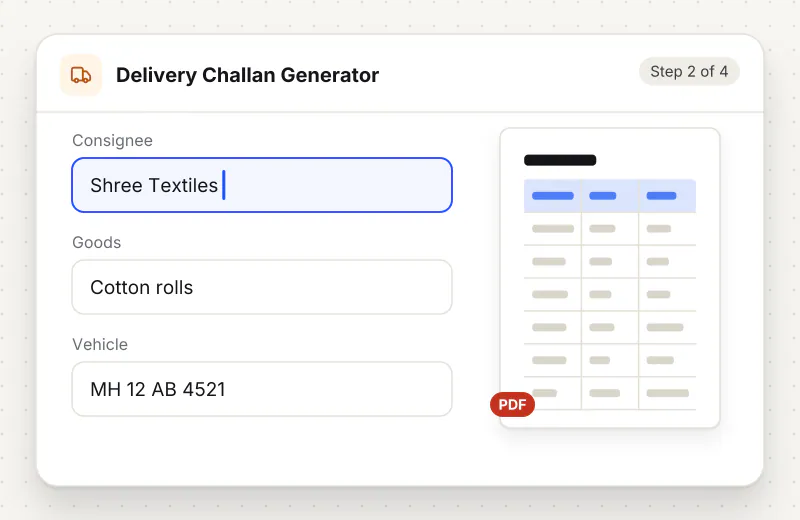
Step 2: Add consignor and consignee
For both parties, type the Name, Address, GSTIN and State. The state matters when goods cross a state border.
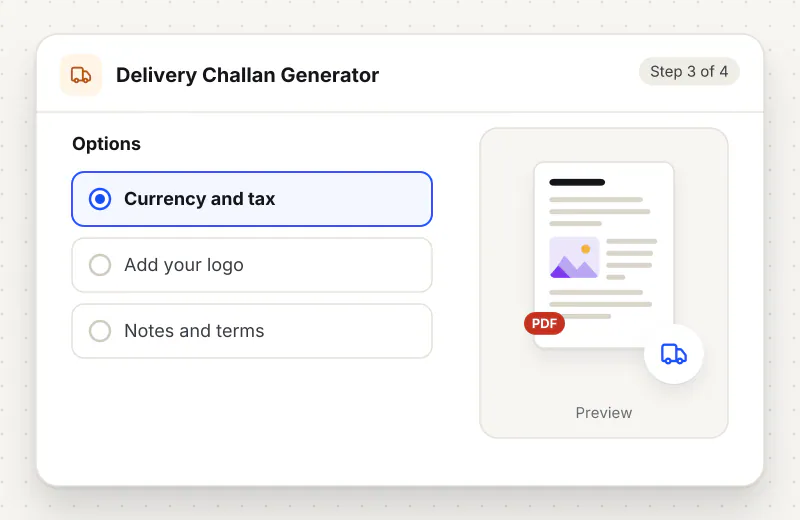
Step 3: Fill transport and items
Under Transport Details, add Vehicle Number, Driver Name and Transporter Name. Then list each item with Description, HSN/SAC, Qty, Unit, Rate and GST %, using Add Item for more lines.
Step 4: Download and print
Add Remarks if needed and click Download PDF. Print copies for the driver and the receiver, who signs in the Receiver’s Signature space.
Generate GST-compliant delivery challans with consignor/consignee details, item list, vehicle number, and driver info in seconds.
- Six challan types, from job work to exhibitions
- Vehicle number, driver and transporter printed
- Consignor and receiver signature lines
In short
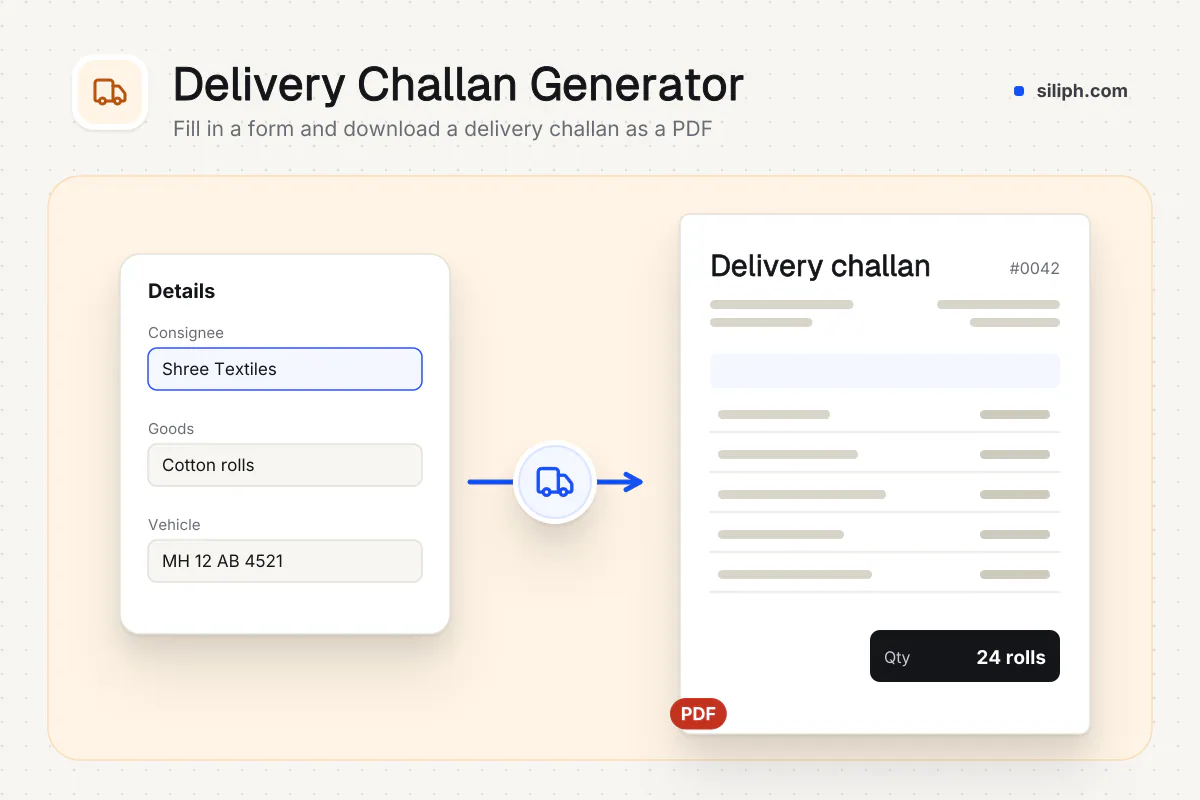
The delivery challan generator makes a challan PDF to travel with goods. Pick the challan type, such as job work or supply on approval, enter consignor and consignee with GSTIN and state, add vehicle, driver and transporter, then list items with HSN code, quantity, unit, rate and GST. The value is totalled. It is free.
Features
What you get
Challan types for each movement
Choose Supply of Goods, Job Work, Supply on Approval, Return of Goods, Exhibition or Fairs, or Others. The type is printed in the header so checkpoints and receivers see why goods are moving.
Transport details on the page
Vehicle number, driver name and transporter name sit in their own strip under the parties, so the document matches the truck carrying the goods.
Prepared on your own device
The challan PDF is drawn by your browser. Party details, GSTINs and item values never leave your device, and the form clears when the tab closes.
What does Delivery Challan Generator do?
A delivery challan records goods leaving your premises when there is no tax invoice yet or no sale at all. The form takes the challan number, date and type, the two parties with GSTIN and state, the transport details and an item list. Each line is valued at quantity times rate plus GST. The A4 PDF prints a DELIVERY CHALLAN band with number, date and type, both parties side by side, a transport strip, the item table, taxable value, total GST, total amount and signature lines for consignor and receiver.
Not every movement of goods is a sale. Material sent to a job worker, stock moved to an exhibition, samples sent on approval and goods returned to a supplier all travel without a tax invoice, and a delivery challan is the document that explains them. It shows who is sending, who is receiving, what is in the vehicle and what it is worth, and the receiver’s signature confirms that the goods arrived.
Pick the challan type that matches the reason for the movement, because it is printed in the header. Give each item an HSN code, a unit such as Nos, kg or metres, and a value, even when nothing is being sold. Values are printed in rupees with the ₹ sign, and GST is shown as a total rather than split. Whether an e-way bill is also needed depends on the value and route, so check that separately. A long item list carries onto more A4 pages with the table header repeated.
When the goods are later sold, raise the bill with the Invoice Generator. If they come back as a return against an earlier invoice, issue a Credit Note Generator note. Orders placed with a supplier start with the Purchase Order Generator. A signed challan can be scanned and shrunk for email with Compress PDF. The business documents hub lists every generator.
The challan is created in your browser. GSTINs, addresses, vehicle details and item values are turned into a PDF on your device and never leave your device. The form is not saved, so download the PDF before you leave the page.
Your file stays on your device.
This tool runs in your browser.
- Processed on your phone or computer, not uploaded
- No account, no sign-up
- Free, no daily limit
When to use it
- Raw material goes to a job worker for processing and will come back
- Samples go to a customer on approval before any invoice is raised
- Stock moves to a trade fair or exhibition stall in another city
- Defective goods are being returned to the supplier by truck
Questions about Delivery Challan Generator
When do I need a delivery challan instead of an invoice?
When goods move without a sale, or before the invoice is ready: job work, supply on approval, returns, exhibitions and transfers. When a sale happens, a tax invoice is issued.
Which challan types can I choose?
Supply of Goods, Job Work, Supply on Approval, Return of Goods, Exhibition or Fairs, and Others. The type you pick is printed under the date in the header.
Can I add the vehicle number and driver?
Yes. Transport Details has boxes for Vehicle Number, Driver Name and Transporter Name. Whichever you fill in are printed in a strip below the consignor and consignee.
Does the challan replace an e-way bill?
No. The challan describes the goods and the movement; an e-way bill is a separate registration on the government portal when the rules require one for the value and route.
How many copies should I print?
A common practice is three: one for the consignee, one for the transporter and one kept by the consignor. Print the PDF as many times as you need.
Is the delivery challan generator free?
Yes. It is free and needs no account. Making documents for a business is free too. A short footer line on the PDF names Siliph.
Is my file private and secure?
Yes. Delivery Challan Generator runs on your phone or computer, so your file stays there and never goes to our servers. You need no account, and Siliph never sells your files. How we protect your files
Embed this tool on your site
Add Delivery Challan Generator to your blog or website for free, with a credit link back to Siliph.
Get the embed code
Embed code (iframe)
<iframe src="https://siliph.com/delivery-challan-generator/?embed=1" title="Delivery Challan Generator — Siliph" width="100%" height="620" style="border:0;border-radius:12px;max-width:900px;" loading="lazy" allow="clipboard-write"></iframe>
<p style="font-size:12px;color:#666;margin-top:8px;">Free tool by <a href="https://siliph.com/delivery-challan-generator/" rel="nofollow">Siliph</a></p>
Credit link for blog posts and tool lists
<p style="font-size:12px;color:#666;margin-top:8px;">Free tool by <a href="https://siliph.com/delivery-challan-generator/" rel="nofollow">Siliph</a></p>
Direct link: siliph.com/delivery-challan-generator/