
Work Order Generator
Create professional work orders and service orders — download PDF free
Work Order Details
Client
Contractor
Company logo (optional)
PNG, JPG or WebP, up to 2 MB. Your logo stays on this device: it is added to the PDF in your browser and never uploaded.
Labor & Materials
| Description | Qty | Unit | Type | Unit Cost | Total | |
|---|---|---|---|---|---|---|
| ₹0.00 |
Printed under the total, above the signature lines.
41 / 1,000 characters
Why use this tool
Your files are safe
Your file stays on your device: this tool runs in your browser.
No account needed
Free, with nothing to install.
Works everywhere
Use Siliph on desktop, tablet and mobile. No installation required.
Step by step
How to make a work order
Get it done in 4 simple steps.
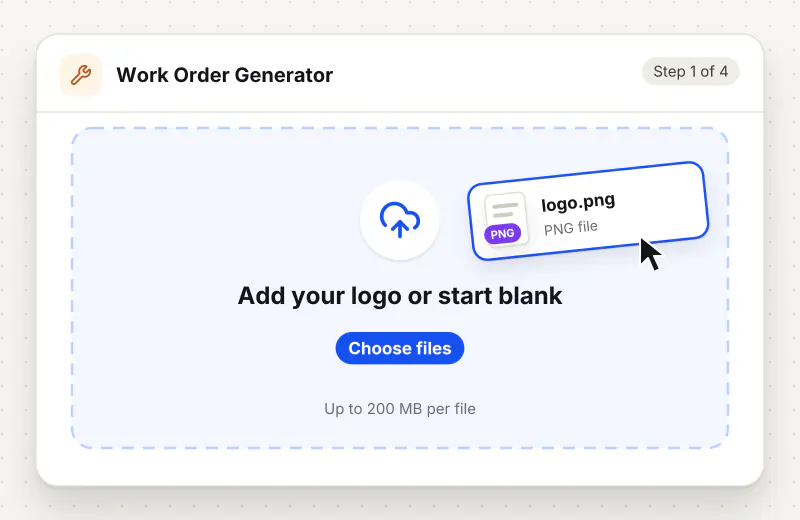
Step 1: Set number, dates and priority
Under Work Order Details, enter the WO Number, Date and Due Date, pick a Priority from Low to Urgent, and set the Status, such as Open or In Progress.
Step 2: Add client, contractor and site
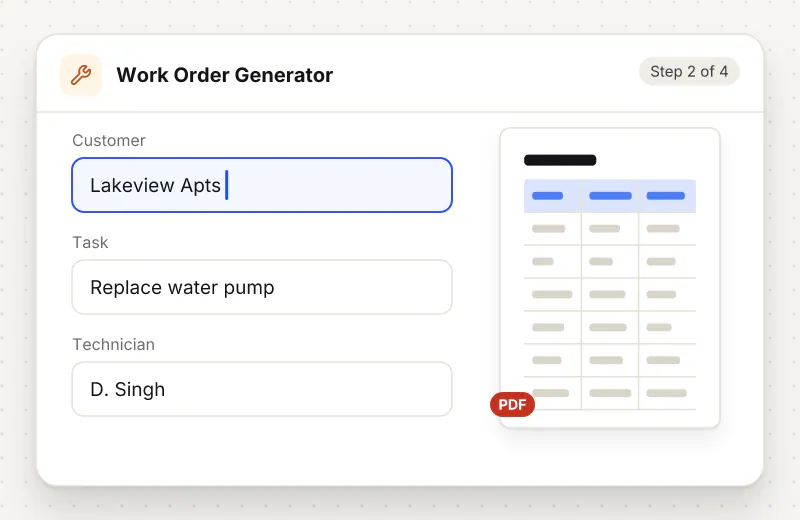
Fill in the client’s Name, Address, Phone and Email, and the contractor’s Name, Address, Phone and License. Then type the Site / Service Location and the Scope of Work / Description.
Step 3: List labour and materials
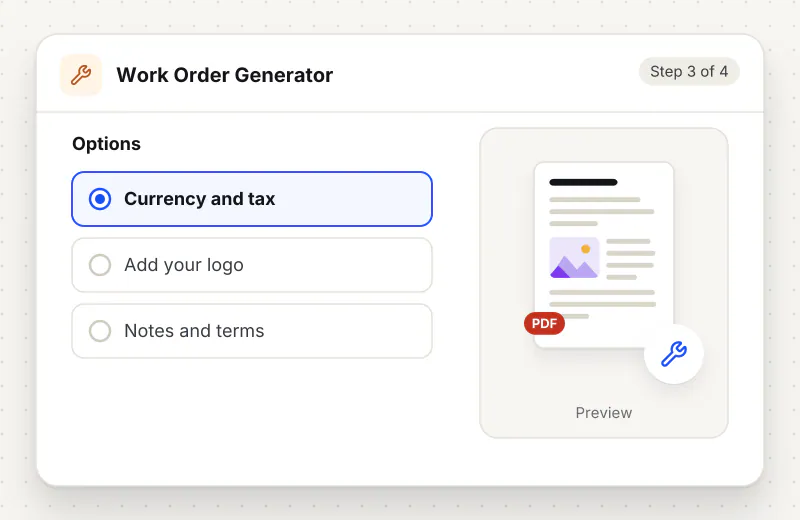
For each line, enter a Description, Qty, Unit such as hr or pcs, a Type of Labor, Material or Other, and the Unit Cost. Click Add Item for more lines.
Step 4: Download and sign
Edit the Terms & Conditions, which start as payment due within 30 days of completion, then click Download PDF and have both parties sign.
Fill in client, contractor, service scope, materials, and labor cost to generate a clear work order PDF ready to send to field crews.
- Priority from Low to Urgent and a due date
- Site location and scope of work on the page
- Labour and material lines with unit costs
In short
The work order generator creates a service order PDF for a job. Enter the work order number, dates and priority, the client and contractor with licence number, the site location and the scope of work, then list labour and materials with quantity, unit and unit cost. The total is calculated, and both parties get signature lines. It is free.
Features
What you get
Scope and site up front
The site location and a scope of work paragraph are printed above the cost table, so the crew reads what to do and where before they read the prices.
Priority and deadline in the header
Priority and due date sit in the coloured header band, so an urgent job stands out on a clipboard or a phone screen.
Made without leaving your device
The work order is generated in your browser. Client addresses, phone numbers and costs never leave your device, and nothing is kept after you close the tab.
What does Work Order Generator do?
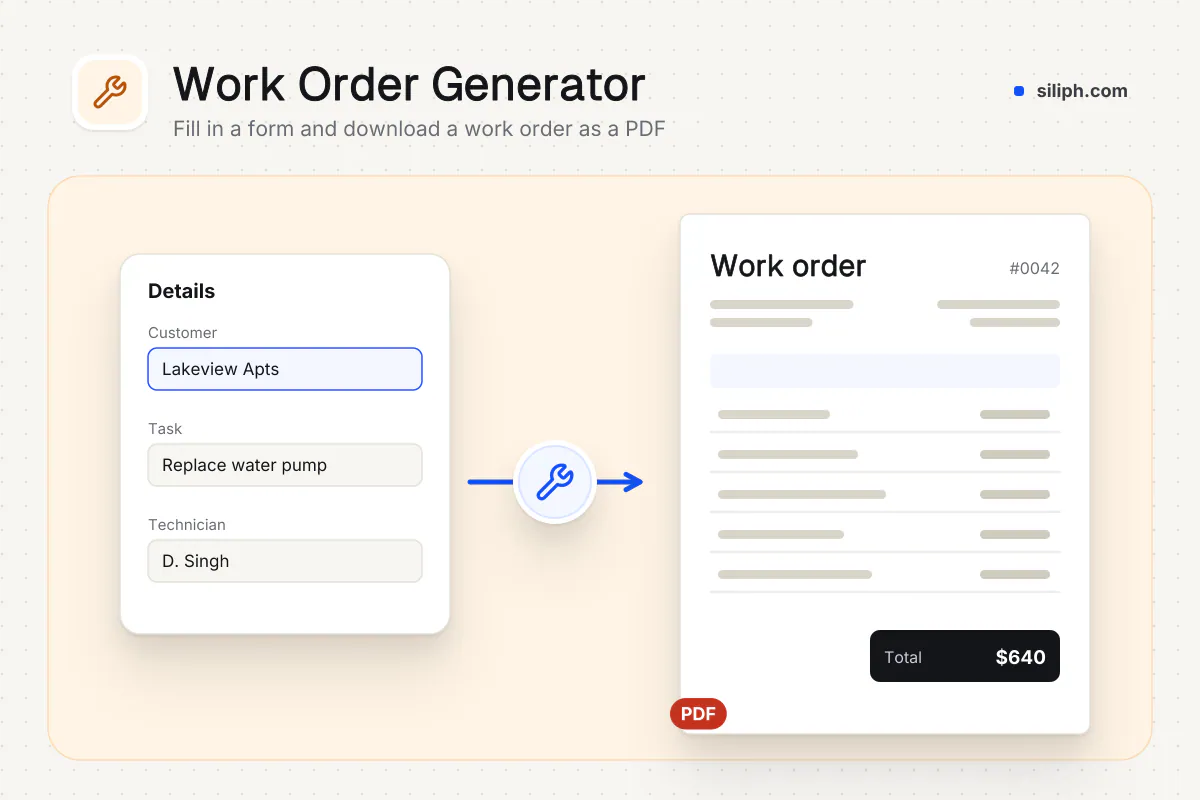
The form gathers what a field crew needs before arriving: who the client is, who is doing the work, where the site is, what the job covers and how urgent it is. Each labour or material line multiplies quantity by unit cost, and the lines add up to a total amount. The A4 PDF shows a WORK ORDER band with number, date, priority and due date, client and contractor boxes, the site and scope of work, the cost table, terms and two signature lines.
A work order is an instruction, not a bill. It tells a technician or a crew what job to do, at which address, by when, and with what labour and materials, and it gives the client a chance to agree to scope and cost before work starts. Written work orders stop the classic dispute where the job grows on site and nobody remembers what was agreed.
Write the scope as a short, concrete paragraph, such as "Replace kitchen mixer tap and fix leak under sink", and keep it to two or three lines so it does not crowd the cost table. Use hr as the unit for labour and pcs, m or kg for materials. The Type you pick for each line, Labor, Material or Other, is printed in its own column. Costs are in rupees and the total has no tax line; add tax on the final invoice. The status you choose prints in the header.
A work order usually follows an accepted price from the Estimate Generator and ends with a bill from the Invoice Generator. Crews paid by the hour can record their time with the Timesheet Generator. Get the client’s sign-off remotely with Sign PDF. All business templates are on the business documents hub.
The work order is produced in your browser. Client details, site addresses and costs are drawn into a PDF on your device and never leave your device. The form keeps nothing, so download the PDF before you reload.
Your file stays on your device.
This tool runs in your browser.
- Processed on your phone or computer, not uploaded
- No account, no sign-up
- Free, no daily limit
When to use it
- A property manager sends a plumber to fix a leak in a rented flat
- An electrician’s crew needs written scope before an installation
- A facilities team logs an urgent repair with a deadline
- A contractor wants the client to sign off scope and price before starting
Questions about Work Order Generator
What is the difference between a work order and an invoice?
A work order authorises a job and describes the scope before or during the work. An invoice asks for payment after the work is done. Use the Invoice Generator for the bill.
Can I set how urgent the job is?
Yes. Pick Low, Normal, High or Urgent in Priority, and add a Due Date. Both are printed in the header band of the work order.
Can I include the contractor’s licence number?
Yes. The Contractor section has a License field, printed in the contractor box under the name, address and phone number.
Does the work order add tax to the total?
No. The Total Amount is the sum of quantity times unit cost for every line, without tax. Tax belongs on the invoice raised after the job.
Can I mark a work order as completed?
Yes. Set Status to Completed before you download, and it prints in the header band. Open, In Progress, On Hold and Cancelled are the other choices. Have the client sign when the job is done.
Is the work order generator free?
Yes. It is free, with no account. Making documents for a business is free too. A small footer on the PDF names Siliph.
Is my file private and secure?
Yes. Work Order Generator runs on your phone or computer, so your file stays there and never goes to our servers. You need no account, and Siliph never sells your files. How we protect your files
Embed this tool on your site
Add Work Order Generator to your blog or website for free, with a credit link back to Siliph.
Get the embed code
Embed code (iframe)
<iframe src="https://siliph.com/work-order-generator/?embed=1" title="Work Order Generator — Siliph" width="100%" height="620" style="border:0;border-radius:12px;max-width:900px;" loading="lazy" allow="clipboard-write"></iframe>
<p style="font-size:12px;color:#666;margin-top:8px;">Free tool by <a href="https://siliph.com/work-order-generator/" rel="nofollow">Siliph</a></p>
Credit link for blog posts and tool lists
<p style="font-size:12px;color:#666;margin-top:8px;">Free tool by <a href="https://siliph.com/work-order-generator/" rel="nofollow">Siliph</a></p>
Direct link: siliph.com/work-order-generator/