
Timesheet Generator
Generate employee timesheets and download as PDF free
Company & Period
Company logo (optional)
PNG, JPG or WebP, up to 2 MB. Your logo stays on this device: it is added to the PDF in your browser and never uploaded.
Employee Information
1.5 pays time and a half; 2 pays double time.
Time Entries
| Date | Project | Task / Description | Reg. Hrs | OT Hrs | Total | |
|---|---|---|---|---|---|---|
| 8h |
Printed as Notes under the totals, above the signature lines.
0 / 1,000 characters
Why use this tool
Your files are safe
Your file stays on your device: this tool runs in your browser.
No account needed
Free, with nothing to install.
Works everywhere
Use Siliph on desktop, tablet and mobile. No installation required.
Step by step
How to make a timesheet
Get it done in 4 simple steps.
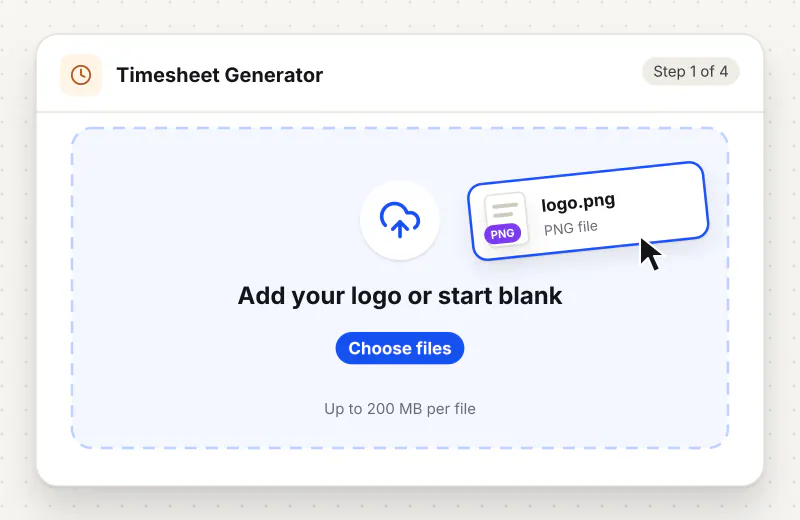
Step 1: Set the company and period
Under Company & Period, type the Company Name and pick Period From and Period To. The period is printed in the timesheet header.
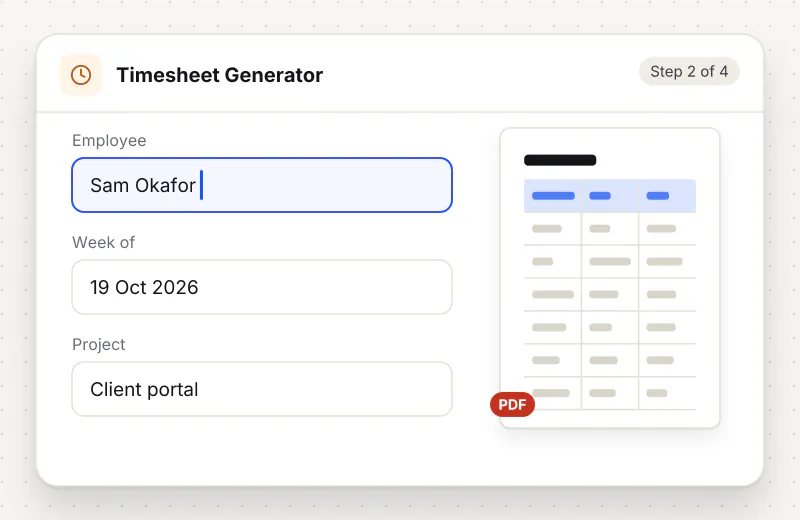
Step 2: Enter the employee
Fill in Employee Name, Employee ID, Department, Designation and Manager Name. Add an Hourly Rate only if the timesheet should show total pay.
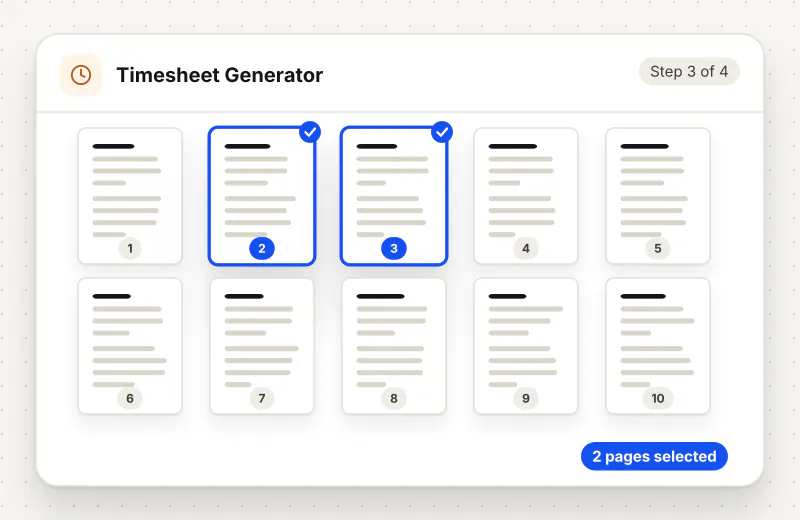
Step 3: Log the hours
Under Time Entries, set the Date, Project and Task / Description for each day, then Reg. Hrs and OT Hrs. Each new row starts at 8 regular hours; click Add Entry for the next day.
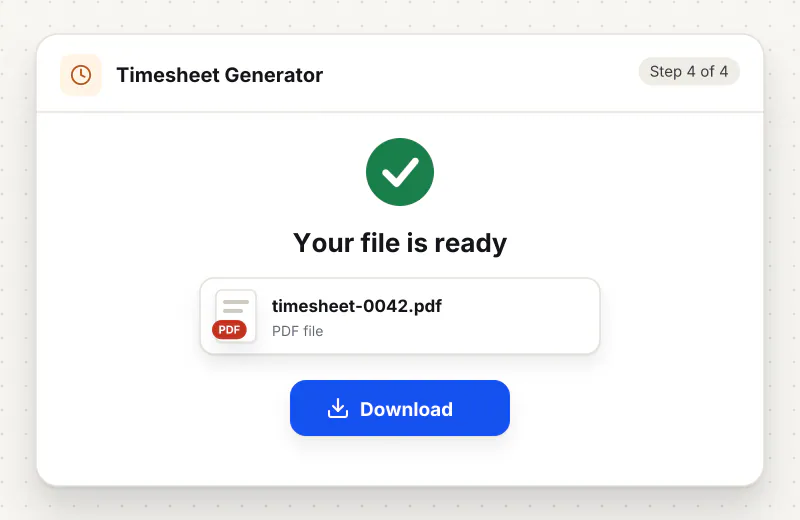
Step 4: Download for sign-off
Add any Notes / Remarks and click Download PDF. Print it or send it for the employee and manager to sign on the two signature lines.
Fill in employee name, dates, project codes, regular and overtime hours, and download a formatted timesheet PDF for payroll or billing.
- Regular and overtime hours on every row
- Optional total pay from an hourly rate
- Employee and manager signature lines
In short
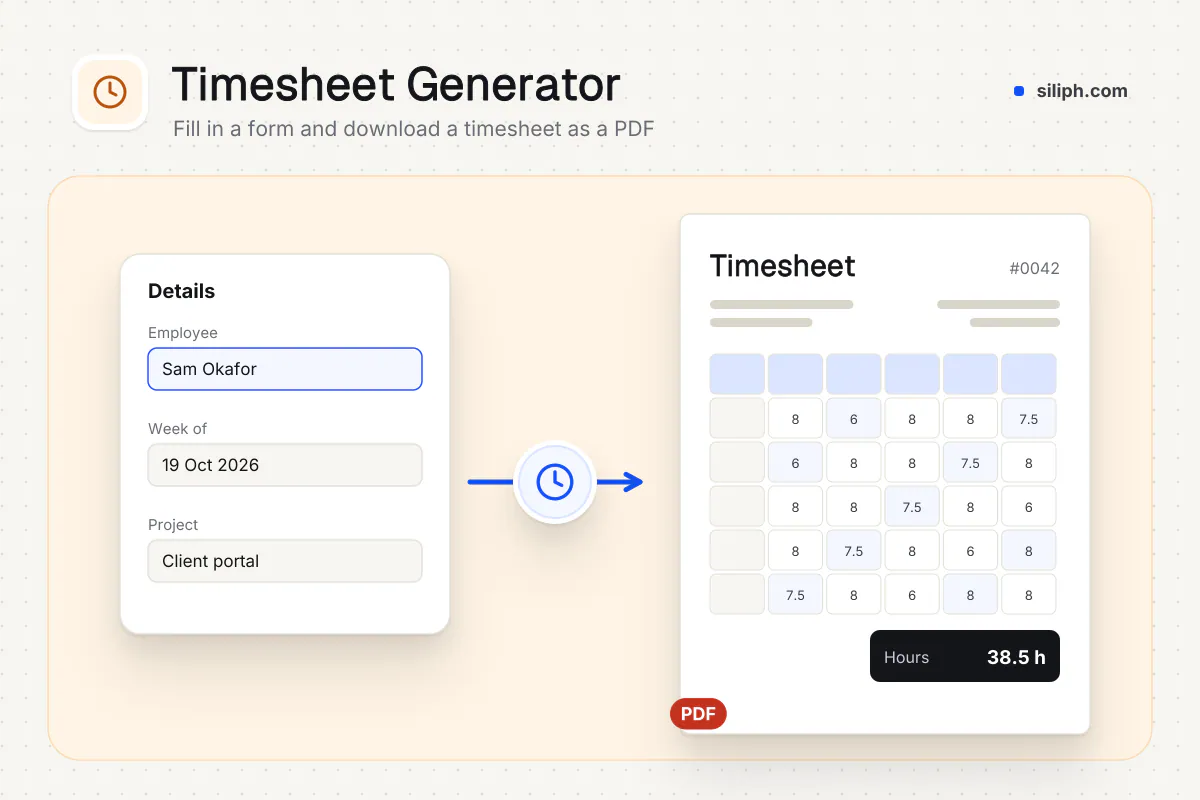
The timesheet generator turns a list of days and hours into a PDF timesheet. Enter the company, period and employee, then add one row per day with project, task, regular hours and overtime hours. Totals are calculated, and adding an hourly rate also gives total pay. It is free with no account.
Features
What you get
Hours split by project
Every row names a project and a task, so one timesheet can cover work for several clients and still show where each hour went.
Overtime counted separately
Regular and overtime hours are totalled on their own lines. With an hourly rate set, overtime is paid at 1.5 times the rate in the total pay figure.
Kept in your browser
The timesheet PDF is made by your browser. Names, rates and hours never leave your device, and the form keeps no copy after you close the page.
What does Timesheet Generator do?
Each entry records a date, a project, a task and two hour counts. The form adds regular hours, overtime hours and the total across all rows as you type. If you enter an hourly rate, total pay is worked out, with overtime paid at one and a half times that rate. The A4 PDF shows a TIMESHEET header with the period, an employee box with ID, department, designation and manager, the entry table, the totals and two signature lines.
A timesheet is the record behind every hourly payment. Payroll needs it to pay overtime correctly, clients ask for it before approving an hourly invoice, and in a dispute it is the document that shows who worked when. Keeping one in a notebook works until someone needs a clean copy with a manager’s signature, which is what this generator produces.
Log one row per day, or one row per project when a day is split. Use the Task / Description column for something a reviewer would recognise, such as "Homepage layout fixes", not a ticket number alone. Overtime is always paid at 1.5 times the hourly rate here; if your contract uses another multiplier, leave the rate blank and show only hours. Pay is printed in rupees with the ₹ sign. A month of daily rows runs onto more A4 pages, with the table header repeated and the totals on the last page.
Approved hours feed the next document. Bill a client for them with the Invoice Generator, pay staff with the Salary Slip Generator, or issue a US check stub with the Paystub Generator. Collect the manager’s approval electronically with Sign PDF, and join weekly sheets into a monthly file with Merge PDF. Other templates are on the business documents hub.
The timesheet is drawn in your browser. Hours, rates and names are turned into a PDF on your device and never leave your device. The form does not keep a copy, so download the PDF before you refresh the page.
Your file stays on your device.
This tool runs in your browser.
- Processed on your phone or computer, not uploaded
- No account, no sign-up
- Free, no daily limit
When to use it
- A contractor bills a client by the hour and must attach a timesheet
- A part-time employee needs hours approved by a manager before payroll
- An agency tracks time across several client projects in one week
- A shop owner records staff overtime for the month in writing
Questions about Timesheet Generator
How is overtime pay calculated on the timesheet?
When you enter an hourly rate, overtime hours are paid at 1.5 times that rate and added to regular pay for the Total Pay line. The multiplier cannot be changed.
Do I have to enter an hourly rate?
No. The rate is optional. Without it, the PDF shows only total regular hours, total overtime hours and total hours, with no pay figure.
Can one timesheet cover several projects?
Yes. Each row has its own Project and Task / Description, so add a row per project per day and the totals still add up across all of them.
Is there space for an approval signature?
Yes. The bottom of the page has an Employee Signature line and a Manager Signature line. Sign on paper or add signatures with Sign PDF.
Which currency does total pay use?
Total pay is printed in Indian rupees with the ₹ sign. The hours columns work for any country; leave the rate blank if you pay in another currency.
Is the timesheet generator free?
Yes. It is free, with no account. Making documents for a business is free too. A small footer line on the PDF names Siliph as the generator.
Is my file private and secure?
Yes. Timesheet Generator runs on your phone or computer, so your file stays there and never goes to our servers. You need no account, and Siliph never sells your files. How we protect your files
Embed this tool on your site
Add Timesheet Generator to your blog or website for free, with a credit link back to Siliph.
Get the embed code
Embed code (iframe)
<iframe src="https://siliph.com/timesheet-generator/?embed=1" title="Timesheet Generator — Siliph" width="100%" height="620" style="border:0;border-radius:12px;max-width:900px;" loading="lazy" allow="clipboard-write"></iframe>
<p style="font-size:12px;color:#666;margin-top:8px;">Free tool by <a href="https://siliph.com/timesheet-generator/" rel="nofollow">Siliph</a></p>
Credit link for blog posts and tool lists
<p style="font-size:12px;color:#666;margin-top:8px;">Free tool by <a href="https://siliph.com/timesheet-generator/" rel="nofollow">Siliph</a></p>
Direct link: siliph.com/timesheet-generator/