

Salary Slip Generator
Generate professional salary slips / payslips formatted automatically for your country — browser-based, instant PDF download.
Automatic Country Setup
Selecting a country automatically configures official statutory tax fields, currency format, and standard payroll allowances.
Payslip style
Company Details
Employee Details (India)
🇮🇳 Custom fields activePay Period
Earnings
Deductions
Salary Slip Generator in short
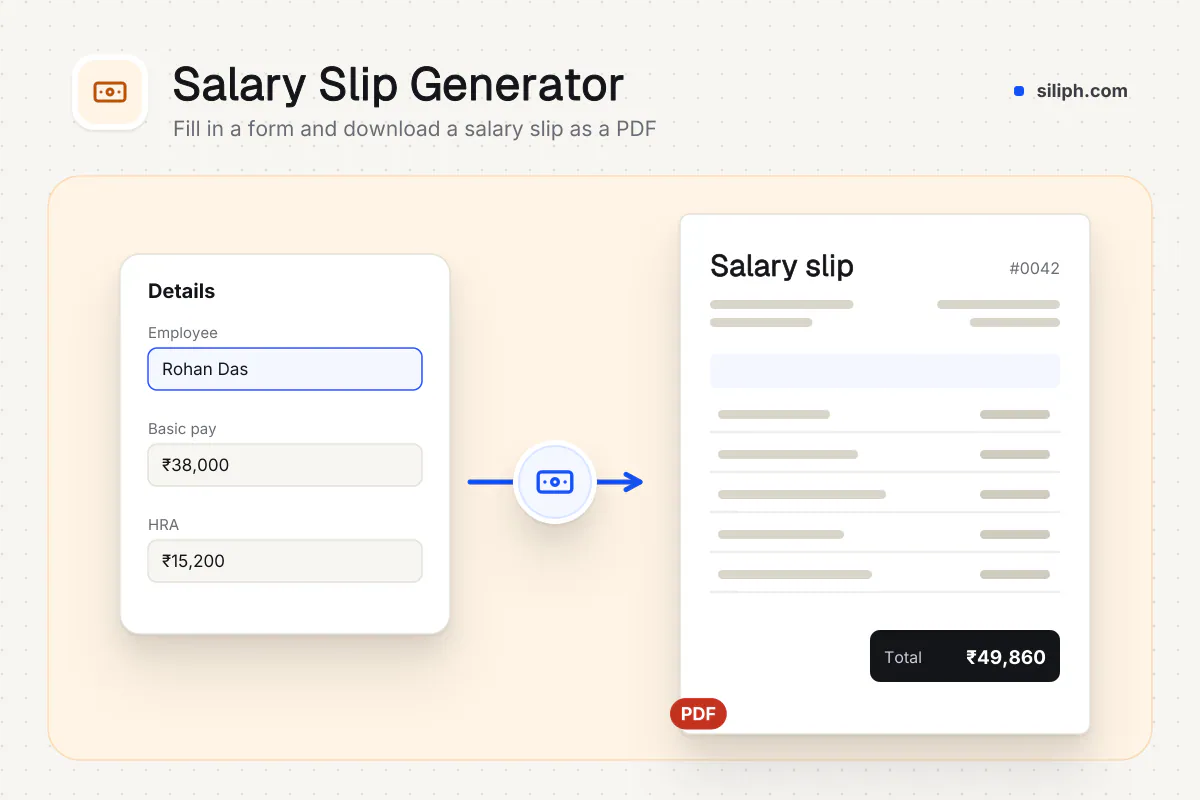
The salary slip generator lets you create a payslip online as a PDF. Choose a country preset to load the right employee fields, such as UAN and IFSC for India or NI number for the UK, then enter the month, paid days, earnings and deductions. Gross pay, total deductions and net pay are calculated. It is free with no sign-up.
Step by step
How to make a salary slip
Step 1: Choose the country and style
Under Select Country / Region, pick India, United States, United Kingdom, European Union, Canada, Australia, United Arab Emirates or International. The currency symbol fills in and can be changed. Then pick a Payslip style.
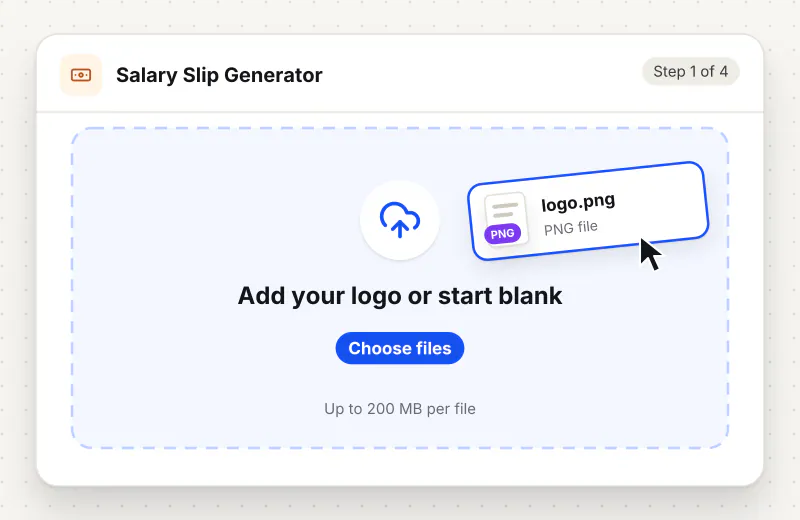
Step 2: Fill in company and employee
Type the Company Name, Address and, if you like, its tax ID, then the eight employee fields for that country, for example Employee ID, Designation, IFSC Code, UAN and PAN for India.
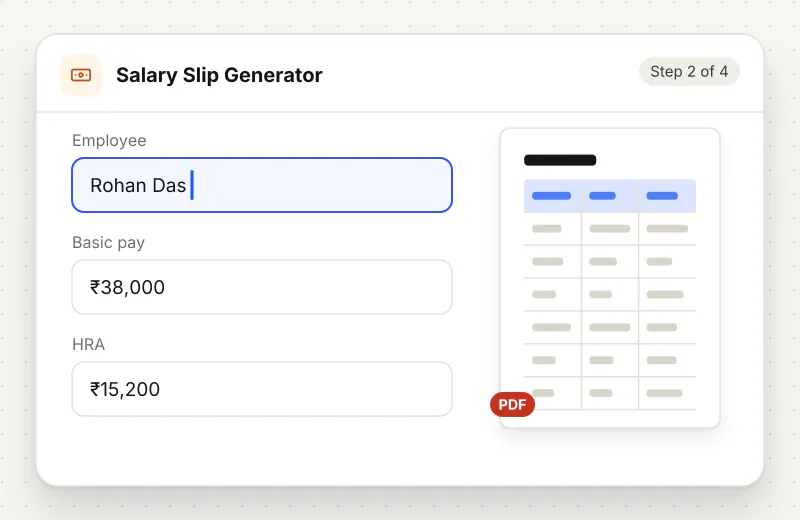
Step 3: Set the month and pay items
Pick the Month and Year and enter Working Days and Paid Days. Replace the sample amounts under Earnings and Deductions, use + Add Earning or + Add Deduction for extra rows, and the bin icon to remove one.
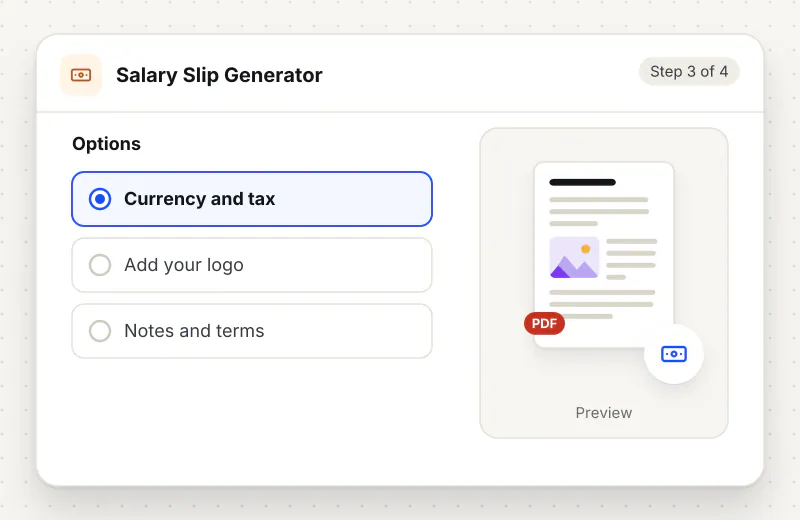
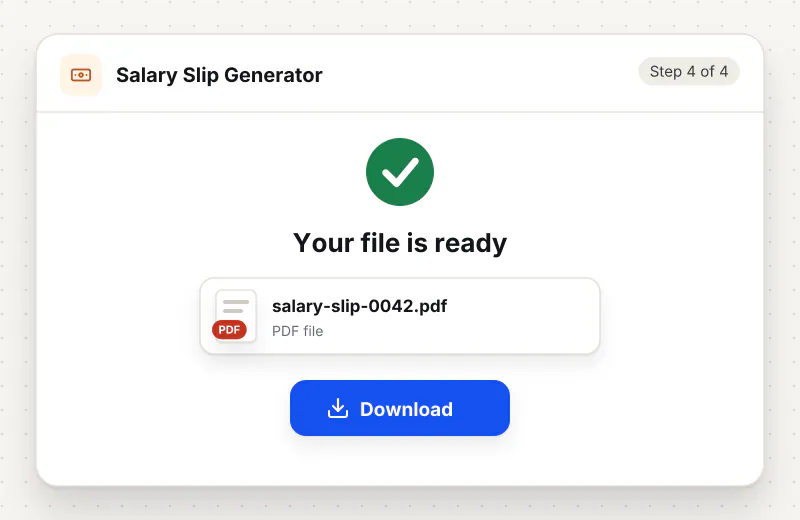
Step 4: Download the payslip
Check the gross, deductions and net pay summary, then click the download button, labelled with your country, such as Download India Salary Slip PDF. Your browser draws and saves the file.
Features
What Salary Slip Generator gives you
Payroll fields for eight regions
Each preset swaps in local labels: UAN, IFSC and PAN in India, routing number and SSN in the US, NI number and tax code in the UK, BSB and TFN in Australia, Emirates ID in the UAE.
Your own earning and deduction heads
Rename any row, such as Special Allowance or Professional Tax, add new ones like bonus or arrears, or remove rows you do not need. Gross, total deductions and net pay follow every change.
Built on your device
Salary figures, bank numbers and ID numbers stay in your browser. The payslip PDF is generated on your device, and nothing is stored once you close the page.
What does Salary Slip Generator do?
Selecting a country loads eight employee fields and a starting list of earnings and deductions for that payroll system, along with its currency symbol. You overwrite the sample amounts with the real ones, rename or add rows, and the page totals gross earnings, total deductions and net pay. The PDF prints the company name and address in a coloured header, the pay month, an employee details table, the two columns of pay items and a highlighted net pay band.
A salary slip, or payslip, is the monthly statement that shows what an employee earned, what was deducted and what reached the bank. Lenders, landlords and visa officers ask for it as proof of income, and in many countries employers must hand one over every month. Small employers often skip it because payroll software feels like overkill for three people. This generator covers the common case: one employee, one month, the earnings and deductions you already know, and a clean page that adds them up correctly.
Pick the country first, because it decides the employee fields and the sample pay items. The India preset starts with Basic Salary, HRA, Transport Allowance and Special Allowance against PF, Professional Tax and TDS; + Add ESI (0.75%) adds ESI at 0.75% of gross if it applies. Other amounts are yours to enter: the tool adds them up but does not work out tax or PF, and the paid days you type are printed, not used to cut pay. Indian slips also print net pay in words, such as Rupees Twelve Thousand Five Hundred Only.
A payslip must show the salary that was really paid. Making slips for your own staff from payroll records is normal practice; making one with invented figures to win a loan, a rental or a visa is fraud, and banks check slips against bank statements and tax records such as Form 16. Every slip from this tool says in its footer that it is computer generated by Siliph, so an employer who needs a signed copy can print it, sign it and stamp it.
Payroll paperwork comes in sets. Staff paid by the hour can log time with the Timesheet Generator first, US employers who want a check stub layout can use the Paystub Generator, and tenants claiming HRA need the Rent Receipt Generator. To send a year of payslips as one file, combine them with Merge PDF and add a password with Protect PDF. More templates sit on the business documents hub.
The payslip is produced inside your browser. Salary amounts, bank account numbers and tax IDs are turned into a PDF on your device and never leave your device. The form does not save anything, so keep the downloaded PDF and re-enter the figures next month.
Your file stays on your device.
This tool runs in your browser.
- Processed on your phone or computer, not uploaded
- No account, no sign-up
- Free for personal use
When to use Salary Slip Generator
- A startup with a few staff needs monthly payslips without payroll software
- An employer has to reissue a lost salary slip for a past month from the payroll records
- A household pays a driver or cook and wants a written record each month
- An HR team in the UAE must show housing and transport allowances separately
Questions about Salary Slip Generator
Does the salary slip generator calculate PF, ESI or TDS?
Only ESI, and only on request: for India, + Add ESI (0.75%) adds an ESI row at 0.75% of gross pay, which you can edit. Type PF, professional tax and TDS from your payroll working, and the slip totals the deductions.
What should a salary slip include?
The employer name and address, the employee name, ID and designation, the pay month and paid days, each earning such as basic pay and HRA, each deduction such as PF, professional tax and TDS, and gross pay, total deductions and net pay.
Is a payslip the same as a salary slip?
Yes. Payslip, pay slip and salary slip all mean the monthly pay statement. In the US it is usually called a pay stub and comes with each paycheck; the Paystub Generator makes that hourly layout.
Which countries have a payslip preset?
India, the United States, the United Kingdom, the European Union, Canada, Australia and the United Arab Emirates, plus an International option with general fields such as SWIFT or IBAN and national tax ID.
Can I use a generated salary slip for a bank loan or visa?
Only when it records salary that was really paid. The footer says the slip is computer generated and needs no signature, but the bank or embassy decides what it accepts, so it may ask for a signed and stamped copy and bank statements.
Can I change the currency on the payslip?
Yes. Each country fills in its currency symbol, such as ₹, $, £ or AED, and you can overwrite it in the Currency Symbol box. The symbol, including ₹, is printed as typed in the PDF.
Can I add a row for bonus or overtime?
Yes. Use + Add Earning for bonus, overtime or arrears, and + Add Deduction for items like loan recovery or ESI. Every row you add is printed and counted in the totals.
Is the salary slip generator free?
Yes. It is free for personal use, with no account. Making documents for a business is covered by a paid plan. Each slip is generated fresh from the form.
Is my file private and secure?
Yes. Salary Slip Generator runs on your phone or computer, so your file stays there and never goes to our servers. You need no account, and Siliph never sells your files. How we protect your files
Guides for Salary Slip Generator
Walk-throughs for common jobs, such as hitting an upload limit or preparing an application.
Embed this tool on your site
Add Salary Slip Generator to your blog or website for free, with a credit link back to Siliph.
Get the embed code
Embed code (iframe)
<iframe src="https://siliph.com/salary-slip-generator/?embed=1" title="Salary Slip Generator — Siliph" width="100%" height="620" style="border:0;border-radius:12px;max-width:900px;" loading="lazy" allow="clipboard-write"></iframe>
<p style="font-size:12px;color:#666;margin-top:8px;">Free tool by <a href="https://siliph.com/salary-slip-generator/" rel="nofollow">Siliph</a></p>
Credit link for blog posts and tool lists
<p style="font-size:12px;color:#666;margin-top:8px;">Free tool by <a href="https://siliph.com/salary-slip-generator/" rel="nofollow">Siliph</a></p>
Direct link: siliph.com/salary-slip-generator/