
Free Check Stub and Paystub Generator
Make a US or Canadian check stub with gross and net pay worked out, and download it as a PDF
Employer & Employee Information
Company logo (optional)
PNG, JPG or WebP, up to 2 MB. Your logo stays on this device: it is added to the PDF in your browser and never uploaded.
Pay Period Details
Earnings
Taxes & Deductions
US defaults: federal and state income tax, Social Security, Medicare, health insurance and 401(k). Rename, change or remove any row.
Optional. For example a confidentiality line or who to contact with questions.
0 / 1,000 characters
Check Stub summary
Why use this tool
Your files are safe
Your file stays on your device: this tool runs in your browser.
No account needed
Free, with nothing to install.
Works everywhere
Use Siliph on desktop, tablet and mobile. No installation required.
Step by step
How to make a paystub
Get it done in 4 simple steps.
Step 1: Pick the country and enter the people
Choose United States or Canada, then fill in Company Name and Company Address, Employee Name, Employee Address, SSN (last 4 digits) or SIN (last 3 digits) and Employee ID. Empty boxes are left off the stub.
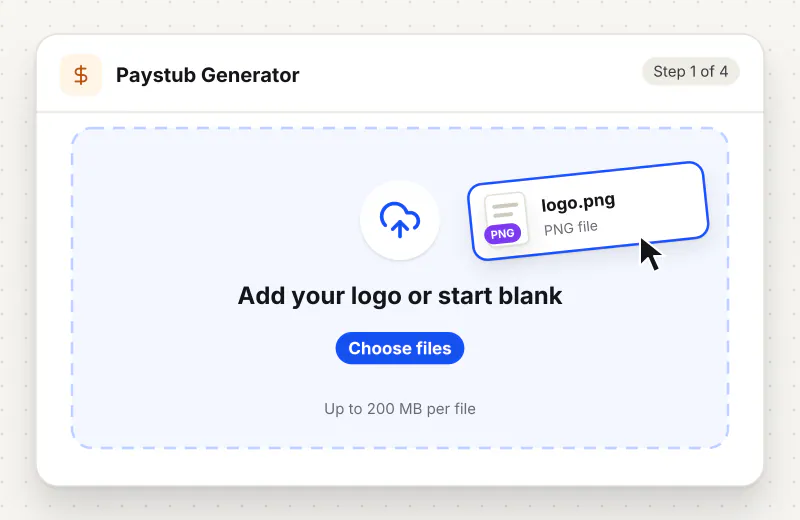
Step 2: Set the pay period
Pick Period Start, Period End and Check Date. The check date is also used in the file name of the PDF.
Step 3: Add earnings and withholdings
Enter Hourly Rate and Hours Worked, plus Overtime Pay and Bonus Pay in dollars. Then type the amount withheld on each row, such as Federal Income Tax or Medicare Tax, rename or remove rows, or use Add deduction.
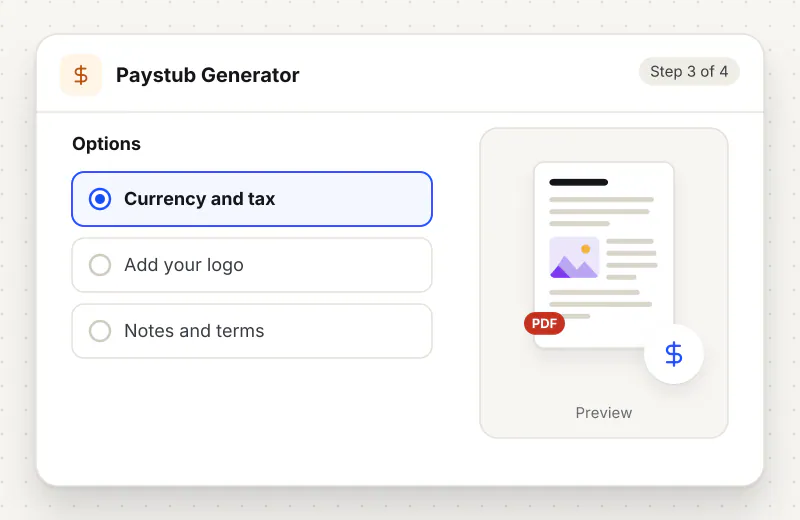
Step 4: Download the paystub
Check gross pay, total deductions and net paycheck in the Check Stub summary, then click Download Paystub. The PDF saves straight from your browser.
Fill out employee/employer info, earnings, tax withholdings (Federal, State, FICA), and deductions to generate a compliant paycheck stub PDF.
- Gross and net pay worked out from rate, hours, overtime and bonus
- US rows for federal and state tax, Social Security and Medicare
- Canada rows for federal and provincial tax, CPP and EI
In short
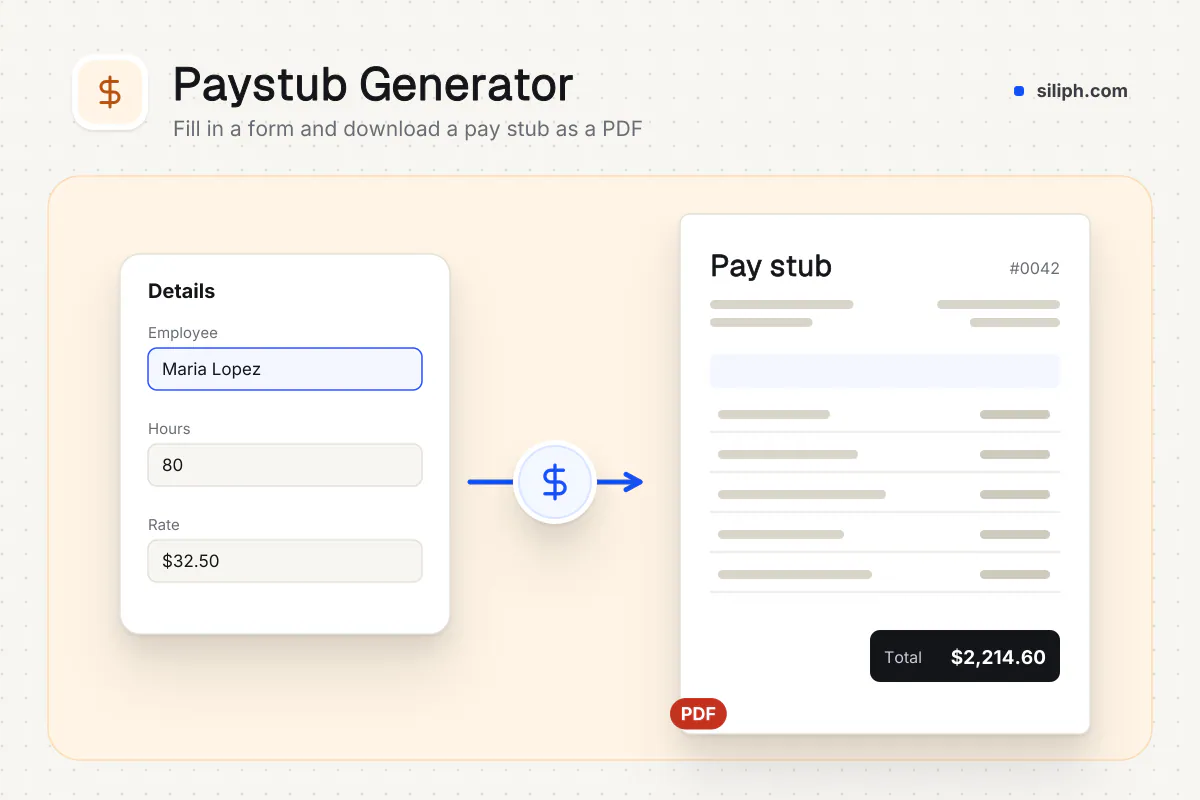
The check stub generator creates a US or Canadian pay stub as a PDF. Enter the employer, the employee, the pay period and check date, then hourly rate, hours, overtime and bonus. Type the federal, state and FICA amounts withheld, and the stub works out gross and net pay. It is free, with no sign-up.
Features
What you get
Gross and net pay worked out for you
Regular pay is calculated from rate times hours and printed with both figures, so the reader can check the maths. Overtime and bonus sit on their own earnings lines, and net pay updates as you type each deduction.
US and Canadian deduction rows
The US setup starts with federal and state income tax, Social Security, Medicare, health insurance and 401(k); Canada starts with federal and provincial tax, CPP and EI. Every row can be renamed, changed or removed.
Generated in your browser
Names, addresses and SSN or SIN digits are used only by your browser to draw the PDF. They never leave your device and are gone when you close the tab.
What does Paystub Generator do?
Regular pay is your hourly rate multiplied by hours worked; overtime and bonus are added as dollar amounts you type. The deduction rows, six for the US and four for Canada, can be renamed, added or removed, and are subtracted to give net pay, which the summary shows as you edit. The PDF is titled PAYCHECK STUB or PAY STATEMENT, with employer and employee blocks, a pay period bar with start, end and check date, an earnings table with rate, hours and totals, a deductions and taxes table, and a totals box. You can also add a company logo beside the title and a short note under the totals.
A pay stub explains a paycheck: what was earned, what was withheld and what was paid. On a US stub the withholding usually has four parts: federal income tax, state income tax, and the two FICA taxes, Social Security and Medicare. Canadian stubs show federal and provincial tax, CPP and EI instead. Employers in many states and provinces must hand one over with each payment, and workers keep them to check their own withholding. Our guide on how to make a paystub online walks through each line.
This generator does the arithmetic, not the tax law. It multiplies rate by hours, adds overtime and bonus, totals the rows you fill in and subtracts them to get net pay. The withholding amounts come from your payroll records or the IRS and state tables. As a guide, the employee share of FICA is 6.2% of gross pay for Social Security, up to the yearly wage cap, and 1.45% for Medicare. There are no year-to-date columns, so if someone asks for YTD totals, use a payroll provider’s stub.
A pay stub must reflect pay that was really paid. Making one for your own employee, or for yourself as a business owner, from real payroll figures is ordinary record-keeping. Making a stub with invented wages to get a loan, a lease or benefits is fraud, and lenders and landlords can check stubs against bank deposits, the employer and tax records. Every stub from this tool carries a small Generated by Siliph line at the bottom; there is no watermark across the page. Note that it makes the stub that goes with a paycheck, not a printable bank check.
For monthly salaries or other countries, the Salary Slip Generator has presets for India, the UK, Canada, Australia and the UAE. Track hours before pay day with the Timesheet Generator, and keep a year of stubs in one file with Merge PDF. The stub is put together in your browser: names, addresses and the last SSN or SIN digits never leave your device, and the form keeps nothing after a reload, so download the PDF before you close the tab.
Your file stays on your device.
This tool runs in your browser.
- Processed on your phone or computer, not uploaded
- No account, no sign-up
- Free, no daily limit
When to use it
- A small business owner pays an hourly worker and needs to hand over a stub with each paycheck
- A household employer wants a written breakdown of a nanny’s or caregiver’s weekly pay
- A worker lost an old stub and the employer agreed to reissue the same figures
- A self-employed person paying themselves a wage needs a record of each pay run
- A bookkeeper wants one clean check stub template, with the company logo, for every pay period
Questions about Paystub Generator
Does the paystub generator calculate federal and state taxes?
No. You enter each withholding amount from your payroll records. The generator adds up the taxes and deductions and subtracts them from gross pay to show net pay, so the stub always balances.
Is it legal to make a pay stub online?
Yes, when the stub records pay that was really paid, for example by a small employer or a self-employed owner. A stub with made-up wages, used for a loan, lease or benefit claim, is fraud and can be checked against bank and tax records.
What are FICA, Social Security and Medicare on a pay stub?
FICA is the US payroll tax made of two parts: Social Security, 6.2% of gross pay for most employees up to a yearly wage cap, and Medicare, 1.45%. Each has its own row on the stub, and you type the amount withheld.
Can I make a stub for a salaried employee?
The form is built for hourly pay. For a fixed salary, enter the period’s pay as the hourly rate with 1 in Hours Worked, or use the Salary Slip Generator, which takes earnings as amounts.
Does the stub include year-to-date totals?
No. The PDF shows the current period only: earnings, each deduction, gross pay, total deductions and net paycheck. There are no YTD columns.
Does it work for Canadian pay stubs?
Yes. Pick Canada and the stub is titled PAY STATEMENT, asks for the last three SIN digits and starts with federal and provincial income tax, CPP and EI rows. You type each amount.
Is there a free check stub generator with a calculator?
This one works out the pay side for free: rate times hours, plus overtime and bonus, gives gross pay, and the rows you fill in are subtracted to give net pay as you type. It does not look up tax rates, so each withholding amount comes from your payroll records. There is no sign-up and no paid download step.
Can I add my company logo to a check stub?
Yes. Add a PNG, JPG or WebP image of 2 MB or smaller with the logo picker. It prints at the top left of the stub, beside the PAYCHECK STUB or PAY STATEMENT title, and it is added in your browser, not uploaded.
Can I make a pay stub for California, Florida or another state?
Yes. Pick United States and edit the rows to match the state. Florida has no state income tax, so remove that row. For California, keep State Income Tax and use Add deduction for State Disability Insurance. You type each amount from your payroll records.
Is there a watermark on the pay stub?
No watermark is printed across the stub. A small grey line at the bottom reads Generated by Siliph, so anyone who checks the document can see how it was made.
Guides and how-tos
Walk-throughs for common jobs, such as hitting an upload limit or preparing an application.
Embed this tool on your site
Add Paystub Generator to your blog or website for free, with a credit link back to Siliph.
Get the embed code
Embed code (iframe)
<iframe src="https://siliph.com/paystub-generator/?embed=1" title="Paystub Generator — Siliph" width="100%" height="620" style="border:0;border-radius:12px;max-width:900px;" loading="lazy" allow="clipboard-write"></iframe>
<p style="font-size:12px;color:#666;margin-top:8px;">Free tool by <a href="https://siliph.com/paystub-generator/" rel="nofollow">Siliph</a></p>
Credit link for blog posts and tool lists
<p style="font-size:12px;color:#666;margin-top:8px;">Free tool by <a href="https://siliph.com/paystub-generator/" rel="nofollow">Siliph</a></p>
Direct link: siliph.com/paystub-generator/