
Print ID Card at Actual Size
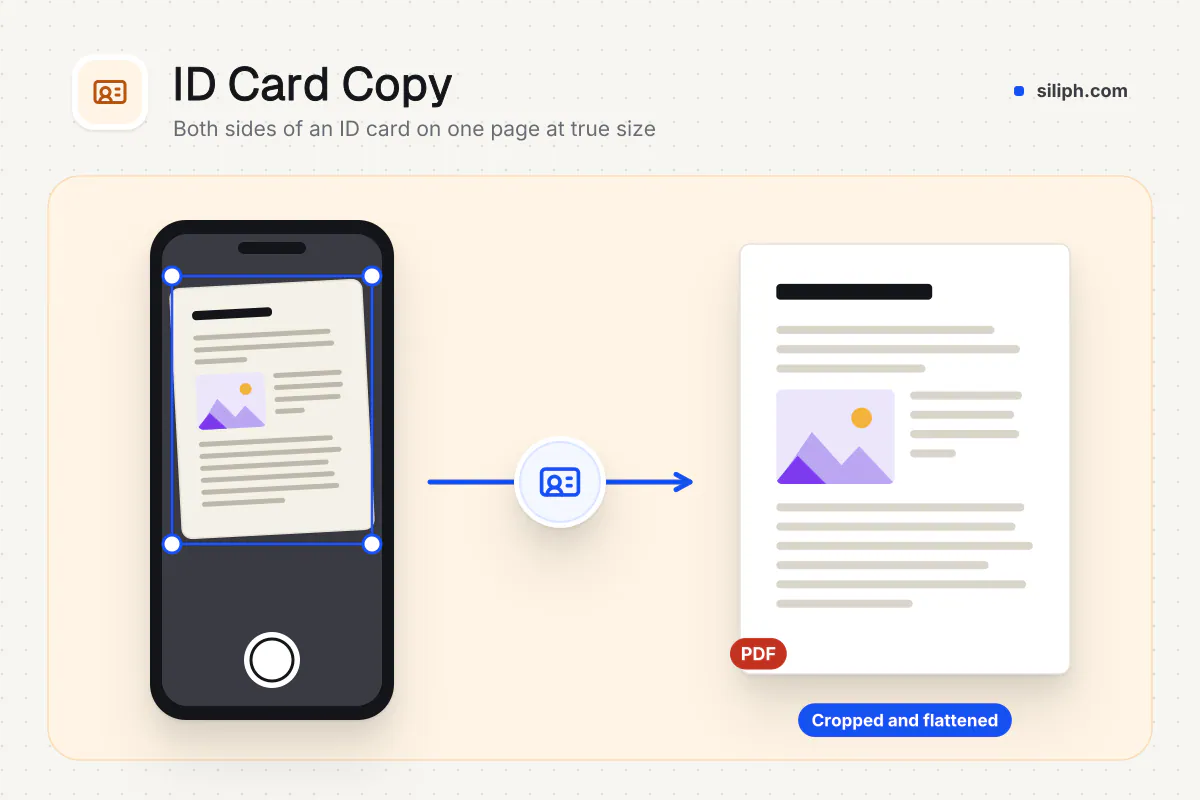
A photo printed as is comes out at whatever size the printer picks. Here the card is straightened and drawn at the ID-1 card size of 85.60 × 53.98 mm on A4 or Letter.
- Free: Free to use. No signup requiredFree to useNo signup required
- On device: Stays on your device. Runs in your browserStays on your deviceRuns in your browser
- Fast: Fast processing. Optimized for speedFast processingOptimized for speed
- All devices: Works on all devices. Desktop, tablet and mobileWorks on all devicesDesktop, tablet and mobile
Why use this tool
Your files are safe
Your file stays on your device: this tool runs in your browser.
Files up to 300 MB
One task can be up to 300 MB for this tool. Free, with no account.
Works everywhere
Use Siliph on desktop, tablet and mobile. No installation required.
Step by step
How to put both sides of an ID card on one page
Get it done in 4 simple steps.
Step 1: Add a photo of the card
Take or choose a photo; the card edges are found and the angle is corrected.
Step 2: Choose the paper
A4 or Letter is picked for your country; switch it if needed.
Step 3: Download the PDF
The PDF draws the card at 85.60 × 53.98 mm.
Step 4: Print at 100%
In the print dialog choose Actual size or 100%, never Fit to page.
In short
Print an ID card at its actual size, 85.60 × 53.98 mm, from a phone photo: the card is found, straightened and placed on A4 or Letter in your browser.
Your file stays on your device.
This tool runs in your browser.
- Processed on your phone or computer, not uploaded
- No account, no sign-up
- Free, no daily limit
When to use it
- A printed copy of your card came out too big or too small
- You need a copy that matches the real card when laid on top of it
- You are printing at home and want the card to measure right
Everything else about ID Card Copy
Print ID Card at Actual Size is ID Card Copy with this page's settings filled in. The full feature list, the free-plan limits and the general questions about the tool are on its main page, so they are not repeated here.
Questions about Print ID Card at Actual Size
Why does my printed card come out the wrong size?
Most print dialogs scale a page to fit by default. Choose Actual size or 100% scale, and the card in this PDF prints at 85.60 × 53.98 mm.
Which cards are 85.60 × 53.98 mm?
That is the ID-1 size in the ISO/IEC 7810 standard, used by most bank cards and plastic ID cards. Measure your card if you are unsure.
Can I check the printed size?
Yes. Lay the real card on the printout or measure it with a ruler. If it is off, print again at Actual size and turn off any fit or shrink option.
Is my file private and secure?
Yes. ID Card Front and Back on One Page runs on your phone or computer, so your file stays there and never goes to our servers. You need no account, and Siliph never sells your files. How we protect your files
Embed this tool on your site
Add ID Card Copy to your blog or website for free, with a credit link back to Siliph.
Get the embed code
Embed code (iframe)
<iframe src="https://siliph.com/print-id-card-actual-size/?embed=1" title="ID Card Copy — Siliph" width="100%" height="620" style="border:0;border-radius:12px;max-width:900px;" loading="lazy" allow="clipboard-write"></iframe>
<p style="font-size:12px;color:#666;margin-top:8px;">Free tool by <a href="https://siliph.com/print-id-card-actual-size/" rel="nofollow">Siliph</a></p>
Credit link for blog posts and tool lists
<p style="font-size:12px;color:#666;margin-top:8px;">Free tool by <a href="https://siliph.com/print-id-card-actual-size/" rel="nofollow">Siliph</a></p>
Direct link: siliph.com/print-id-card-actual-size/