
Mask Aadhaar Number
Black out the first 8 digits of the Aadhaar number on a photo, scan or PDF so only the last 4 show, all on your own device.
- Free: Free to use. No signup requiredFree to useNo signup required
- On device: Stays on your device. Runs in your browserStays on your deviceRuns in your browser
- Fast: Fast processing. Optimized for speedFast processingOptimized for speed
- All devices: Works on all devices. Desktop, tablet and mobileWorks on all devicesDesktop, tablet and mobile
Why use this tool
Your files are safe
Your file stays on your device: this tool runs in your browser.
Files up to 300 MB
One task can be up to 300 MB for this tool. Free, with no account.
Works everywhere
Use Siliph on desktop, tablet and mobile. No installation required.
Step by step
How to mask an Aadhaar number
Get it done in 4 simple steps.
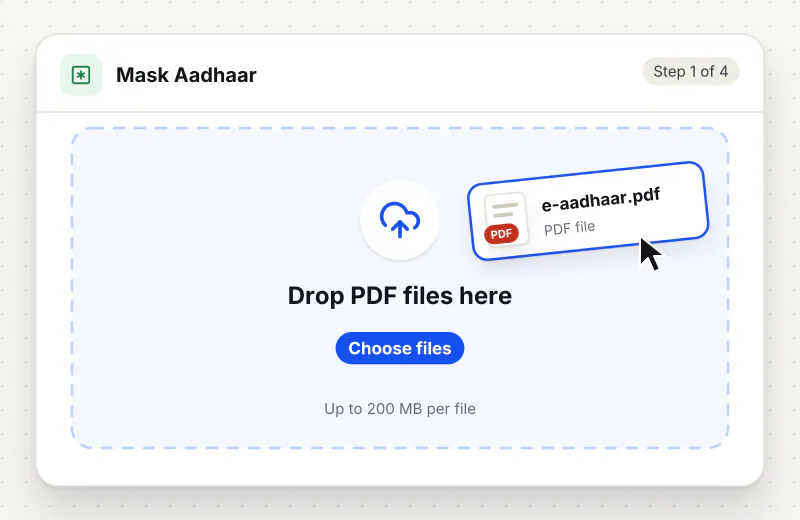
Step 1: Add the photo or PDF
Drop a photo or scan of the card, front or back, or an e-Aadhaar PDF, or tap Take a photo. A locked PDF asks for its password, which is used only to open it here.
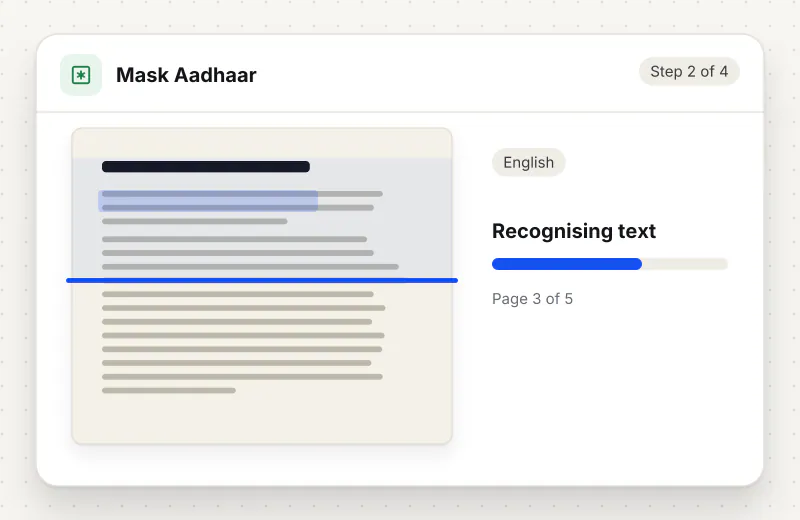
Step 2: Let it find the numbers
The page is read on your device. Each Aadhaar-format number gets black boxes over its first 8 digits, and the count found is shown, so you know what to look for.
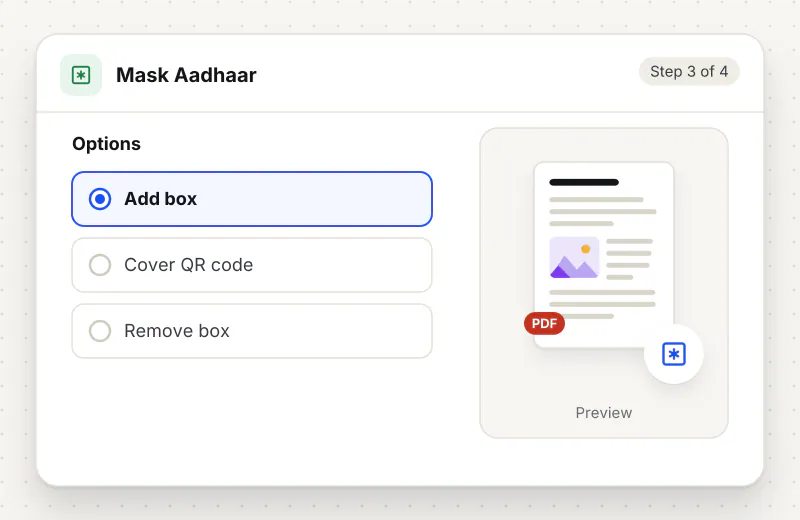
Step 3: Check and adjust the boxes
Drag a box to move it or its corner to resize it, use Add box for a number that was missed, and Cover QR code to hide the code. Keyboard users can move boxes with the arrow keys.
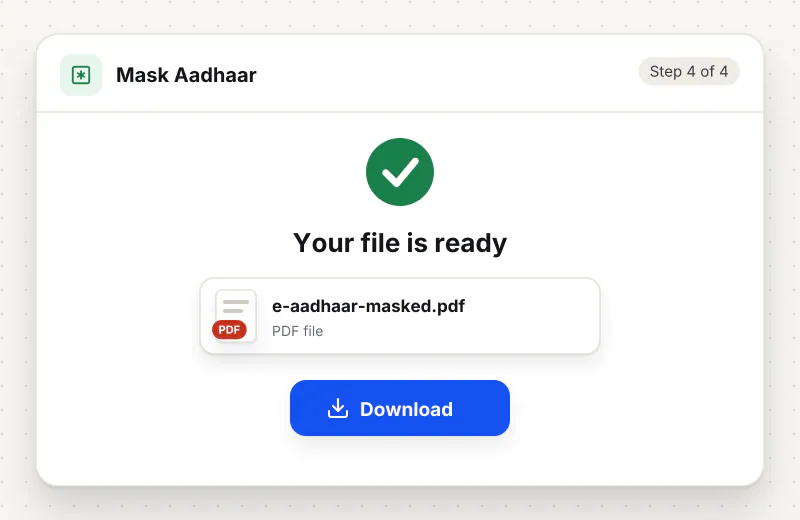
Step 4: Download the masked copy
Save the photo as a masked image, or the PDF as a flat masked PDF. Look over the result before you share it; with several files, download them all as one ZIP.
Black out the first 8 digits of every Aadhaar number on a photo, scan or e-Aadhaar PDF so only the last 4 show. Numbers are found on your device; move, add or remove boxes, cover the QR code, then save a masked image or a flat PDF with no hidden text.
- Finds every Aadhaar number for you
- Move, add or remove boxes, cover the QR
- PDFs come back with no hidden text
In short
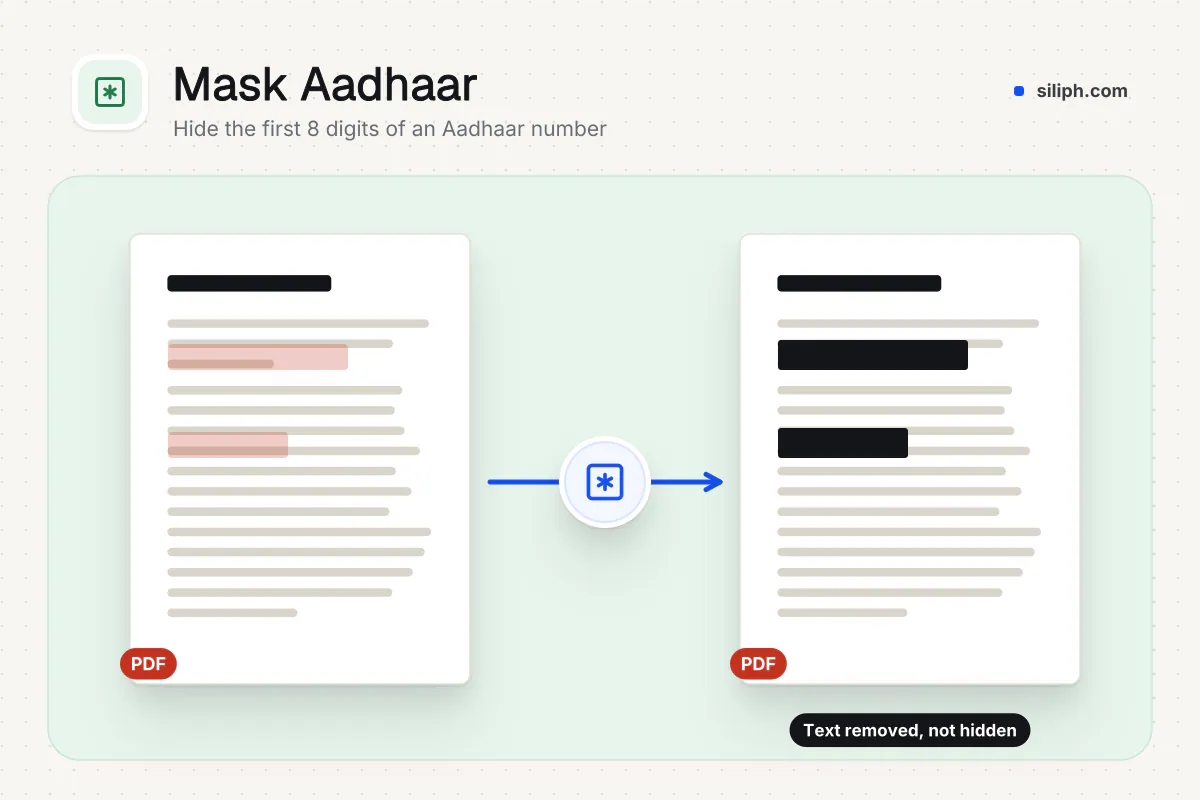
Mask Aadhaar number digits before you share a copy: the tool finds each 12-digit Aadhaar number on a photo, scan or PDF and covers its first 8 digits with solid black boxes, leaving the last 4 visible. You check and adjust the boxes, then save. It works in your browser and nothing is uploaded.
Features
What you get
Finds the number for you
On-device text reading looks for 12-digit numbers in every form they are printed, with or without spaces, on the front, the back and the e-Aadhaar letter. A 16-digit VID is left as it is.
Truly hidden in PDFs
A black box drawn over text can leave the digits underneath, ready to copy. Here each PDF page is turned into a flat image with the boxes painted in, so no text layer, form field or old metadata keeps the number.
You stay in control
Every box can be moved, resized or removed, and new boxes added, by mouse, touch or keyboard. A square box covers the QR code too, for a copy that shows as little as possible.
What does Mask Aadhaar do?
You add a photo or scan of the card, front or back, or an e-Aadhaar PDF. The page is read on your device and every run of 12 digits, written as 1234 5678 9012 or as one block, gets black boxes over its first 8 digits. You can move or resize any box, add one the reader missed, cover the QR code with a square box, or remove a box. Photos are saved as images; PDFs are rebuilt from flat page images, so the hidden digits are not left in a text layer.
A full Aadhaar number on a shared photocopy can be reused by anyone who sees it. UIDAI offers a masked Aadhaar download that shows only the last 4 digits, as its My Aadhaar page describes it, checked on 28 October 2026. This tool brings the same look to a copy you already have: the first 8 digits are covered with solid black boxes and the last 4 stay readable. It is your own masked copy, not a document issued by UIDAI, so check that whoever asks for it accepts a masked copy.
Nothing is uploaded. The file is opened, read and masked in your browser, on your device, and the number is not sent, saved or logged. The text reader downloads its English reading data the first time you use it; your file never goes with it. Reading takes a few seconds per page on a phone, and an e-Aadhaar PDF is also checked through its own text.
Masking a PDF properly takes more than a black rectangle. Many PDFs, e-Aadhaar letters included, carry the number as real text that a box drawn on top does not remove. Here each page is drawn as an image with the boxes painted in, and a new PDF is built from those images alone, so the digits cannot be copied or searched. To black out other details in a document, use Redact PDF.
Text reading can miss a number on a blurred, dark or steeply angled photo, so always look over the result. Use Turn image if a photo is sideways, then Read again, or add a box by hand. To print a masked card with both sides on one sheet at true size, take the saved image to ID Card Copy. To remove a password from a PDF you own, use Unlock PDF.
Your file stays on your device.
This tool runs in your browser.
- Processed on your phone or computer, not uploaded
- No account, no sign-up
- Free, no daily limit
When to use it
- A hotel, landlord or employer asks for an Aadhaar copy you would rather not share in full
- You keep a scan of your card and want a version that shows only the last 4 digits
- An e-Aadhaar PDF needs masking and you cannot download the masked one again
- You want the QR code on the card covered as well as the number
At a glance
Free plan at a glance
What you get on the free plan, and when a paid plan applies.
| Price | Free for personal and business use, with no daily limit |
|---|---|
| File size | Up to 300 MB on a computer, 100 MB on a phone, for this tool |
| Where it runs | On your phone or computer: the file never goes to our servers |
| File deletion | Your file never reaches our servers, so we keep nothing |
Questions about Mask Aadhaar
Which digits are hidden?
The first 8 digits of each 12-digit Aadhaar number are covered with solid black boxes, so only the last 4 show. That matches how UIDAI describes its masked Aadhaar download.
Is my Aadhaar number sent anywhere?
No. The file is read and masked in your browser on this device. The number is not sent, saved or logged, and the tool sends no record of what it found.
Can the hidden digits be recovered from the PDF?
No. The masked PDF is rebuilt from flat page images with the boxes painted in, with no text layer, fonts, form fields or old metadata, so there is nothing underneath to copy or search.
What if the number is not found?
Use Add box and drag it over the first 8 digits, or Turn image if the photo is sideways and then Read again. A sharp, flat, well-lit photo reads best.
Can it cover the QR code?
Yes. Cover QR code adds a square black box that you drag over the code and resize to fit. It is painted into the saved image or PDF like the other boxes.
Does it open a password-protected e-Aadhaar?
Yes. A locked PDF asks for its password, which is used only to open the file in your browser and is not kept. The masked PDF you save has no password.
Will a masked copy be accepted?
That depends on who asks for it. This tool makes your own masked copy and is not a UIDAI service, so check with the organisation whether a masked copy is enough.
Is my file private and secure?
Yes. Mask Aadhaar Number runs on your phone or computer, so your file stays there and never goes to our servers. You need no account, and Siliph never sells your files. How we protect your files
Embed this tool on your site
Add Mask Aadhaar to your blog or website for free, with a credit link back to Siliph.
Get the embed code
Embed code (iframe)
<iframe src="https://siliph.com/mask-aadhaar/?embed=1" title="Mask Aadhaar — Siliph" width="100%" height="620" style="border:0;border-radius:12px;max-width:900px;" loading="lazy" allow="clipboard-write"></iframe>
<p style="font-size:12px;color:#666;margin-top:8px;">Free tool by <a href="https://siliph.com/mask-aadhaar/" rel="nofollow">Siliph</a></p>
Credit link for blog posts and tool lists
<p style="font-size:12px;color:#666;margin-top:8px;">Free tool by <a href="https://siliph.com/mask-aadhaar/" rel="nofollow">Siliph</a></p>
Direct link: siliph.com/mask-aadhaar/