
Convert PDF to Word and Keep the Formatting
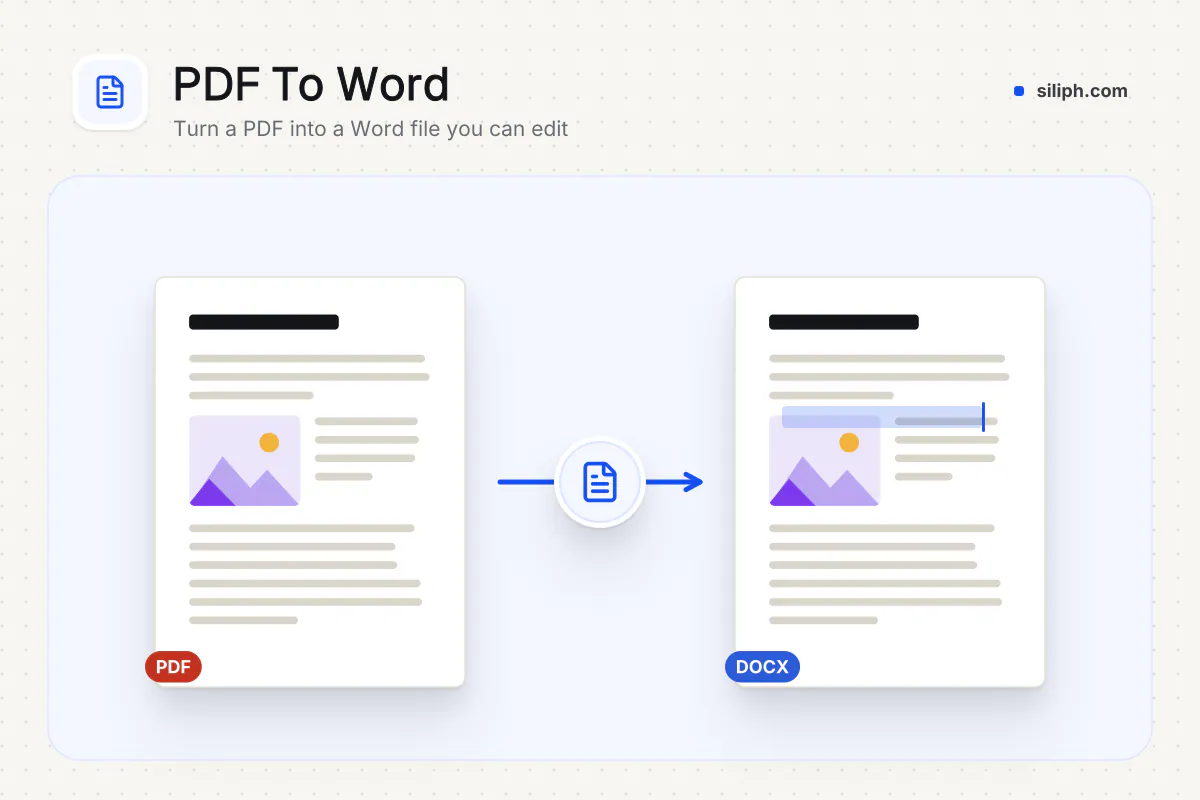
A PDF exported from Word or another editor converts back with its headings, tables and images close to where they were. Scans and heavily designed layouts are harder, and the answers below explain what to expect.
- Free: Free to use. No signup requiredFree to useNo signup required
- Secure: Secure and private. Files deleted within 2 hoursSecure and privateFiles deleted within 2 hours
- Fast: Fast processing. Optimized for speedFast processingOptimized for speed
- All devices: Works on all devices. Desktop, tablet and mobileWorks on all devicesDesktop, tablet and mobile
Loading the PDF To Word workspace… Files are processed securely and deleted automatically.
Why use this tool
Your files are safe
Your file is sent over an encrypted connection to our servers, deleted within 2 hours, and never viewed by a person.
Files up to 200 MB
One task can be up to 200 MB for this tool. Free, with no account.
Works everywhere
Use Siliph on desktop, tablet and mobile. No installation required.
Step by step
How to convert PDF to Word
Get it done in 3 simple steps.
Step 1: Upload PDF
Select your PDF file to convert to Word format.
Step 2: Convert
Click Convert. The tool extracts text, tables, and layout into a DOCX file.
Step 3: Download Word
Open in Word or Google Docs to edit.
In short
Convert PDF to Word and keep headings, tables and images in place. See which PDFs convert cleanly and how to fix the ones that do not. Free, no account.
Every file is encrypted.
On the way to us and while stored.
- Sent over HTTPS
- Deleted automatically within 2 hours
- Never sold, never viewed by a person
When to use it
- A contract or report PDF needs edits and retyping it would take hours
- An earlier conversion scrambled the tables and you want to know why
- You need a DOCX that matches the PDF closely enough to send back with changes
Everything else about PDF To Word
Convert PDF to Word and Keep the Formatting is PDF To Word with this page's settings filled in. The full feature list, the free-plan limits and the general questions about the tool are on its main page, so they are not repeated here.
Questions about Convert PDF to Word and Keep the Formatting
Which PDFs keep their formatting best?
PDFs exported from Word, Google Docs or similar editors, because they hold real text with positions. Paragraphs, headings, lists and tables are rebuilt as Word content and images go back where they sat.
Why did my tables or columns move?
A PDF stores where each line is drawn, not the table or column structure behind it, so the converter has to work it out. Text boxes, overlapping images and many columns can shift; tidy them in Word afterwards.
Why does the OCR version have no layout?
With Scanned PDF: recognise text (OCR) on, the text is read from page images and saved as plain Word paragraphs without the original layout. Use it only for scans and leave it off for PDFs with selectable text.
Should I pick DOCX or DOC?
Choose Word (.docx) for any current version of Word, Google Docs or LibreOffice. Pick Word 97-2003 (.doc) only for very old software; it is not available while OCR is on.
Is my file private and secure?
Yes. Your file travels over HTTPS, is stored encrypted, is processed by machines with no person looking at it, and is deleted automatically within 2 hours. You need no account, and Siliph never sells your files. How we protect your files
Embed this tool on your site
Add PDF To Word to your blog or website for free, with a credit link back to Siliph.
Get the embed code
Embed code (iframe)
<iframe src="https://siliph.com/pdf-to-word-keep-formatting/?embed=1" title="PDF To Word — Siliph" width="100%" height="620" style="border:0;border-radius:12px;max-width:900px;" loading="lazy" allow="clipboard-write"></iframe>
<p style="font-size:12px;color:#666;margin-top:8px;">Free tool by <a href="https://siliph.com/pdf-to-word-keep-formatting/" rel="nofollow">Siliph</a></p>
Credit link for blog posts and tool lists
<p style="font-size:12px;color:#666;margin-top:8px;">Free tool by <a href="https://siliph.com/pdf-to-word-keep-formatting/" rel="nofollow">Siliph</a></p>
Direct link: siliph.com/pdf-to-word-keep-formatting/