
Convert Scanned PDF to Word
Text recognition (OCR) is already switched on here, so a scanned or photographed page comes back as editable Word text. Pick the language printed in the scan, then convert; the original page layout is not kept.
- Free: Free to use. No signup requiredFree to useNo signup required
- Secure: Secure and private. Files deleted within 2 hoursSecure and privateFiles deleted within 2 hours
- Fast: Fast processing. Optimized for speedFast processingOptimized for speed
- All devices: Works on all devices. Desktop, tablet and mobileWorks on all devicesDesktop, tablet and mobile
Loading the PDF To Word workspace… Files are processed securely and deleted automatically.
Why use this tool
Your files are safe
Your file is sent over an encrypted connection to our servers, deleted within 2 hours, and never viewed by a person.
Files up to 200 MB
One task can be up to 200 MB for this tool. Free, with no account.
Works everywhere
Use Siliph on desktop, tablet and mobile. No installation required.
Step by step
How to convert PDF to Word
Get it done in 3 simple steps.
Step 1: Upload PDF
Select your PDF file to convert to Word format.
Step 2: Convert
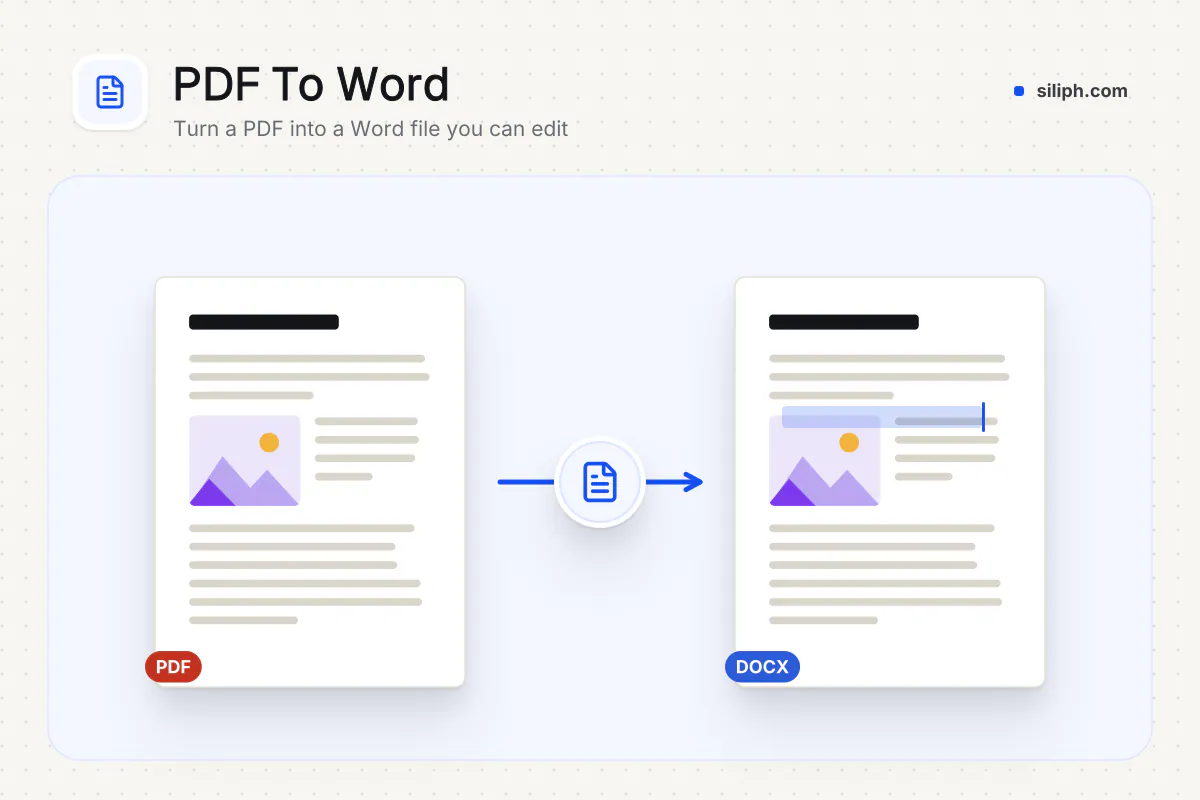
Click Convert. The tool extracts text, tables, and layout into a DOCX file.
Step 3: Download Word
Open in Word or Google Docs to edit.
In short
Turn a scanned PDF into an editable Word file: run OCR to recognise the text, then convert to DOCX. Free, no account, files deleted within two hours.
Every file is encrypted.
On the way to us and while stored.
- Sent over HTTPS
- Deleted automatically within 2 hours
- Never sold, never viewed by a person
When to use it
- You need the result quickly and cannot install desktop software
- You are working from a phone, tablet or shared computer
Everything else about PDF To Word
Convert Scanned PDF to Word is PDF To Word with this page's settings filled in. The full feature list, the free-plan limits and the general questions about the tool are on its main page, so they are not repeated here.
Questions about Convert Scanned PDF to Word
Is it free, and do I need an account?
Yes. It is free, with no account to create and no daily limit. Files uploaded for processing are deleted from Siliph servers within two hours.
Do I need to install any software?
No. Siliph works in any modern browser on Windows, macOS, Linux, Android or iPhone, so there is nothing to download or install.
Is my file private and secure?
Yes. Your file travels over HTTPS, is stored encrypted, is processed by machines with no person looking at it, and is deleted automatically within 2 hours. You need no account, and Siliph never sells your files. How we protect your files
Embed this tool on your site
Add PDF To Word to your blog or website for free, with a credit link back to Siliph.
Get the embed code
Embed code (iframe)
<iframe src="https://siliph.com/convert-scanned-pdf-to-word/?embed=1" title="PDF To Word — Siliph" width="100%" height="620" style="border:0;border-radius:12px;max-width:900px;" loading="lazy" allow="clipboard-write"></iframe>
<p style="font-size:12px;color:#666;margin-top:8px;">Free tool by <a href="https://siliph.com/convert-scanned-pdf-to-word/" rel="nofollow">Siliph</a></p>
Credit link for blog posts and tool lists
<p style="font-size:12px;color:#666;margin-top:8px;">Free tool by <a href="https://siliph.com/convert-scanned-pdf-to-word/" rel="nofollow">Siliph</a></p>
Direct link: siliph.com/convert-scanned-pdf-to-word/