
Mask Aadhaar Number in a PDF
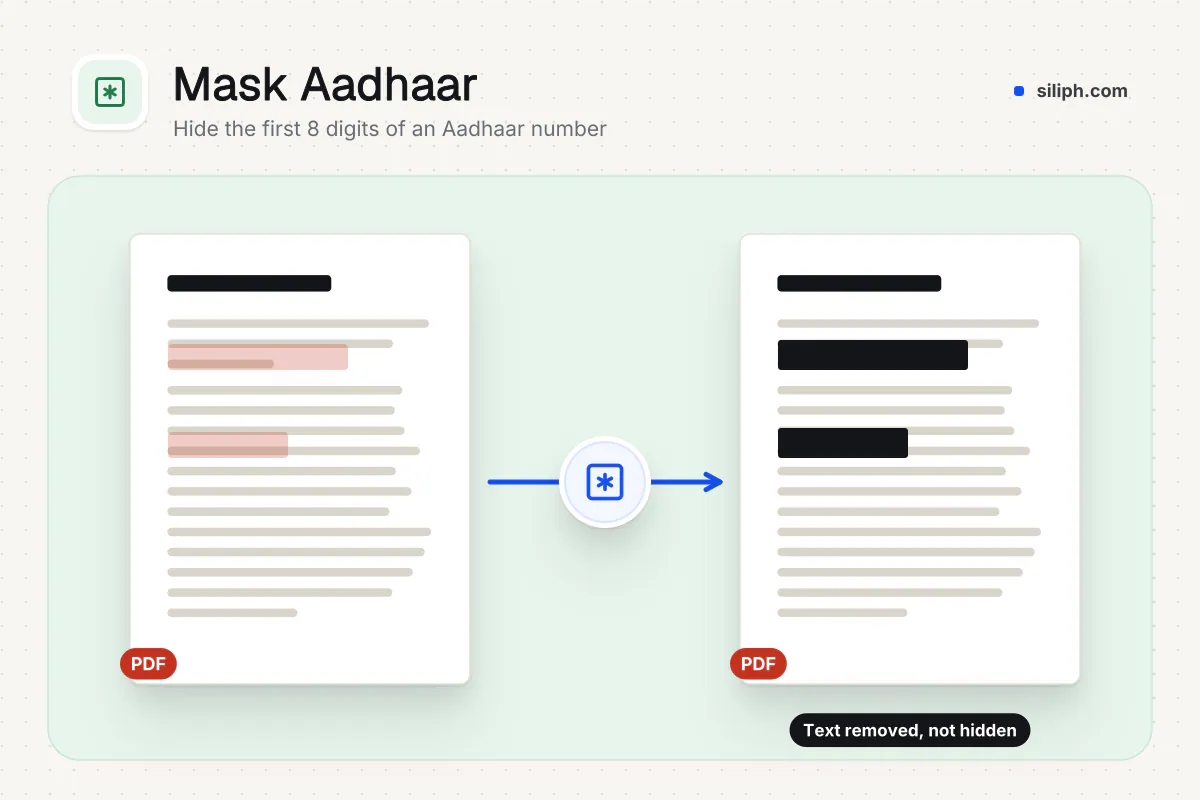
An e-Aadhaar PDF carries the number as text that a drawn box does not remove. This rebuilds each page as a flat image with the first 8 digits blacked out, in your browser.
- Free: Free to use. No signup requiredFree to useNo signup required
- On device: Stays on your device. Runs in your browserStays on your deviceRuns in your browser
- Fast: Fast processing. Optimized for speedFast processingOptimized for speed
- All devices: Works on all devices. Desktop, tablet and mobileWorks on all devicesDesktop, tablet and mobile
Why use this tool
Your files are safe
Your file stays on your device: this tool runs in your browser.
Files up to 300 MB
One task can be up to 300 MB for this tool. Free, with no account.
Works everywhere
Use Siliph on desktop, tablet and mobile. No installation required.
Step by step
How to mask an Aadhaar number
Get it done in 4 simple steps.
Step 1: Add the PDF
Choose the PDF; a locked e-Aadhaar asks for its password, used only to open it here.
Step 2: Check the boxes
Each Aadhaar number gets black boxes over its first 8 digits; move, add or remove boxes.
Step 3: Cover the QR code
Use Cover QR code if you want the code hidden too.
Step 4: Download
Save the masked PDF, rebuilt from flat page images with no text layer.
In short
Mask the Aadhaar number in a PDF or e-Aadhaar: the first 8 digits are blacked out and the page is rebuilt as an image, so no hidden text keeps the number.
Your file stays on your device.
This tool runs in your browser.
- Processed on your phone or computer, not uploaded
- No account, no sign-up
- Free, no daily limit
When to use it
- You have an e-Aadhaar PDF and need a copy that shows only the last 4 digits
- A PDF with your Aadhaar must be shared and the number should not be searchable
- You masked a PDF before but the digits could still be copied
Everything else about Mask Aadhaar
Mask Aadhaar Number in a PDF is Mask Aadhaar with this page's settings filled in. The full feature list, the free-plan limits and the general questions about the tool are on its main page, so they are not repeated here.
Questions about Mask Aadhaar Number in a PDF
Why not just draw a black box in a PDF editor?
A box drawn on top often leaves the text underneath, so the digits can still be copied or searched. Rebuilding the page as an image removes that text.
Can I still select text in the masked PDF?
No. Every page becomes a flat image, so no text can be selected, copied or searched, including the masked digits.
Does the masked PDF keep a password?
No. The password is used only to open the file in your browser. Add one again with Protect PDF if you need it.
Is my file private and secure?
Yes. Mask Aadhaar Number runs on your phone or computer, so your file stays there and never goes to our servers. You need no account, and Siliph never sells your files. How we protect your files
Embed this tool on your site
Add Mask Aadhaar to your blog or website for free, with a credit link back to Siliph.
Get the embed code
Embed code (iframe)
<iframe src="https://siliph.com/mask-aadhaar-number-in-pdf/?embed=1" title="Mask Aadhaar — Siliph" width="100%" height="620" style="border:0;border-radius:12px;max-width:900px;" loading="lazy" allow="clipboard-write"></iframe>
<p style="font-size:12px;color:#666;margin-top:8px;">Free tool by <a href="https://siliph.com/mask-aadhaar-number-in-pdf/" rel="nofollow">Siliph</a></p>
Credit link for blog posts and tool lists
<p style="font-size:12px;color:#666;margin-top:8px;">Free tool by <a href="https://siliph.com/mask-aadhaar-number-in-pdf/" rel="nofollow">Siliph</a></p>
Direct link: siliph.com/mask-aadhaar-number-in-pdf/