
Change Text in a Photo
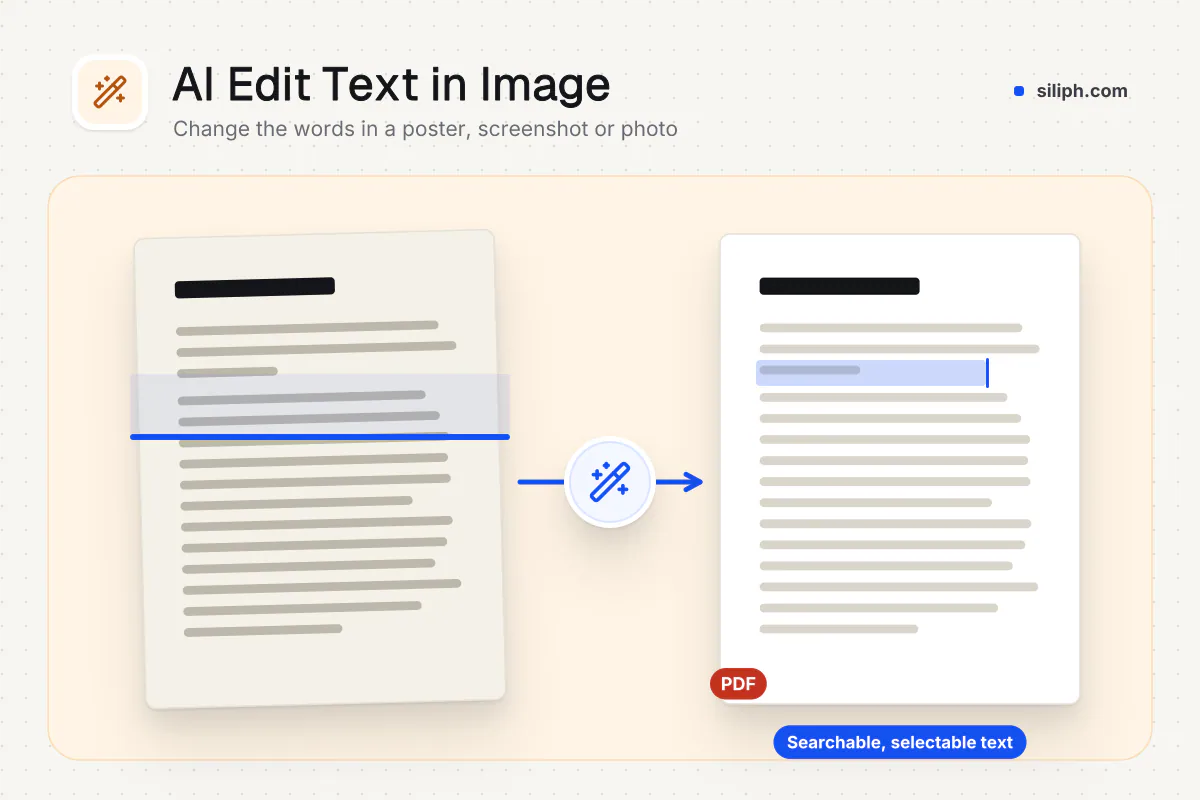
Tell the AI which words to change in your photo and check the edits before anything happens. The old letters are removed, the background is filled in, and the new words are drawn in a matching font, size and colour.
- Free: Free to use. No signup requiredFree to useNo signup required
- AI provider: Uses our AI provider. Sent over HTTPS to do the workUses our AI providerSent over HTTPS to do the work
- Fast: Fast processing. Optimized for speedFast processingOptimized for speed
- All devices: Works on all devices. Desktop, tablet and mobileWorks on all devicesDesktop, tablet and mobile
Why use this tool
How your file is handled
The words found in your image and your instruction are sent to our AI provider (DeepSeek, Cloudflare Workers AI (Llama) or Google Gemini). HD AI edit also sends the area around the text through our server to Cloudflare Workers AI (FLUX), and Siliph does not store it. Siliph never sells it.
Files up to 25 MB
One task can be up to 25 MB for this tool. Free, with no account.
Works everywhere
Use Siliph on desktop, tablet and mobile. No installation required.
Step by step
How to edit text in an image
Get it done in 4 simple steps.
Step 1: Add the photo
Choose a JPG, PNG, WebP or HEIC photo; the words in it are read on your device.
Step 2: Say what to change
Type an instruction such as change "Open 9 to 5" to "Open 10 to 6", or tap a line to retype it.
Step 3: Check and apply
Confirm each change; on busy photos try HD AI edit where it is offered.
Step 4: Download
Compare before and after, then save a PNG or JPEG at the original size.
In short
Change text in a photo of a sign, poster, menu or product: say what the words should say and get the photo back with the new text in a matching style.
Encrypted on the way to us.
The text goes to our AI provider to do the work.
- Sent over HTTPS
- Deleted automatically within 2 hours from our servers
- Never sold by Siliph
When to use it
- A shop sign or banner photo shows an old price or phone number
- A product photo needs a new label, date or offer
- A photo of a menu board has a dish that changed
Everything else about AI Edit Text in Image
Change Text in a Photo is AI Edit Text in Image with this page's settings filled in. The full feature list, the free-plan limits and the general questions about the tool are on its main page, so they are not repeated here.
Questions about Change Text in a Photo
Does it work on photos with busy backgrounds?
Yes, though plain backgrounds give the cleanest result. On textured backgrounds only the letter pixels are refilled from nearby texture, and HD AI edit, where offered, repaints the area for a more natural look.
Can I change the text on an ID card or certificate photo?
No. Identity, financial, academic, medical and official documents are refused, because changed copies can be used as forgeries. Use Mask Aadhaar or Redact PDF to hide details instead.
Will the people or objects in the photo change?
No. Only the area of the text you asked to change is redrawn; the rest of the photo keeps its original pixels.
Is my file private and secure?
What you send travels over HTTPS. To produce the result, the text you choose is passed to our AI provider, which handles it under its own privacy policy; anything held on Siliph's servers is deleted within 2 hours. No person at Siliph reads it, and Siliph never sells your files. How we protect your files
Embed this tool on your site
Add AI Edit Text in Image to your blog or website for free, with a credit link back to Siliph.
Get the embed code
Embed code (iframe)
<iframe src="https://siliph.com/change-text-in-photo/?embed=1" title="AI Edit Text in Image — Siliph" width="100%" height="620" style="border:0;border-radius:12px;max-width:900px;" loading="lazy" allow="clipboard-write"></iframe>
<p style="font-size:12px;color:#666;margin-top:8px;">Free tool by <a href="https://siliph.com/change-text-in-photo/" rel="nofollow">Siliph</a></p>
Credit link for blog posts and tool lists
<p style="font-size:12px;color:#666;margin-top:8px;">Free tool by <a href="https://siliph.com/change-text-in-photo/" rel="nofollow">Siliph</a></p>
Direct link: siliph.com/change-text-in-photo/