
Convert a Resume to PDF
A resume in Word can shift its layout on another computer; a PDF looks the same everywhere. Upload the DOCX or DOC file and download a PDF with selectable text.
- Free: Free to use. No signup requiredFree to useNo signup required
- Secure: Secure and private. Files deleted within 2 hoursSecure and privateFiles deleted within 2 hours
- Fast: Fast processing. Optimized for speedFast processingOptimized for speed
- All devices: Works on all devices. Desktop, tablet and mobileWorks on all devicesDesktop, tablet and mobile
Loading the Word To PDF workspace… Files are processed securely and deleted automatically.
Why use this tool
Your files are safe
Your file is sent over an encrypted connection to our servers, deleted within 2 hours, and never viewed by a person.
Files up to 200 MB
One task can be up to 200 MB for this tool. Free, with no account.
Works everywhere
Use Siliph on desktop, tablet and mobile. No installation required.
Step by step
How to convert Word to PDF
Get it done in 3 simple steps.
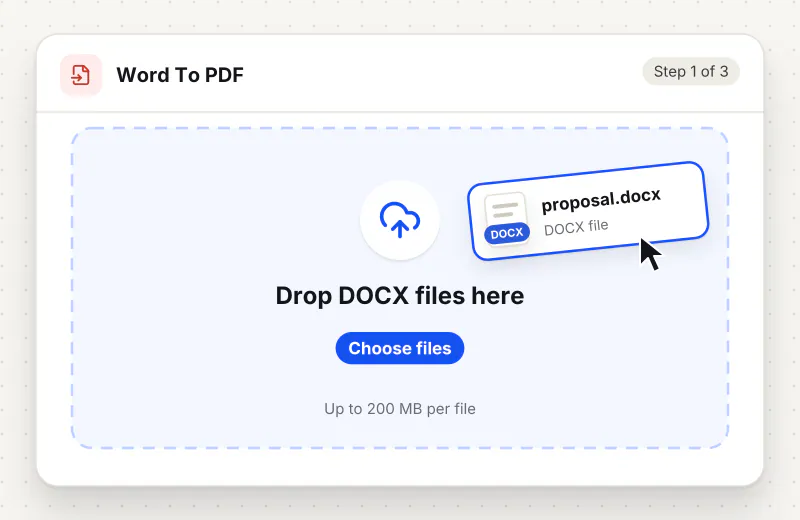
Step 1: Upload your Word files
Drag up to 20 DOCX or DOC files into the drop zone, or click Choose Word files. Each document can be up to 200 MB and 2000 pages.
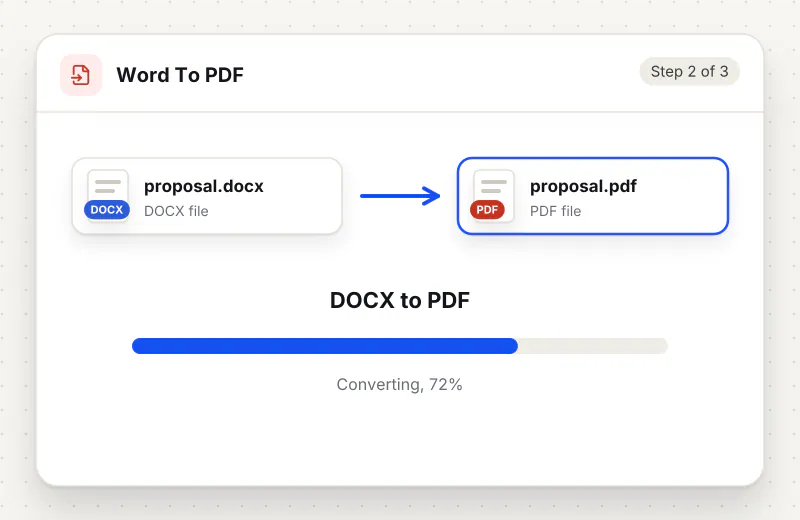
Step 2: Start the conversion
There are no settings to adjust. Click the convert button and the tool turns each document into its own PDF, showing the progress of every file in the batch.
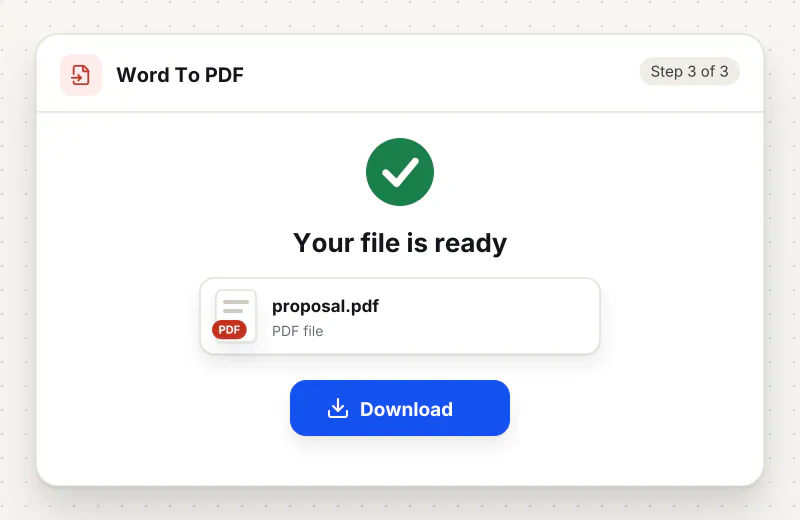
Step 3: Download your PDFs
Download each PDF on its own, or download them together when you converted several documents. Open the result and check the page breaks before you send it.
In short
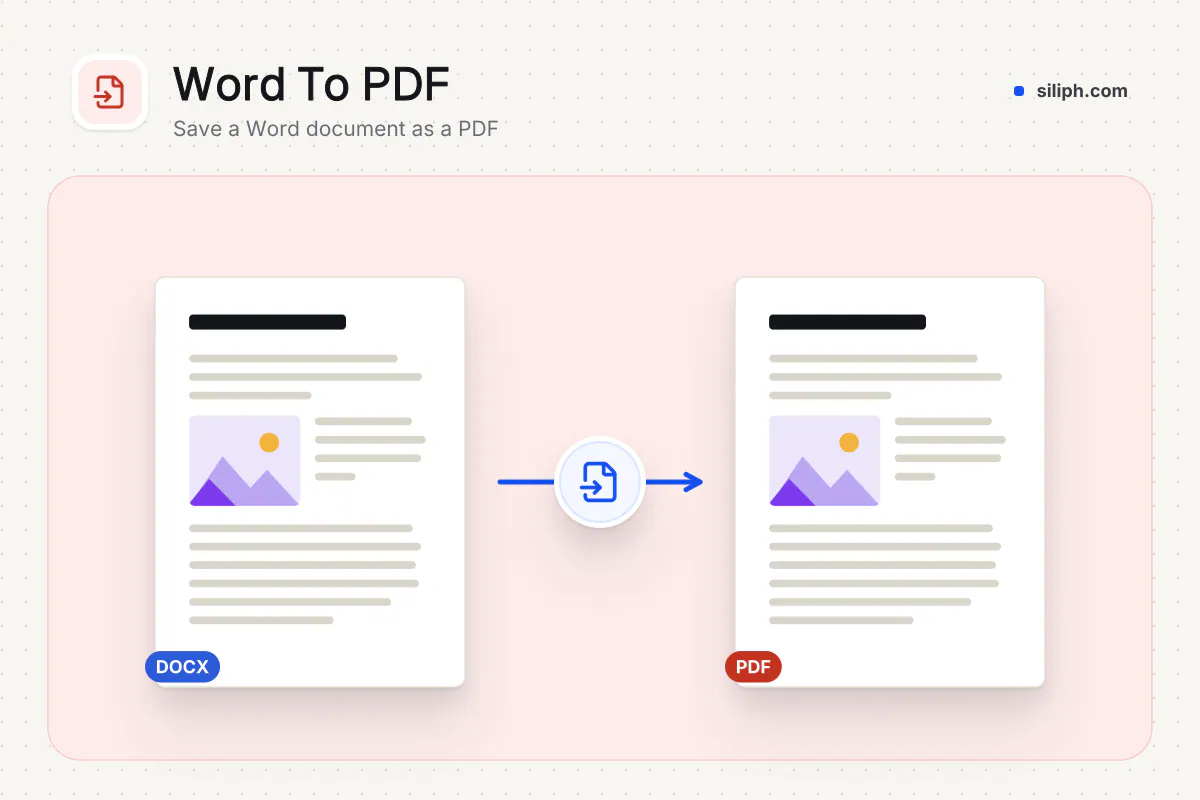
Convert a resume or CV from Word (DOCX or DOC) to PDF so the layout, fonts and line breaks look the same for every recruiter. Free, no account, no watermark.
Every file is encrypted.
On the way to us and while stored.
- Sent over HTTPS
- Deleted automatically within 2 hours
- Never sold, never viewed by a person
When to use it
- A job portal asks for your resume as a PDF
- Your CV looks different when opened on another computer
- You want to send a resume that cannot be edited by accident
Everything else about Word To PDF
Convert a Resume to PDF is Word To PDF with this page's settings filled in. The full feature list, the free-plan limits and the general questions about the tool are on its main page, so they are not repeated here.
Questions about Convert a Resume to PDF
Should I send my resume as PDF or Word?
PDF keeps your layout fixed, so it is the safer choice when a job ad accepts either. Send Word only when the employer or recruiter asks for an editable file.
Can applicant tracking systems read a PDF resume?
A PDF made from Word keeps real text that software can read. Problems come from resumes saved as images, such as a scan or a photo, so avoid those.
Will my fonts and columns stay the same?
Headings, tables, images and lists keep their positions, and the text stays real text you can select. Open the PDF once to check line breaks before you send it.
Is it free, and do I need an account?
Yes. It is free, with no account to create and no daily limit. Files uploaded for processing are deleted from Siliph servers within two hours.
Is my file private and secure?
Yes. Your file travels over HTTPS, is stored encrypted, is processed by machines with no person looking at it, and is deleted automatically within 2 hours. You need no account, and Siliph never sells your files. How we protect your files
Embed this tool on your site
Add Word To PDF to your blog or website for free, with a credit link back to Siliph.
Get the embed code
Embed code (iframe)
<iframe src="https://siliph.com/convert-resume-to-pdf/?embed=1" title="Word To PDF — Siliph" width="100%" height="620" style="border:0;border-radius:12px;max-width:900px;" loading="lazy" allow="clipboard-write"></iframe>
<p style="font-size:12px;color:#666;margin-top:8px;">Free tool by <a href="https://siliph.com/convert-resume-to-pdf/" rel="nofollow">Siliph</a></p>
Credit link for blog posts and tool lists
<p style="font-size:12px;color:#666;margin-top:8px;">Free tool by <a href="https://siliph.com/convert-resume-to-pdf/" rel="nofollow">Siliph</a></p>
Direct link: siliph.com/convert-resume-to-pdf/