

Compress PDF to 50KB
Hit strict 50KB upload caps with aggressive compression tuned for passport photos and exam scans.
Compress PDF files while maintaining the best possible quality. Reduce file size for easy sharing via email or web. Siliph is free for personal use and needs no account. Many tools work right on your device; the others use secure servers in Europe and India and delete your files within 2 hours.
- Reduce PDF size by up to 90%
- Hit exact limits like 100 KB, 200 KB or 1 MB
- Text and drawings stay crisp at every level
- Sent over an encrypted connection
- Files deleted after 2 hours
- Free, no signup, no watermark
Loading the Compress PDF workspace… Files are processed securely and deleted automatically.
5.0 out of 5 from 2 ratings
Compress PDF in short
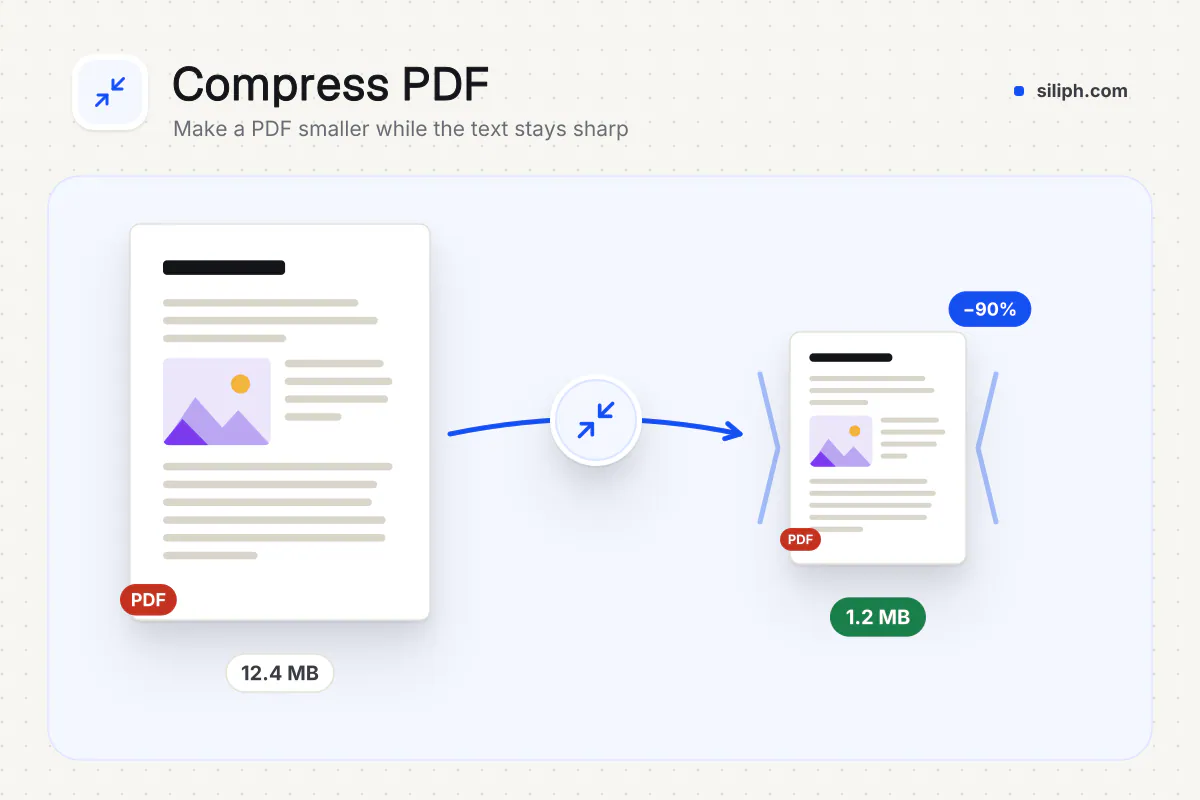
Compress PDF shrinks a PDF by re-encoding its images and removing redundant data while text and vector graphics stay sharp. Choose Less, Recommended or Extreme compression, or set a target such as 100 KB or 200 KB for portal uploads. It is free with no account, accepts files up to 2 GB and deletes uploads within 2 hours.
Step by step
How to compress a PDF
Step 1: Upload your PDF
Drag and drop your PDF file or click to select from your device. Works with scans, photos, and digital documents.
Step 2: Keep the 50KB target
The 50KB target is already selected. Change it in the compression options if your portal states a different limit.
Step 3: Compress and download
Click Compress. Images are optimised until the file fits the target while vector text stays sharp. Download the result.
Step 4: Check before you upload
Open the downloaded PDF, zoom in on names and ID numbers, and confirm the file size. If the portal still rejects it, run it again at a stronger level or split it.
Features
What Compress PDF gives you
Target size presets for portals
One-click presets for 50, 100, 200, 300 and 500 KB match the limits used by exam, government and bank portals, and a custom field accepts any size from 20 KB to 5000 KB.
Three compression levels
Less keeps images close to the original, Recommended balances size and quality for everyday sharing, and Extreme produces the smallest file when size is all that matters.
Batch compression up to 20 files
Compress a whole folder of PDFs in one task, up to 2 GB in total, and download them together.
What does Compress PDF do?
Compress PDF rewrites the file with smaller image data and tighter internal structure. Image-heavy scans and photo PDFs shrink the most; a text-only PDF has little to remove, so its size changes less. You pick how far to go: a quality level, or a target size the tool works towards.
Most oversized PDFs come from phone scans and embedded photos stored at print resolution. Compression re-encodes those images at a lower resolution and quality, which is why a 10-page scan can lose most of its weight while a contract typed in Word hardly changes. Text, fonts and vector drawings are kept as they are, so nothing becomes blurry when you zoom in.
Different documents need different settings. A CV or cover letter exported from Word is mostly text, so Less or Recommended keeps it crisp for a recruiter while still removing redundant data. A poster, brochure or photo book carries large pictures; Recommended usually brings it under an email limit, and Extreme is the fallback when a deadline matters more than print detail. A phone scan of a certificate or ID card is the classic oversized file: pick a target such as 200 KB and the tool lowers image detail until the scan fits the portal.
For strict upload caps, use a target size instead of a level. The presets cover the common limits, and the dedicated pages for Compress PDF to 100 KB, Compress PDF to 200 KB and Compress PDF to 500 KB open the tool with that target already selected. If a portal still rejects the file, run it again with Extreme compression or split it with Split PDF and upload the parts. When sharpness matters more than size, Compress PDF Without Losing Quality explains why Less is the safe choice for print.
Compression works best on one document at a time, but a batch of up to 20 files is fine when you are preparing a submission. Afterwards you can combine the results with Merge PDF, convert colour scans with PDF to Grayscale for a further reduction, or shrink standalone photos with Compress Image before they go into a PDF at all.
Compress PDF runs on our servers: your file travels over an encrypted connection, is processed automatically with no human access, and is deleted within 2 hours. There is no account and no watermark, and the free plan covers up to 30 tasks a day.
Guide for this use case
A typical 3-page ID card and bank statement scan might start at 1.5–3MB from a phone camera. Compressing to 50KB requires aggressive image downsampling — acceptable when 50KB is the portal hard cap, not for archival quality.
Before uploading, open the compressed PDF on your phone and zoom to 100% on ID numbers and signatures. If text is illegible, try splitting into single-page PDFs instead of forcing one file.
When NOT to target 50KB: thesis submissions, medical imaging, or legal exhibits where fine print must remain court-grade. Use a higher limit or deliver uncompressed originals when the recipient allows it.
| Document type | Typical size | After compression |
|---|---|---|
| 1-page ID card scan | 400–900KB | 43–50KB |
| 5-page bank statement PDF | 2–5MB | 50KB (may need split) |
| Photo ID only | 200–600KB | 50–50KB |
Small files stay on your device.
Bigger files use an encrypted upload.
- No account, no sign-up
- Larger files go over HTTPS and are deleted automatically within 2 hours
- Never sold, never viewed by a person
When to use Compress PDF
- A portal rejects your PDF because it exceeds 50KB
- Exam or recruitment forms list a strict maximum file size
- You scanned an ID card, bank statement, or certificate pages and the file is too large
- Email or chat apps block the attachment until the PDF is smaller
At a glance
Compress PDF: free at a glance
What you get on the free plan, and when a paid plan applies.
| Price | Free for personal use, up to 30 tasks in any 24 hours |
|---|---|
| File size | Up to 2 GB per task |
| Files per task | Up to 20 on the free plan (up to 100 on paid plans) |
| Account | Not needed |
| Where it runs | On your phone or computer for files up to 300 MB on a computer or 100 MB on a phone; bigger files go to our servers over a secure connection |
| File deletion | Files sent to our servers are deleted automatically within 2 hours |
| Watermark | None |
| Business use | Paid plans from ₹399 a week |
Why Siliph
Compress PDF on Siliph and on typical free PDF sites
The right-hand column sums up 5 popular free PDF sites we checked in October 2026.
| Feature | Siliph | Typical free PDF sites |
|---|---|---|
| Account for personal use | Not needed | Some sites ask you to sign in to finish or repeat a task |
| Free use | Up to 30 tasks in any 24 hours, 20 files a task | Some sites stop you after a few tasks an hour |
| Where your file goes | Small files stay in your browser; larger ones are uploaded over HTTPS and deleted within 2 hours | Usually uploaded, then deleted after 1 to 2 hours |
| Compress to a target size | Yes: 50, 100, 200, 300, 500 KB presets, or any size from 20 to 5,000 KB | Not offered by most of the 5 sites we checked |
| Strongest compression level | Free | Paid on some sites |
Checked October 2026. Other sites change their plans; check before you rely on a limit.Side-by-side comparisons
Questions about Compress PDF
Can I compress a PDF to exactly 50KB?
This page pre-selects a 50KB target. Siliph compresses until the file is at or below it; scanned PDFs with large photos may need a second pass at the strongest level.
Will text stay readable at 50KB?
Vector text stays sharp. Photos and scans are downsampled more aggressively at lower KB targets, which suits forms where the text matters more than photo quality.
Is 50KB small enough for a portal upload?
Exam photo and document slots often ask for 100KB or less. The exact figure is in each recruitment or scheme notice, so read that first and aim slightly below it.
Is it free, and do I need an account?
Yes. It is free, with no account to create and no daily task limit. Files uploaded for processing are deleted from Siliph servers within two hours.
How do I compress a PDF to 100 KB or 200 KB?
Select the 100 KB or 200 KB preset under Target size before you start. The tool lowers image resolution step by step until the file fits. If a scan cannot reach the target, choose Extreme compression or remove unneeded pages first.
Will compressing reduce the quality of my PDF?
Text, fonts and vector graphics are untouched at every level, so they stay sharp. Only images are re-encoded: Less keeps them close to the original, Recommended is fine for screens and most printing, and Extreme visibly softens photos in exchange for the smallest file.
Why did my PDF barely shrink?
A PDF made from typed text with no pictures is already small, and the tool has little to remove. Big savings come from scans and photos. If a text PDF is still large, it may embed full fonts or hidden attachments; try Extreme compression, which rebuilds the pages.
What is the largest PDF I can compress?
A task can hold up to 20 files and 2 GB in total, and a single PDF can be the full 2 GB. Those are the limits on the free plan, along with up to 30 tasks a day; paid plans take bigger batches.
Which setting should I use for email or WhatsApp?
Recommended compression is usually enough for email attachments. For WhatsApp, Telegram or a fixed portal limit, pick a target size such as 500 KB or 1 MB so the result is guaranteed to fit.
Can I compress a PDF on my phone or a Mac?
Yes. The tool runs in any modern browser on Android, iPhone, iPad, Windows, Mac and Linux, so there is no app to install. Pick the PDF from your phone storage, choose a level or target size, and the smaller copy lands in your downloads.
Guides for Compress PDF
Walk-throughs for common jobs, such as hitting an upload limit or preparing an application.
- Step by stepCompress PDF to 100KBShrink your PDF to around 100KB with strong compression. Text stays sharp while images are optimized for the smallest possible size.
- Step by stepCompress PDF to 200KBReduce your PDF to roughly 200KB, ideal for portals with strict upload limits. Choose a stronger level if you need an even smaller file.
- Step by stepCompress PDF to 1MBCompress large PDFs to under 1MB with balanced quality, perfect for email attachments and online submissions.
- Step by stepCompress PDF for EmailEmail providers limit attachments to 10 to 25MB. Compress your PDF here so it sends without bouncing.
- Use casePDF tools for studentsGet an assignment or form under the portal’s upload limit, such as 2 MB or 200 KB.
- Use casePDF tools for real estate agents and landlordsKeep large signed packs under email attachment limits.
Embed this tool on your site
Add Compress PDF to your blog or website for free, with a credit link back to Siliph.
Get the embed code
Embed code (iframe)
<iframe src="https://siliph.com/compress-pdf-to-50kb/?embed=1" title="Compress PDF — Siliph" width="100%" height="620" style="border:0;border-radius:12px;max-width:900px;" loading="lazy" allow="clipboard-write"></iframe>
<p style="font-size:12px;color:#666;margin-top:8px;">Free tool by <a href="https://siliph.com/compress-pdf-to-50kb/" rel="nofollow">Siliph</a></p>
Credit link for blog posts and tool lists
<p style="font-size:12px;color:#666;margin-top:8px;">Free tool by <a href="https://siliph.com/compress-pdf-to-50kb/" rel="nofollow">Siliph</a></p>
Direct link: siliph.com/compress-pdf-to-50kb/
Related PDF tools
Popular ways to use Compress PDF
- Compress PDF to 300KB
- Compress PDF to 500KB
- Compress PDF Without Losing Quality
- Compress PDF to 2MB
- Compress PDF for WhatsApp
- Compress PDF for Telegram
- PM Kisan PDF Compress
- Ayushman Bharat PDF Compress
- EPFO UAN KYC PDF Compress
- PAN Aadhaar Link PDF Compress
- MGNREGA Job Card PDF Compress
- PM Ujjwala Yojana PDF Compress