
Compress PDF for Turnitin
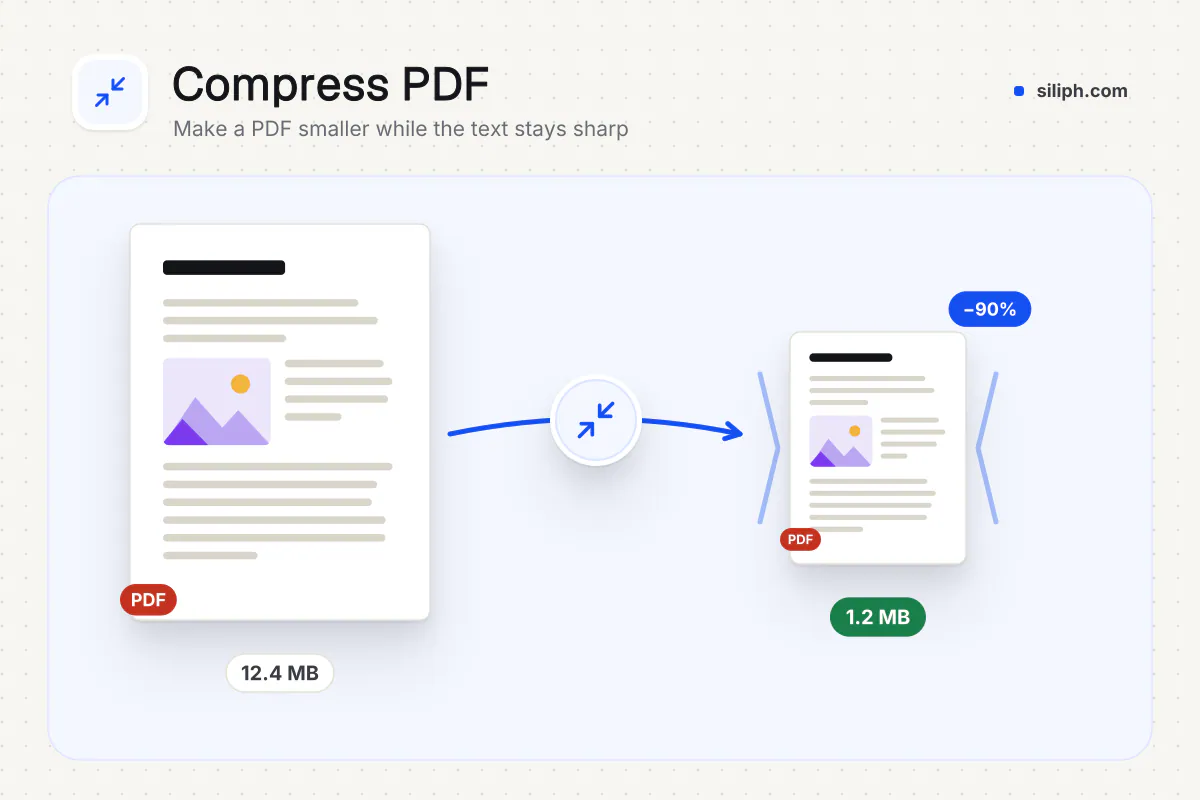
Turnitin takes files of less than 100MB and fewer than 800 pages, and a PDF checked for similarity must hold real, selectable text. The target here is 95,000 KB; compressing shrinks the images and leaves the text layer as it is.
- Free: Free to use. No signup requiredFree to useNo signup required
- On device: Stays on your device. Only very large files are uploadedStays on your deviceOnly very large files are uploaded
- Fast: Fast processing. Optimized for speedFast processingOptimized for speed
- All devices: Works on all devices. Desktop, tablet and mobileWorks on all devicesDesktop, tablet and mobile
Loading the Compress PDF workspace… Files are processed securely and deleted automatically.
Why use this tool
Your files are safe
Your file stays on your device; only a file too big for your browser is sent over an encrypted connection to our servers, deleted within 2 hours, and never viewed by a person.
Files up to 2 GB
One task can be up to 2 GB for this tool. Free, with no account.
Works everywhere
Use Siliph on desktop, tablet and mobile. No installation required.
Step by step
How to compress a PDF and reduce its file size
Get it done in 3 simple steps.
Step 1: Upload the assignment PDF
Drop the PDF that Turnitin rejects as too large.
Step 2: Keep the target
The target is set to 95,000 KB, just under the 100MB limit.
Step 3: Compress and submit
Download the smaller PDF, check the text still copies, and submit it.
In short
Turnitin accepts files under 100MB and 800 pages. Compress a large PDF assignment under the size cap while its text stays selectable for the check. Free.
Compress PDF for Turnitin: what to know
Guide for this use case
Turnitin file requirements
| File size | Less than 100MB |
|---|---|
| Length | Less than 800 pages |
| Similarity check | At least 20 words of text |
| PDF text | Must be highlightable; scanned image PDFs are not accepted |
Other rules on the same page
- Password-protected files are not accepted for Similarity Reports
- PDF forms, portfolios and PDFs with several embedded files are not accepted
- To test a PDF, paste a copied passage into Notepad or TextEdit; if no text appears, Turnitin will not accept it
- Do not upload Google Docs (.gdoc) files directly, because they only point to the document online
95,000 KB is 97,280,000 bytes, under 100MB however a megabyte is counted. Essays are far smaller; theses and lab reports with full-page photos, scanned appendices or high-resolution figures are what run over.
A file of 800 pages or more is refused whatever its size, so split the PDF by pages and ask your instructor how to hand in the parts. If Turnitin says the PDF has no text, it is a scan: add a text layer with OCR first.
Source: checked against the Turnitin Guides: File requirements for submitting your assignment to Turnitin (official page, opens in a new tab) on 29 October 2026. These rules can change, so compare with the official page before you upload.
Small files stay on your device.
Bigger files use an encrypted upload.
- No account, no sign-up
- Larger files go over HTTPS and are deleted automatically within 2 hours
- Never sold, never viewed by a person
When to use it
- Turnitin refuses a thesis or report because the file is 100MB or more
- A PDF full of photos or scanned appendices is too heavy to upload to the assignment
Everything else about Compress PDF
Compress PDF for Turnitin is Compress PDF with this page's settings filled in. The full feature list, the free-plan limits and the general questions about the tool are on its main page, so they are not repeated here.
Questions about Compress PDF for Turnitin
What is the maximum file size for Turnitin?
Less than 100MB and fewer than 800 pages, according to Turnitin Guides (checked 29 October 2026). Assignments checked for similarity also need at least 20 words of text.
Does compressing a PDF stop Turnitin from reading it?
No. Compression lowers the resolution of the images and leaves the text layer as it is, so the words stay selectable. Check by copying a sentence from the compressed file into a text editor.
Why is my thesis PDF over 100MB?
Usually because of photos, scanned pages or high-resolution charts; text adds very little. Compressing reduces those images, and the text, references and page count stay the same.
Is it free, and do I need an account?
Yes. It is free, with no account to create and no daily limit. Files uploaded for processing are deleted from Siliph servers within two hours.
Is my file private and secure?
Yes. Compress PDF runs on your phone or computer, so your file usually stays there. Only a file too big to handle on your device goes to our servers: it travels over HTTPS, is stored encrypted, is processed by machines with no person looking at it, and is deleted automatically within 2 hours. Siliph never sells your files. How we protect your files
Embed this tool on your site
Add Compress PDF to your blog or website for free, with a credit link back to Siliph.
Get the embed code
Embed code (iframe)
<iframe src="https://siliph.com/compress-pdf-for-turnitin/?embed=1" title="Compress PDF — Siliph" width="100%" height="620" style="border:0;border-radius:12px;max-width:900px;" loading="lazy" allow="clipboard-write"></iframe>
<p style="font-size:12px;color:#666;margin-top:8px;">Free tool by <a href="https://siliph.com/compress-pdf-for-turnitin/" rel="nofollow">Siliph</a></p>
Credit link for blog posts and tool lists
<p style="font-size:12px;color:#666;margin-top:8px;">Free tool by <a href="https://siliph.com/compress-pdf-for-turnitin/" rel="nofollow">Siliph</a></p>
Direct link: siliph.com/compress-pdf-for-turnitin/
Related PDF tools
Popular ways to use Compress PDF
- Compress PDF for Telegram
- Compress PDF for Email
- Compress PDF for WhatsApp
- Compress PDF for IRCC Uploads
- Compress PDF for ImmiAccount
- Compress PDF for USCIS Uploads
- Compress PDF for Ration Card
- Compress PDF for PMFBY Crop Insurance
- Compress PDF for DigiLocker
- Aswasakiranam Application Form and Documents
- Compress PDF to 200KB
- Compress PDF for PMAY Urban 2.0