

Schengen Visa Photo, 35 × 45 mm
Schengen consulates take a printed colour photo 3.5 × 4.5 cm, no more than six months old, that meets the ICAO rules: face 70-80% of the photo on a plain light background. Print a sheet of copies and cut them out.
Passport and visa presets for the US, UK, Canada, Schengen, China and the UAE, plus 45 Indian exam presets. Each sets the pixel size and KB limit. Siliph is free for personal use and needs no account. Many tools work right on your device; the others use secure servers in Europe and India and delete your files within 2 hours.
- Free with no watermarks
- Files auto-delete after 2 hours
- Works on phone, tablet and desktop
- Sent over an encrypted connection
- Files deleted after 2 hours
- Free, no signup, no watermark
Loading the Exam & Passport Photo Resizer workspace… Files are processed securely and deleted automatically.
5.0 out of 5 from 2 ratings
Exam & Passport Photo Resizer in short
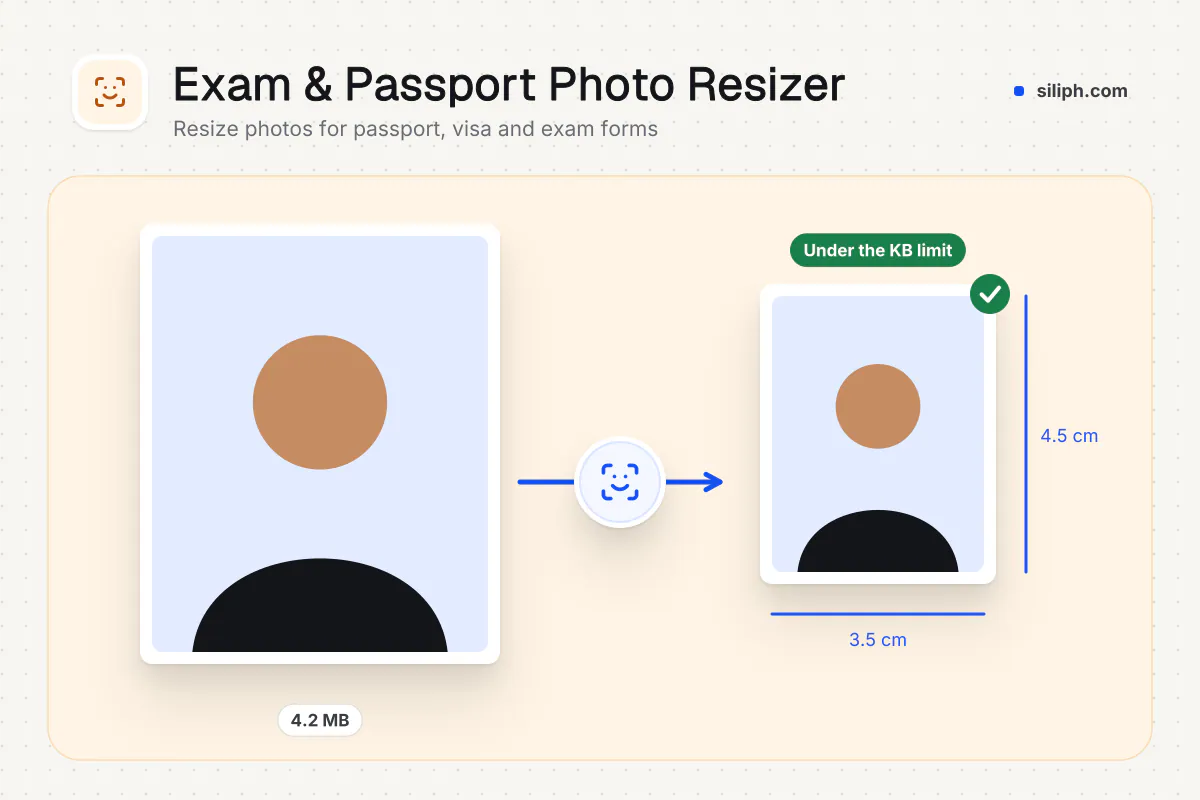
Exam & Passport Photo Resizer resizes a photo or signature to the pixel size an online form expects and compresses it under the KB limit, in one step. Pick a preset such as US visa photo or UK passport photo, add one or many images, and download JPGs. It is free and deletes uploads within 2 hours.
Step by step
How to resize a photo for a passport, visa or exam form
Step 1: Upload your photo
Choose a recent photo. The Schengen visa photo, 35 × 45 mm preset is already selected.
Step 2: Place your head
Drag and zoom the crop frame, or leave it off to fit the whole photo on white.
Step 3: Download
Download the file at 35 × 45 mm (1.38 × 1.77 in); no KB limit is published.
Step 4: Print copies
Pick a 4 × 6 in or 10 × 15 cm sheet (8 on a 4 × 6 in print, 8 on a 10 × 15 cm print) and cut along the guides.
Features
What Exam & Passport Photo Resizer gives you
Presets grouped by country
Passport and visa presets for the United States, United Kingdom, Canada, the Schengen area, China and the UAE, each with its source page and the date it was checked, sit next to 52 Indian exam presets; those checked against an official notice show their source too.
No cropping or stretching
Your image is scaled to fit inside the preset box with its proportions kept, and white fills any gap at the sides. A face is never squashed and a signature is never cut off.
Batch resizing to one ZIP
Add several photos or signatures in one task and each is resized to the same preset. The results come back together in a single ZIP, ready for a family or a group of applicants.
What does Exam & Passport Photo Resizer do?
For the preset you choose, the tool scales each image to fit inside the target box, keeping its proportions, and fills any space left over with white, so nothing is cropped or stretched. It then saves a JPG and lowers the quality until the file is under the preset KB limit. A single image downloads as a JPG; several arrive together in a ZIP.
Online application forms check two things before they accept a photo: its dimensions in pixels and its weight in KB. A phone selfie fails both, and a generic compressor fixes only one. This resizer does both for the preset you pick. Presets with a published pixel size, such as the US visa photo, the UK and Canadian passport photos and the China visa photo, are fixed. Presets known only in millimetres, such as the 35 × 45 mm Schengen photo, ask you to type the pixel size from the official instructions.
Rules change, so compare the preset with the official instructions before you upload. Start from a well-lit photo with a plain, light background; the resizer will not remove shadows or clutter. Because the image is fitted rather than cropped, a photo with a lot of space around the face looks small in the box, so crop it close first. Sign on white paper with a dark pen and photograph it straight on.
If a form wants only a KB limit and no pixel size, Compress Image to KB keeps your original dimensions. Supporting documents usually have to be PDFs: build them with JPG to PDF and shrink them with Compress PDF. Applying in India? The India group covers SSC, IBPS, UPSC, NEET, JEE and state commission photos, and pages such as IBPS Photo Resizer open with one preset ready. More helpers are in the Exam and photo tools hub.
Small batches are resized in your browser. Larger ones use an encrypted upload to our servers, are processed automatically with no one viewing your photos, and are deleted within 2 hours. It is free for personal use and needs no account.
Guide for this use case
Official Schengen visa photo rules
| Printed size | 35 × 45 mm (1.38 × 1.77 in) |
|---|---|
| Digital size | None: a printed photo |
| File size | No limit published |
| File type | None: a printed photo |
| Background | Plain light-coloured |
| Head size | Face takes up 70–80% of the photograph |
| Copies per print sheet | 8 on a 4 × 6 in print, 8 on a 10 × 15 cm print |
Rules on the official page (a photo that breaks one can be refused)
- Taken within last 6 months ('no more than 6-months old')
- Glasses: allowed; eyes clearly visible, no flash reflection, no tinted lenses, frames must not cover eyes
- Head coverings: not permitted except for religious reasons; chin to forehead and both face edges visible
- Neutral expression, mouth closed, looking directly at the camera
- Uniform lighting, no shadows, flash reflections or red eye
- Printed on high quality paper at high resolution
What the official page says (Netherlands Worldwide: Schengen visa checklist for tourism): Printed 3.5 × 4.5 cm, in colour, taken within 6 months, white or light-coloured background. The EU ICAO photograph guideline gives 35-40 mm wide, face 70-80% of the photo and a plain light-coloured background; 35 × 45 mm meets both. No pixel or KB rule.
For printed copies, download a sheet (8 on a 4 × 6 in print, 8 on a 10 × 15 cm print) and cut along the guides.
Source: checked against the Netherlands Worldwide: Schengen visa checklist for tourism (official page, opens in a new tab) on 25 October 2026. Also read: European Commission ICAO photograph guidelines (official page, opens in a new tab). Rules can change, so compare with the official page before you apply.
Small files stay on your device.
Bigger files use an encrypted upload.
- No account, no sign-up
- Larger files go over HTTPS and are deleted automatically within 2 hours
- Never sold, never viewed by a person
When to use Exam & Passport Photo Resizer
- You are applying for the Schengen visa and need the photo at the official size (35 × 45 mm (1.38 × 1.77 in))
- You have a recent photo on your phone or computer and want it ready without an app or an account
Questions about Exam & Passport Photo Resizer
What photo size does the Schengen visa application ask for?
35 × 45 mm (1.38 × 1.77 in). Head size: face takes up 70–80% of the photograph.
Can I upload the photo for the Schengen visa online?
No pixel size or file limit is published for it: you hand in printed photos. Download a print sheet (8 on a 4 × 6 in print, 8 on a 10 × 15 cm print) and print it at a photo lab.
Which background does the Schengen visa application ask for?
The official page says: plain light-coloured. Siliph does not replace backgrounds, so take the photo against the right one.
Can I wear glasses in the photo for the Schengen visa?
The official page says: glasses: allowed; eyes clearly visible, no flash reflection, no tinted lenses, frames must not cover eyes.
What size does the US visa photo preset produce?
A square JPG of 600 × 600 pixels under 240 KB, the size the US State Department asks for in the DS-160 and Diversity Visa photo rules. Check the current instructions before you upload.
Will my photo be cropped to fit the preset size?
No. The photo is scaled down until it fits inside the preset box, keeping its proportions, and white fills any remaining space. Crop close around your face first so it fills the frame.
Why does a preset ask me for the pixel size?
Some presets, such as the Schengen and UAE photos, are published only in millimetres, and many Indian exam notices, such as NTA and UPSC, give only a KB range. Enter the pixel size from the official instructions; for a photo the boxes start at 350 × 450 pixels.
Which countries have passport or visa presets?
The United States, United Kingdom, Canada, the Schengen area, China and the UAE, plus India (OCI card and 45 exam presets). For anything else, use the common 35 × 45 mm or 2 × 2 inch size, or Custom size.
Can I resize a photo and a signature together?
Each task uses one preset for every file. Resize the photos with a photo preset, then run the signature in a second task with the matching signature preset.
Is my file private and secure?
Yes. Exam & Passport Photo Resizer runs on your phone or computer, so your file usually stays there. Only a file too big to handle on your device goes to our servers: it travels over HTTPS, is stored encrypted, is processed by machines with no person looking at it, and is deleted automatically within 2 hours. Siliph never sells your files. How we protect your files
Guides for Exam & Passport Photo Resizer
Walk-throughs for common jobs, such as hitting an upload limit or preparing an application.
Embed this tool on your site
Add Exam & Passport Photo Resizer to your blog or website for free, with a credit link back to Siliph.
Get the embed code
Embed code (iframe)
<iframe src="https://siliph.com/schengen-visa-photo/?embed=1" title="Exam & Passport Photo Resizer — Siliph" width="100%" height="620" style="border:0;border-radius:12px;max-width:900px;" loading="lazy" allow="clipboard-write"></iframe>
<p style="font-size:12px;color:#666;margin-top:8px;">Free tool by <a href="https://siliph.com/schengen-visa-photo/" rel="nofollow">Siliph</a></p>
Credit link for blog posts and tool lists
<p style="font-size:12px;color:#666;margin-top:8px;">Free tool by <a href="https://siliph.com/schengen-visa-photo/" rel="nofollow">Siliph</a></p>
Direct link: siliph.com/schengen-visa-photo/